Ask your company.
Get the answer on a screen.
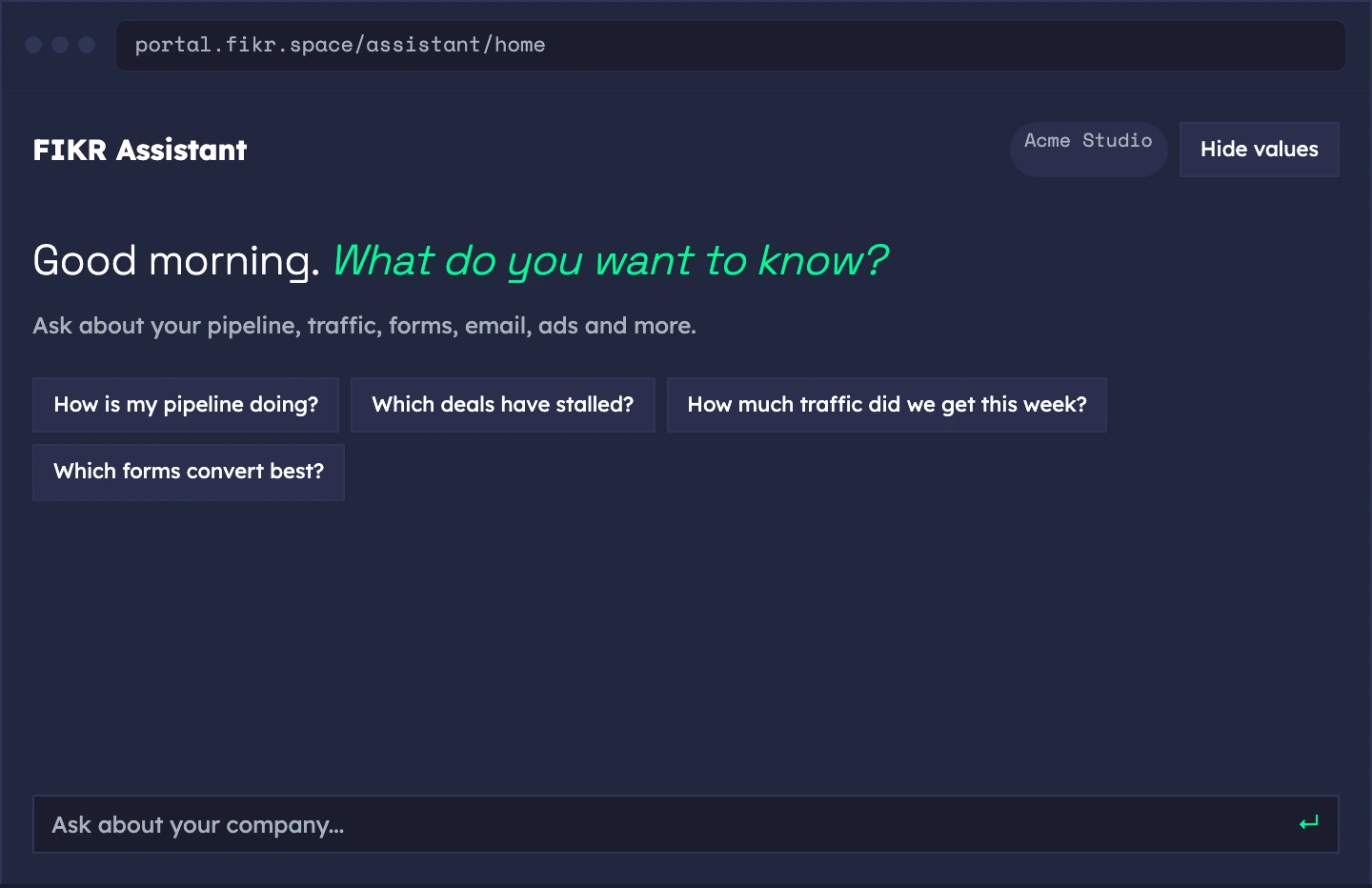
Ask a question about your pipeline, traffic, forms, email, ads and more, and get one plain sentence with a designed screen.
// One sentence, one designed screen, and your own numbers.
Ask in plain words. Get a screen, not a report.
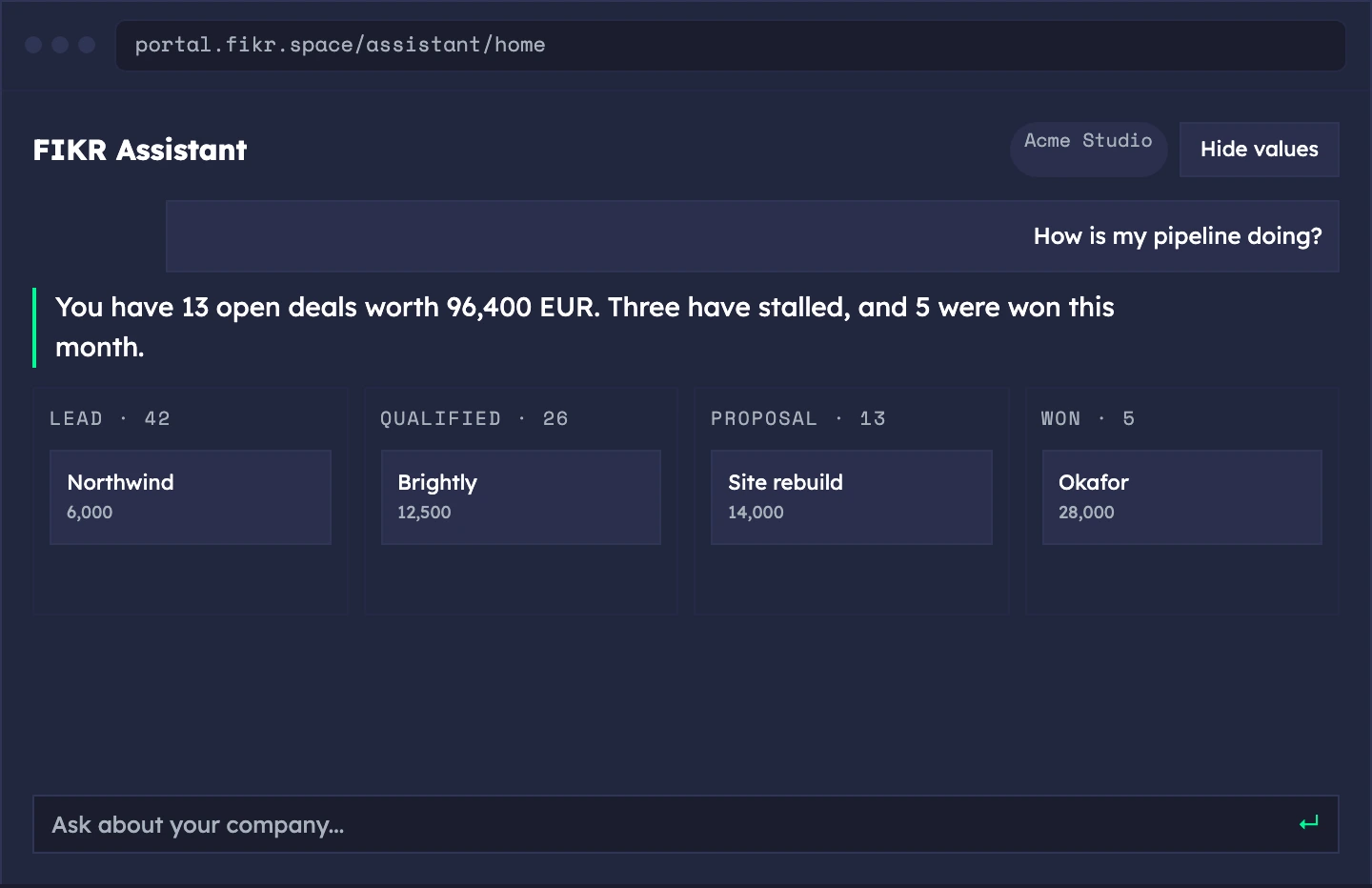
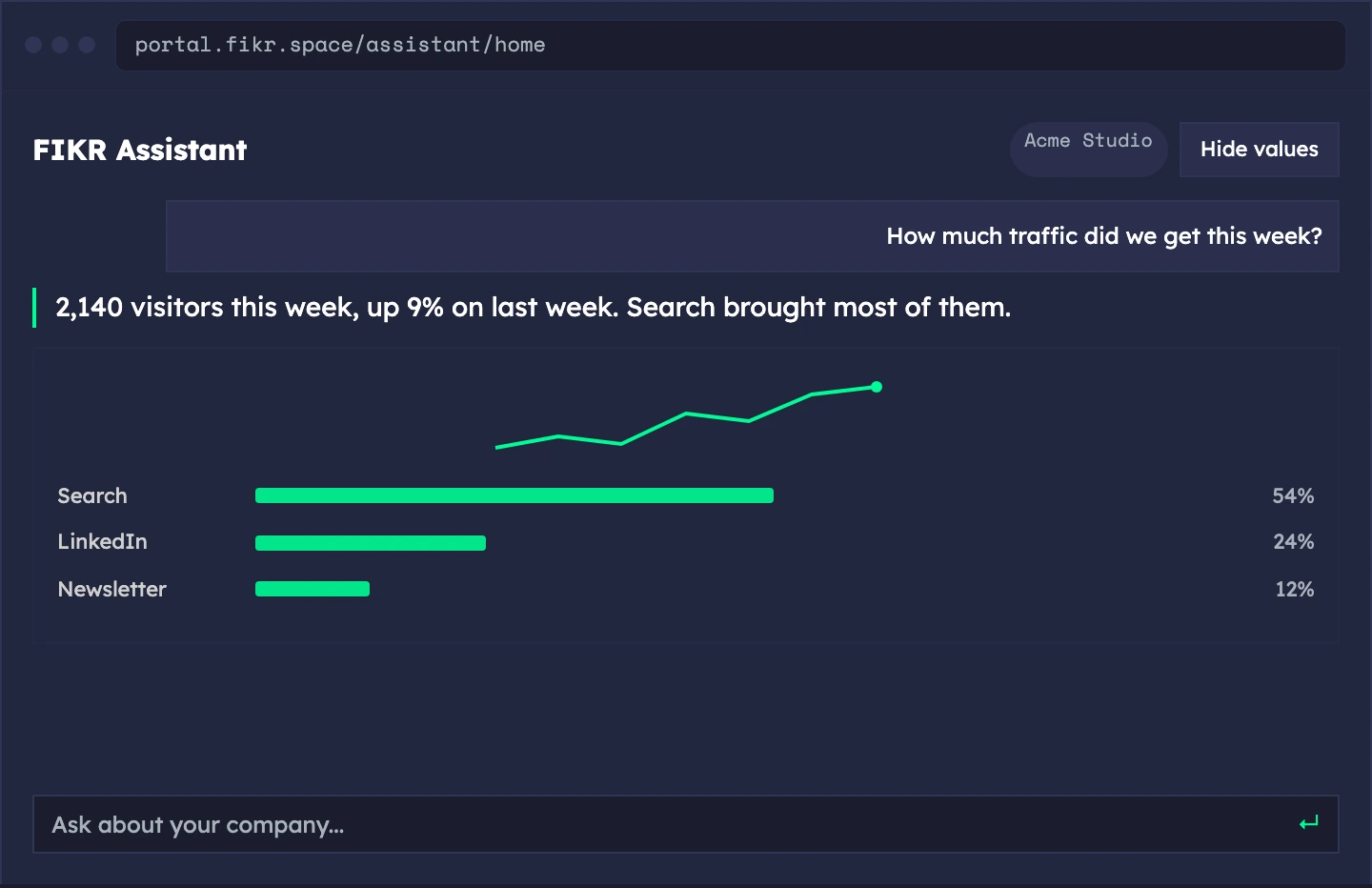
Type a question about your company. You get one plain sentence and a designed screen with the same numbers: a board, a list, a chart or a number.
- One sentence and one screen — the sentence is filled from the same data as the screen, so they never disagree
- Starter questions — tap one instead of typing
- Your own data only — answers come from your company, never from guesses
Sample data. The screens show a demo workspace.
Every part of your company, one question away.
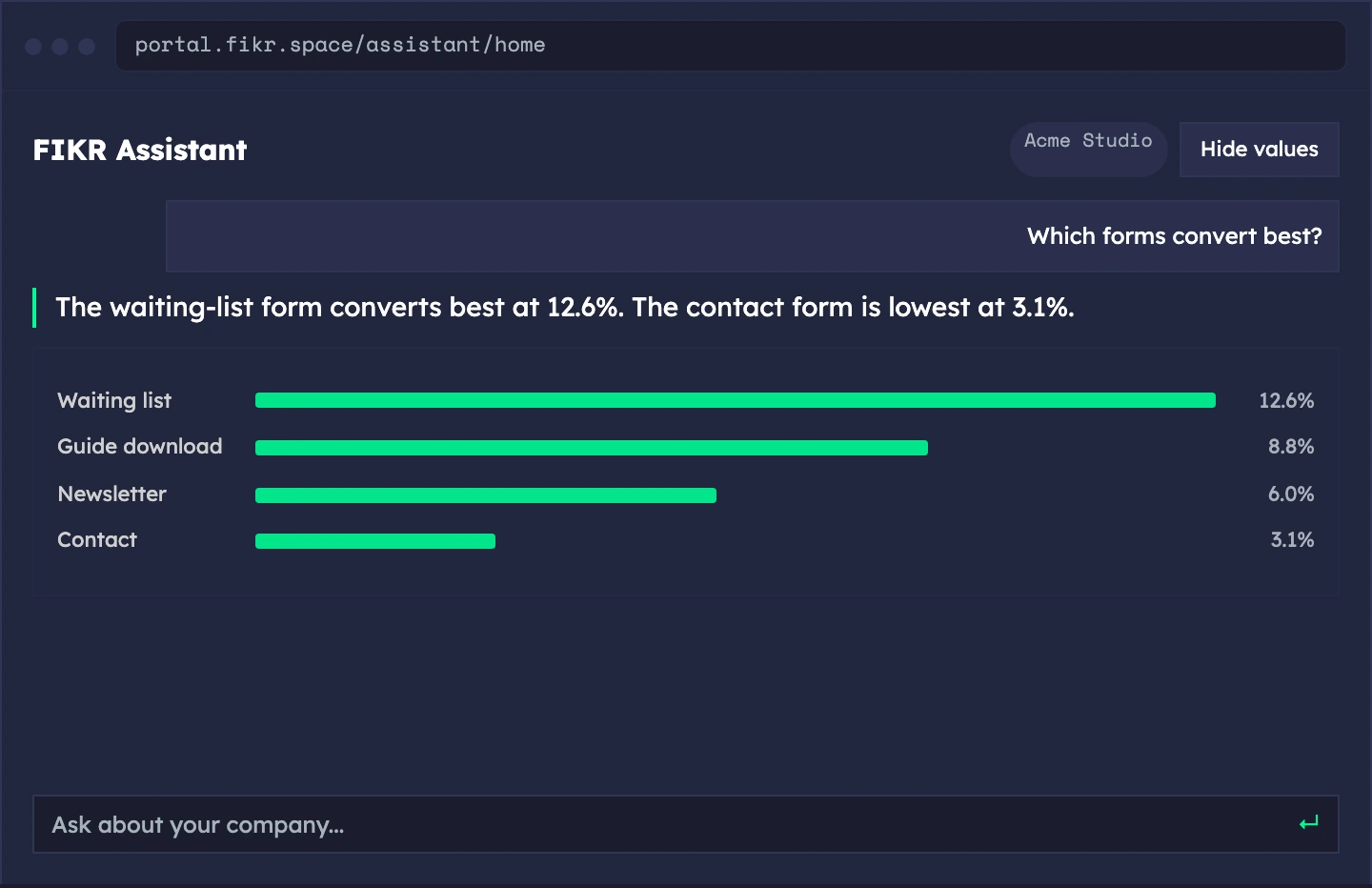
Pipeline, traffic, forms, email, SEO, goals, ads, money, people, podcast and more. Over twenty areas, each with screens designed for its numbers.
- Sales and marketing — pipeline, leads, funnel, traffic, forms, email, SEO
- Operations and money — goals, engagements, orders, invoices and runway
- People, content and growth — team, podcast, social, academy, affiliate
- Ads — spend, waste, funnel and leads by campaign
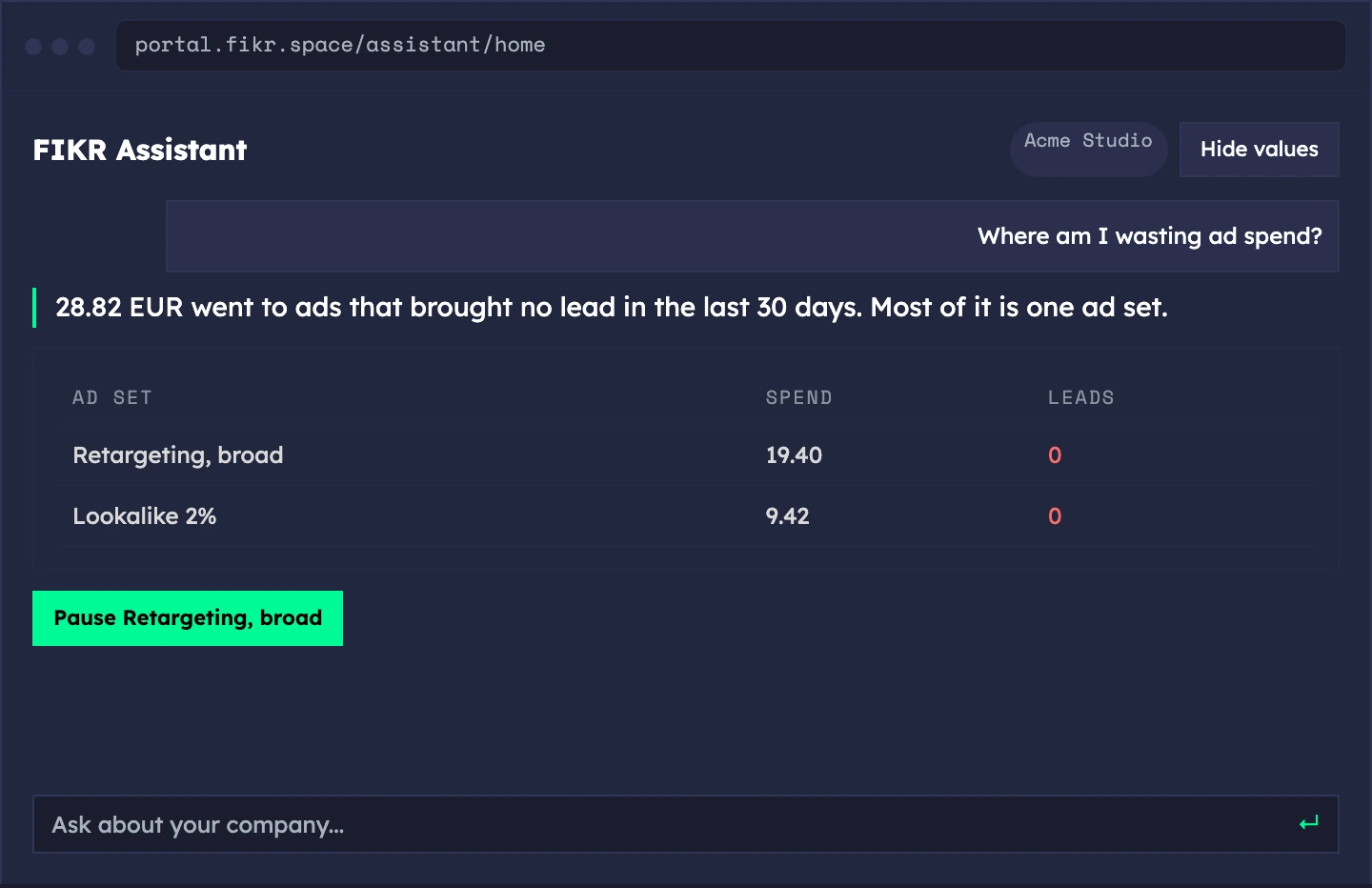
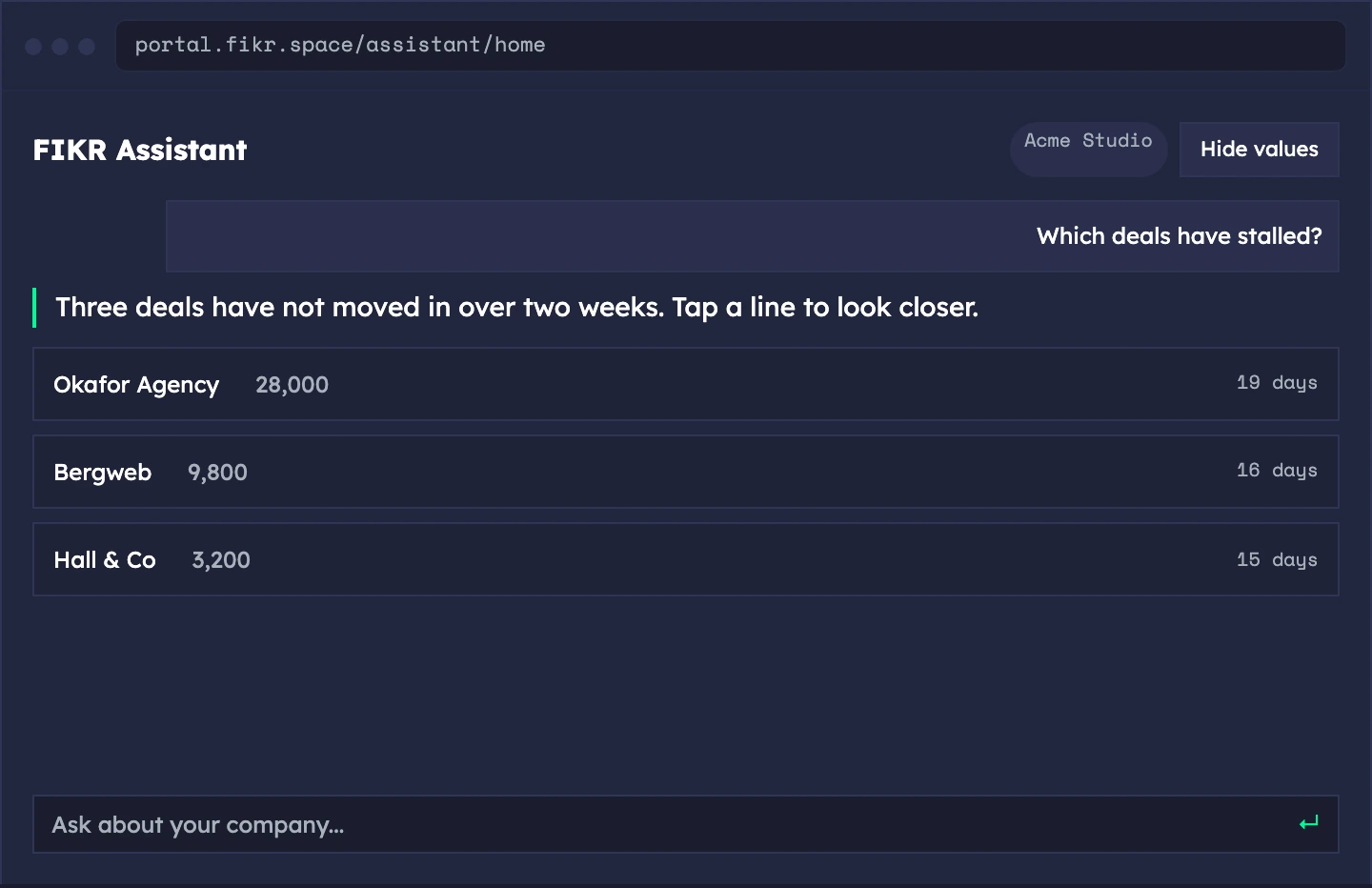
Sample data. The screens show a demo workspace.
It remembers what you just asked.
Say "the second one" or "him" and it knows who you mean. Follow-ups like "and last month?" become complete questions.
- Follow-ups — ask the next thing without repeating yourself
- References — "the second one", "him", "that deal"
- Tap a line — open a contact or a deal from any list
- Contact profile — name, email, company, source and the latest team notes
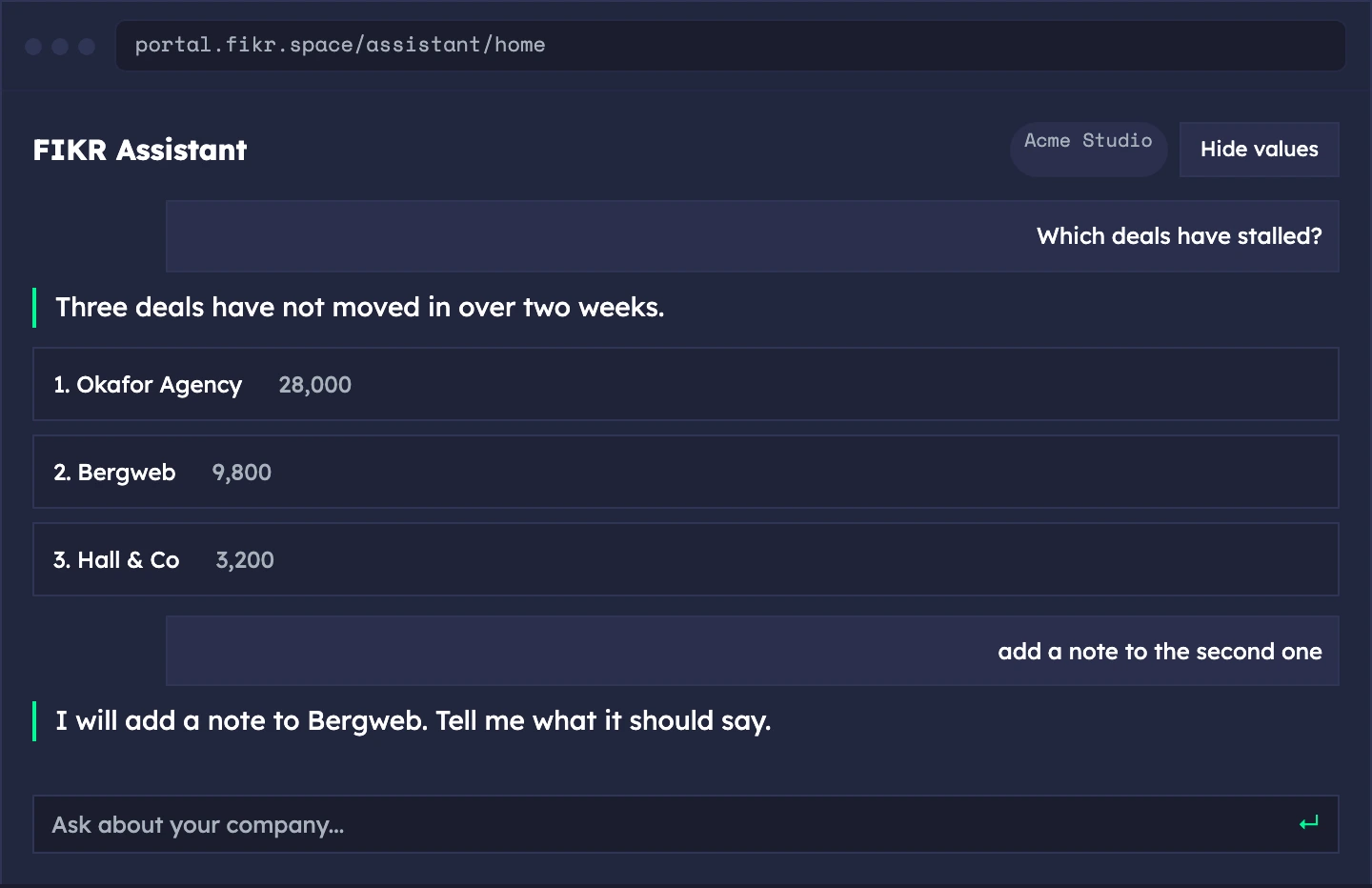
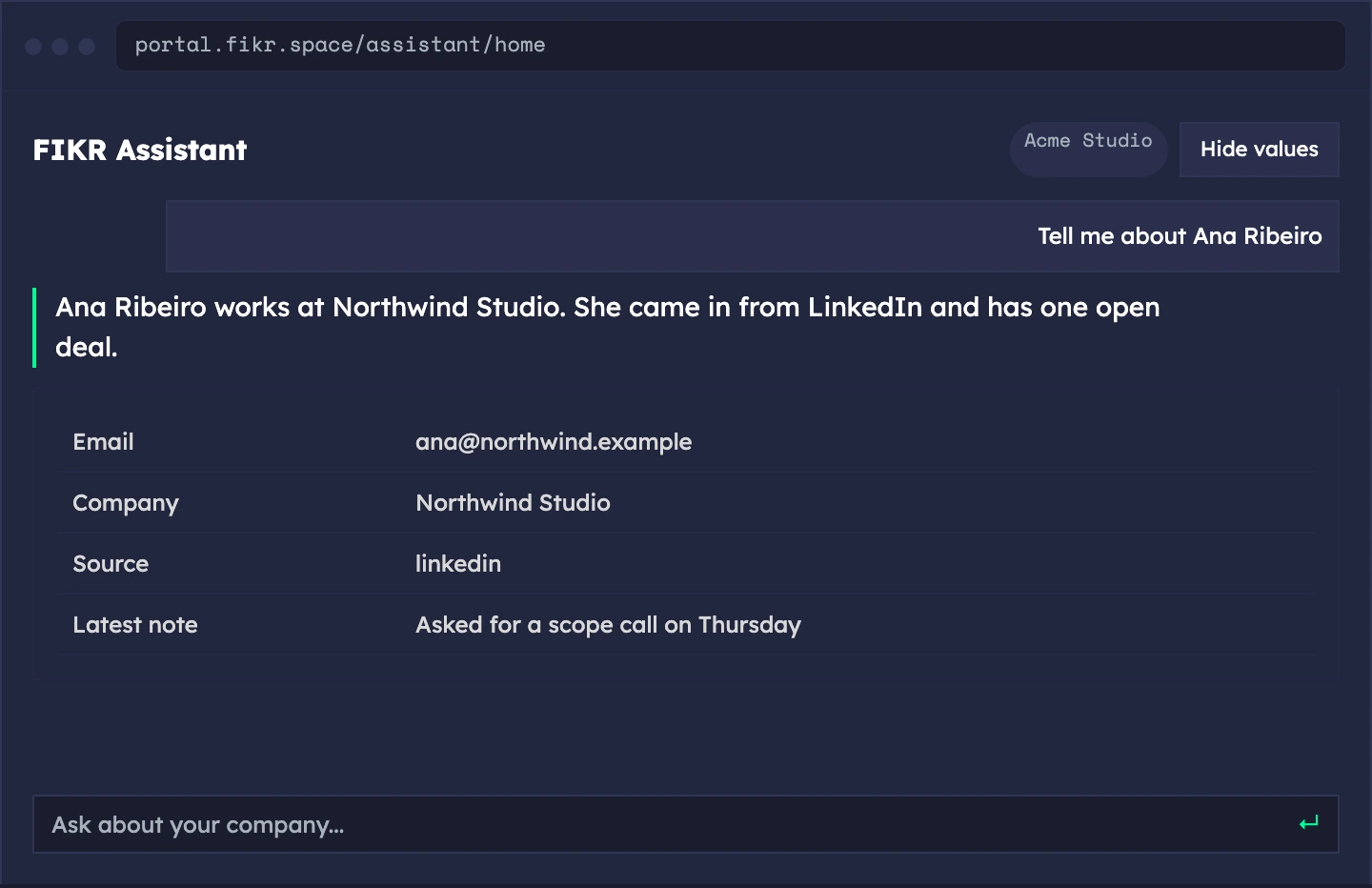
Sample data. The screens show a demo workspace.
Change things, after you confirm.
Add a note, tag a contact, log an activity, create, move or delete a deal, and pause or resume a Meta campaign. Every change shows what it will do first.
- Six CRM actions — note, tag and untag, activity, create, move and delete a deal
- Pause and resume Meta ads — campaigns, ad sets and ads
- Confirm first — a card names the change, and you confirm within five minutes
- In bulk — apply a note or a tag to the rows you were just shown
- Logged — every change is recorded in your activity log
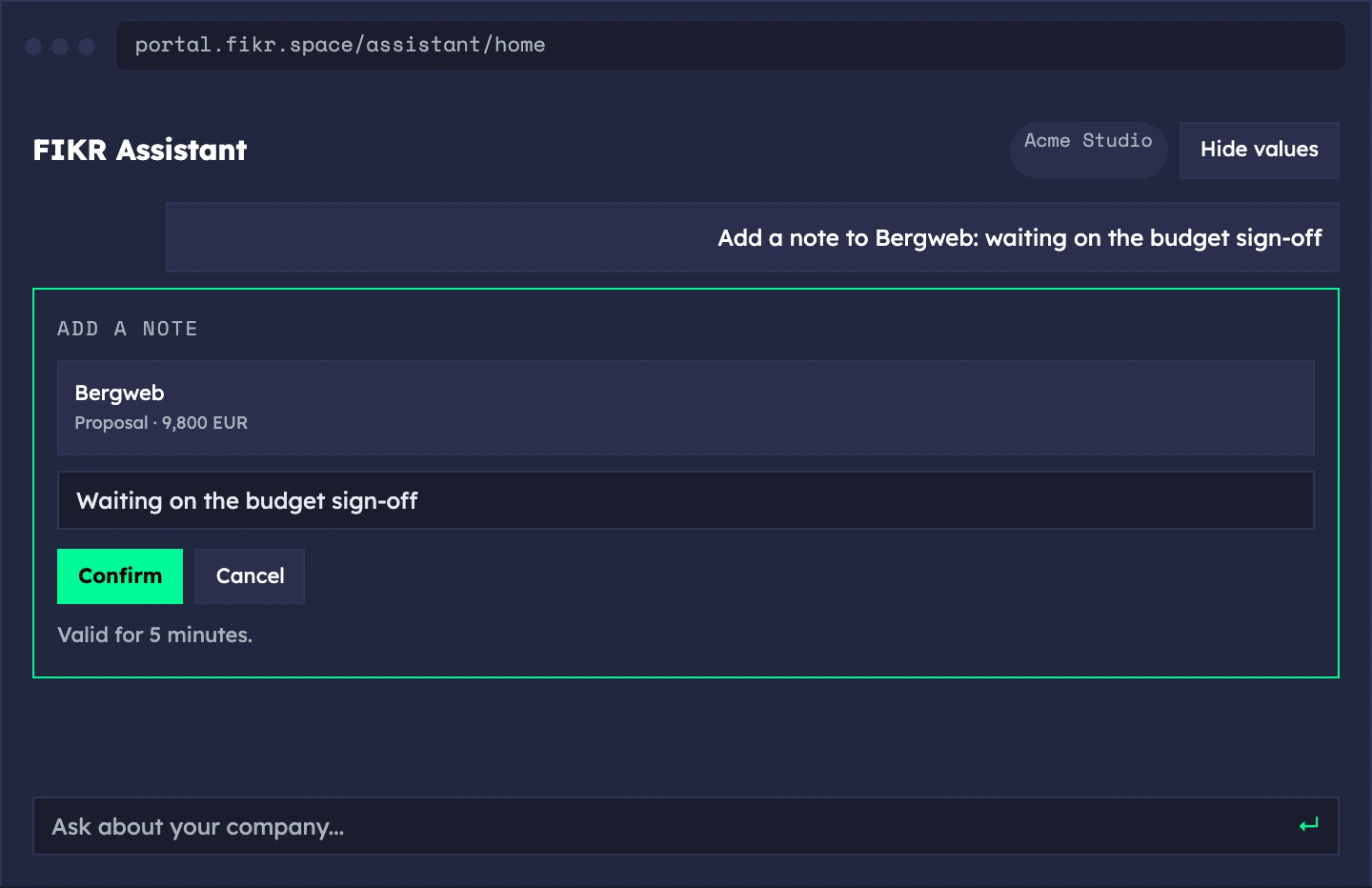
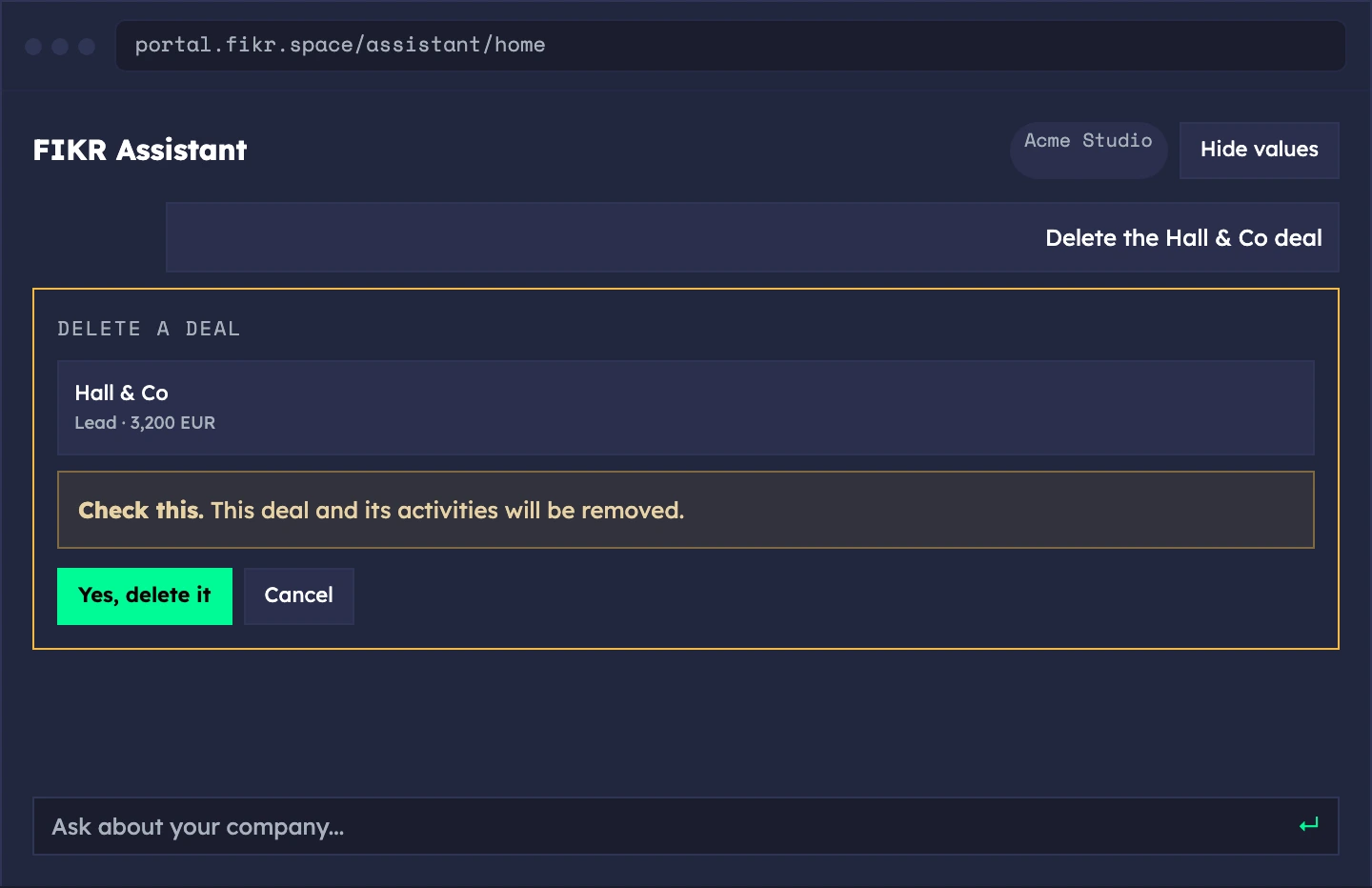
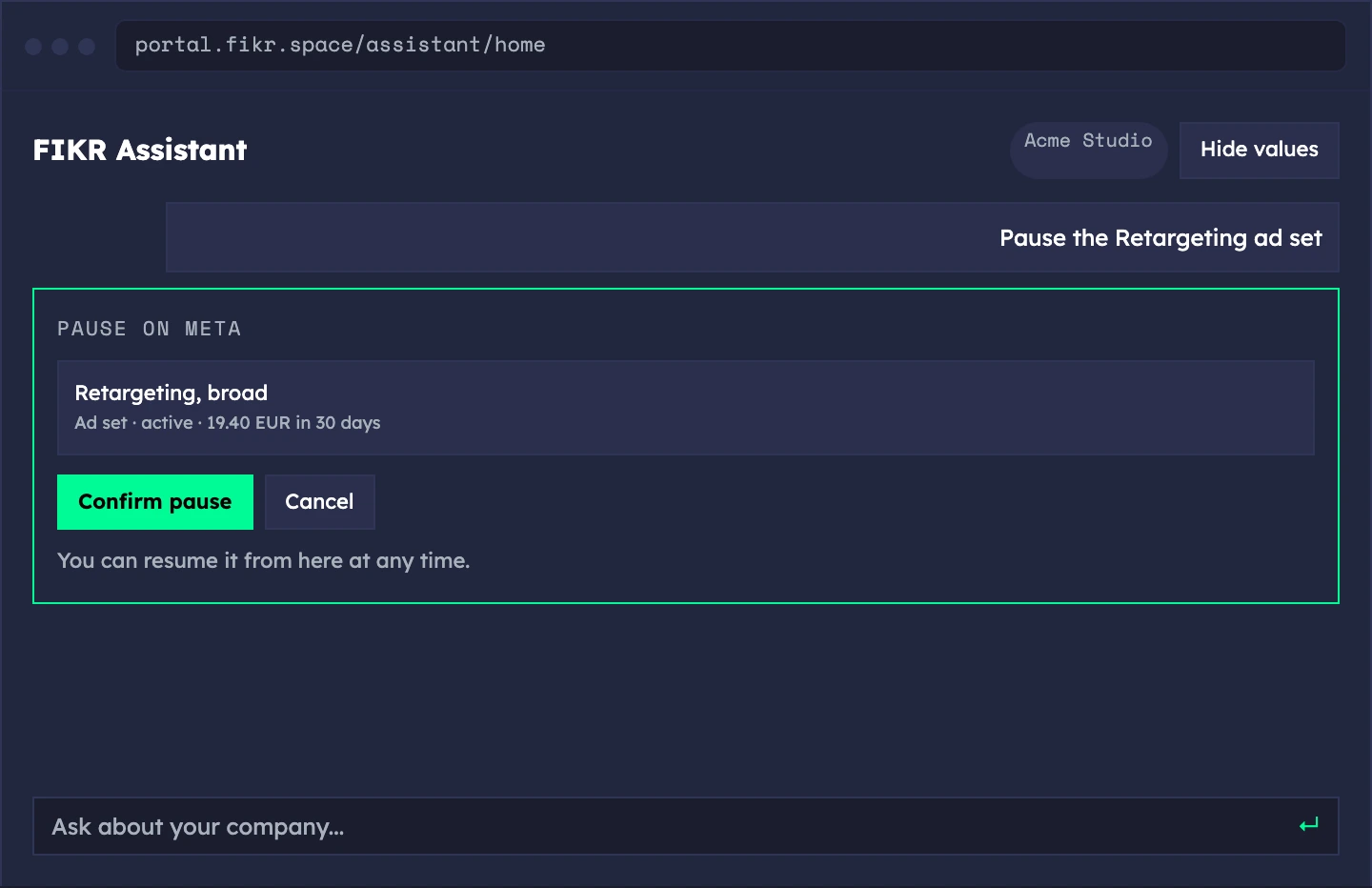
Sample data. The screens show a demo workspace.
Built for the meeting and for privacy.
Present answers on a big screen, hide names and values when you share, and keep the record short.
- Meeting-room view — one answer at a time, with next and previous
- Hide values and names — dots on screen while you share
- A 30-day record — questions and shown names are removed after 30 days
- What it never stores — email addresses, phone numbers or note text
- Not used to train a model — your questions stay yours
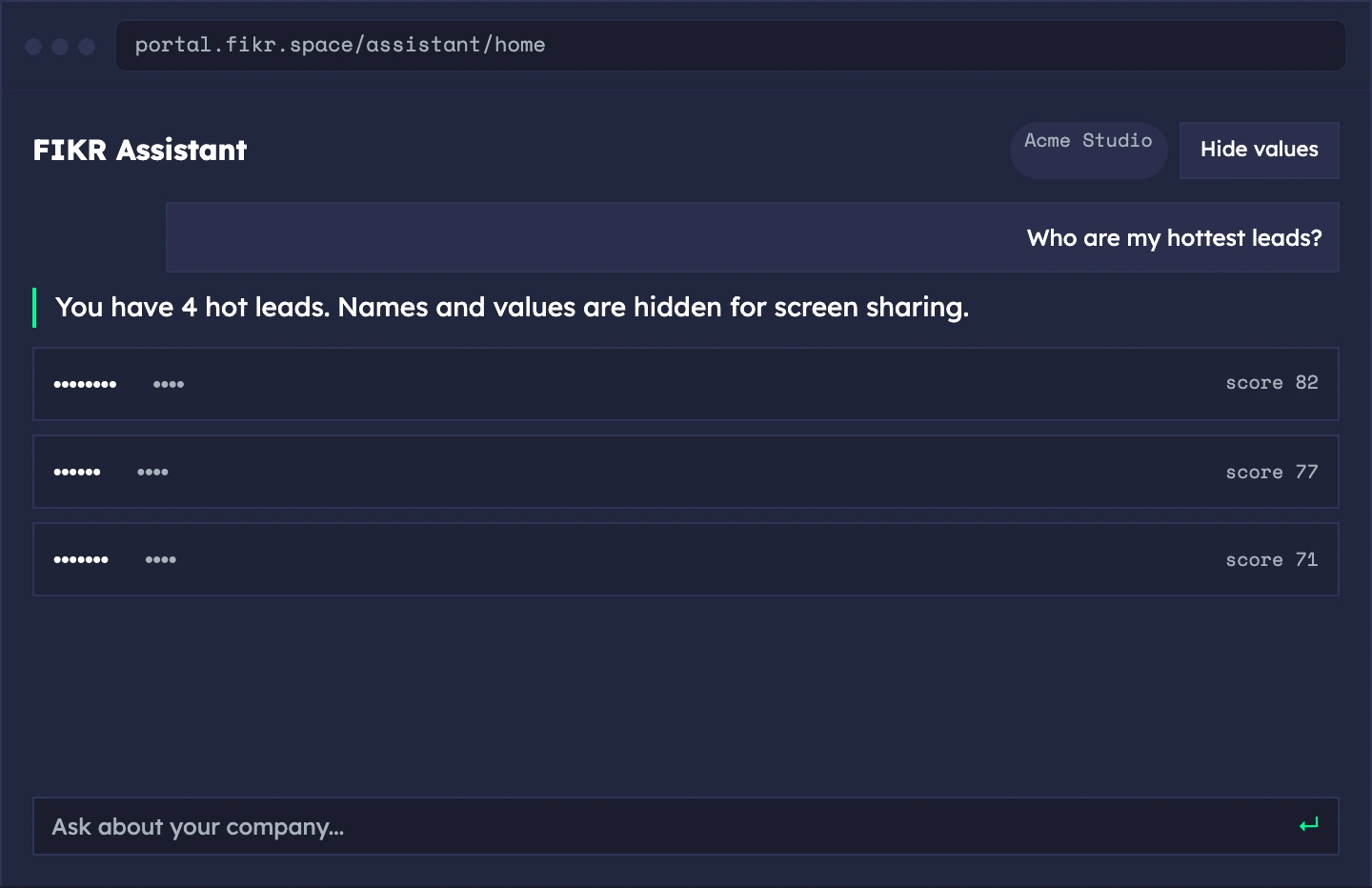
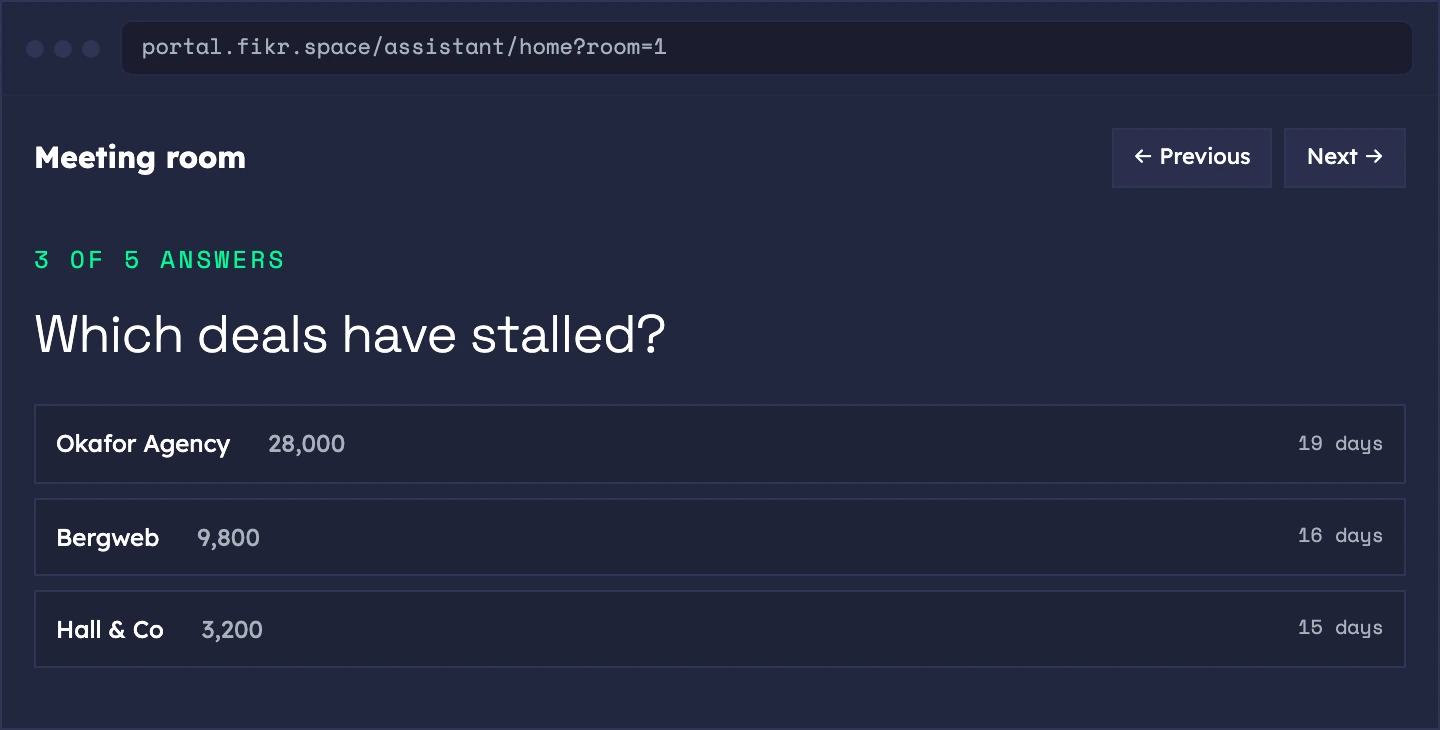
Sample data. The screens show a demo workspace.
When it does not know, it says so.
It will not guess a number. If it cannot answer from your data, it says that and offers what it can show. You can mark any answer as wrong.
- "I can't answer that yet" — instead of an invented figure
- Mark an answer wrong — with a note, so it gets fixed
- Clear limits — plan allowance and daily cap are explained, never silent
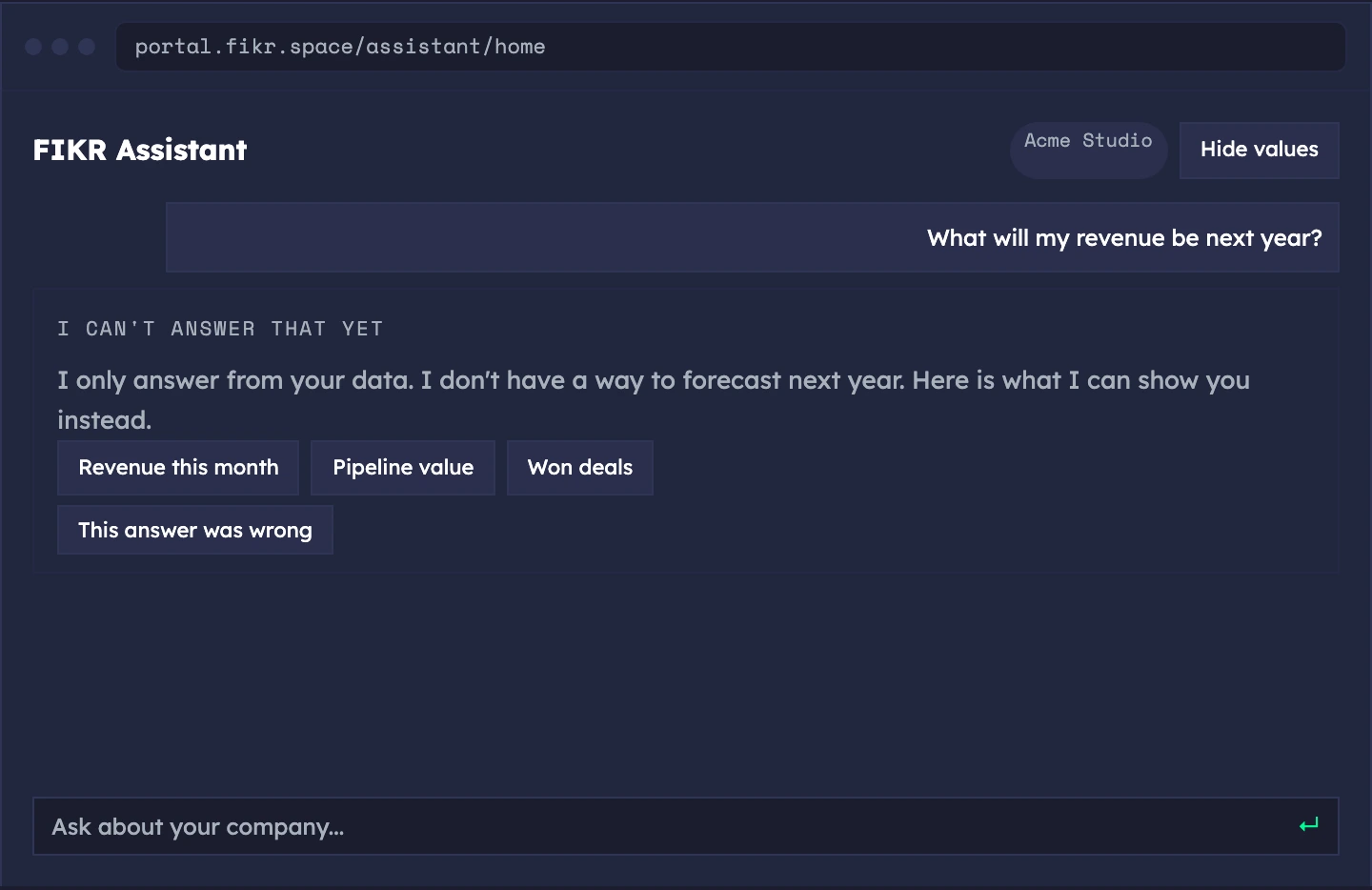
Sample data. The screens show a demo workspace.
Say it. It reads it back.
The end goal is to run the company by talking: ask a question aloud, and make the same changes by voice, with the same confirmation.
- Ask by voice — spoken questions, spoken answers
- Change things by voice — add, edit and delete, read back before you confirm
Join the waiting list and we tell you the day this opens on your workspace.
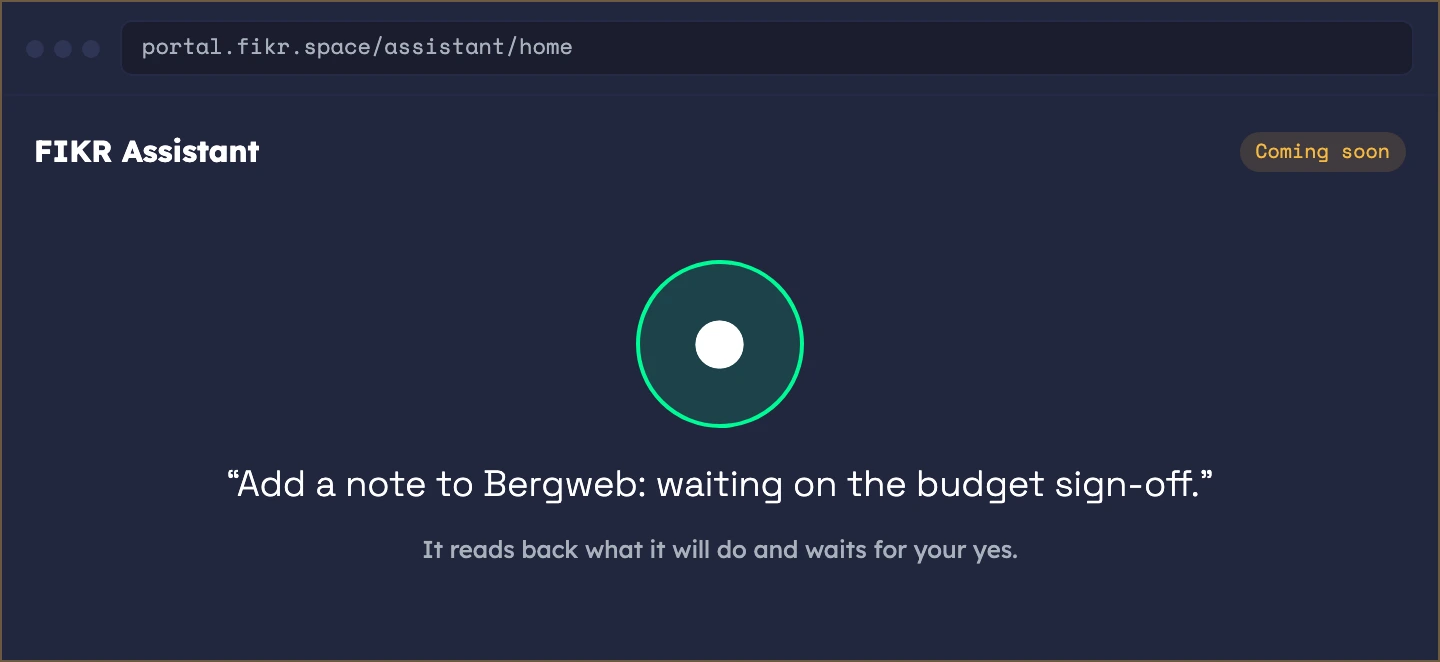
Sample data. The screens show a demo workspace.
The model picks a tool. Your data gives the answer.
The Assistant never writes a number or a query. It chooses a tool, the tool reads your company, and the sentence is filled in from the result.
You ask
It picks a tool
Your data answers
You see a screen
What founders use it for.
The product is the same for everyone. What changes is the job you hire it for.
Know where you stand
Update the CRM by asking
Present it
Questions? Answers.
What is live and what is coming soon?
What can it change?
Which languages does it speak?
Who can use it?
What does it remember?
Stop digging.
Just ask.
Every typed question counts as one AI action from your plan's monthly allowance. Join the waiting list and we open your workspace as soon as your place comes up.
Join the Waiting List →Your story is alive. Now run the rest.
FIKR Content is your publishing engine. The full platform runs your entire startup — strategy, sales, equity, finance, HR, fundraising — all connected.