Teach your method
and certify it.
Turn your method into courses and memberships for clients and the public, with exams and certificates under your name.
// Lessons, exams, checkout, certificates and announcements in one place, on your own Stripe.
Build the course from text, video and files.
A course has sections, and sections have lessons. Write in Markdown, add one MP4 per lesson, attach downloads, and publish when it is ready.
- Seven lesson kinds — reading, video, exercise, handout, link to a tool, quiz and exam
- Markdown editor with a preview — the preview shows exactly what students will see
- Video stored privately — one MP4 per lesson, up to 2 GB and 2 hours, played through short-lived links
- Files for each lesson — worksheets and templates, up to 50 MB each
- Drip by section — open a section some days after access starts, or on a fixed date
- Draft until you publish — reorder sections and lessons any time
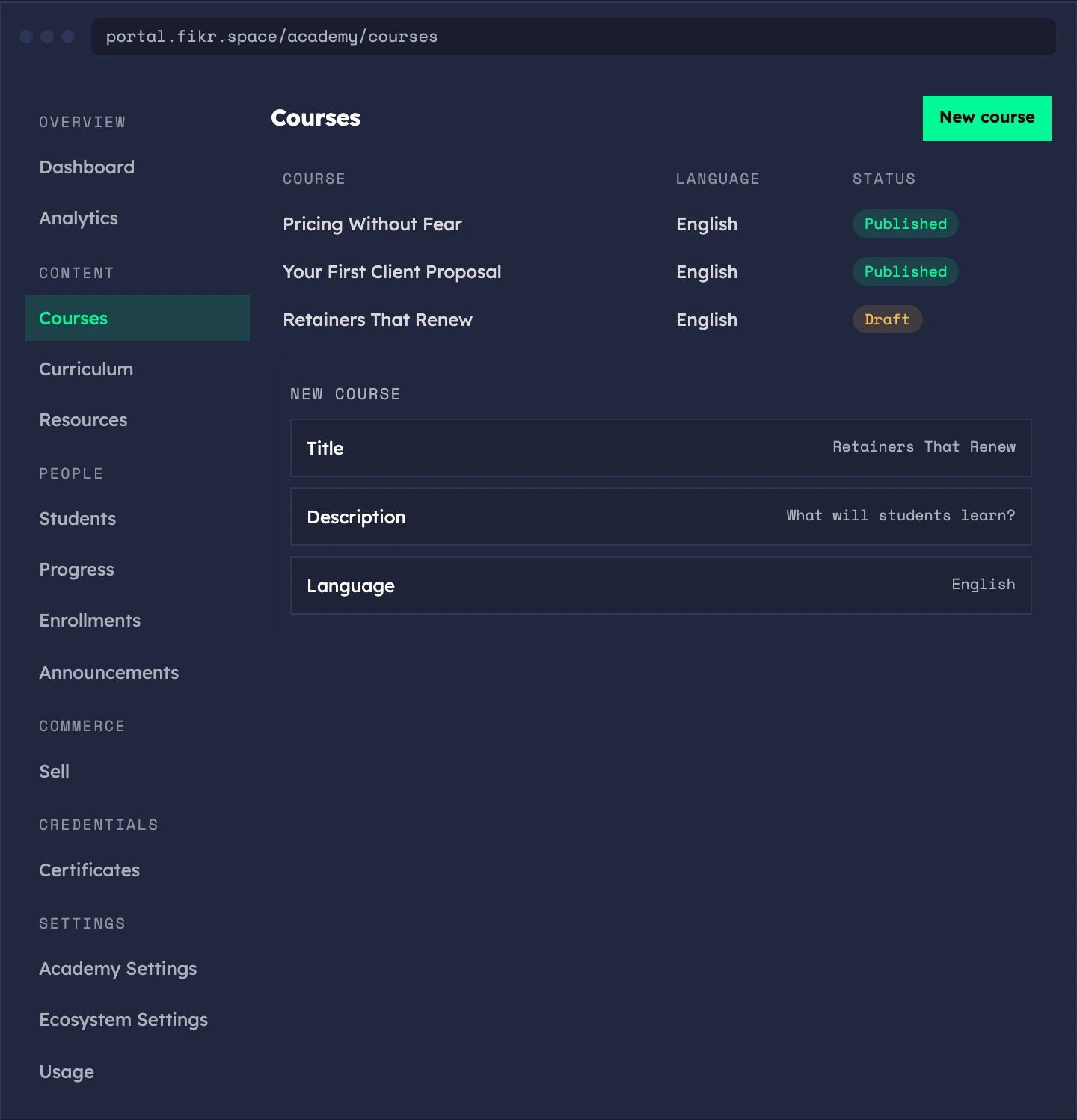
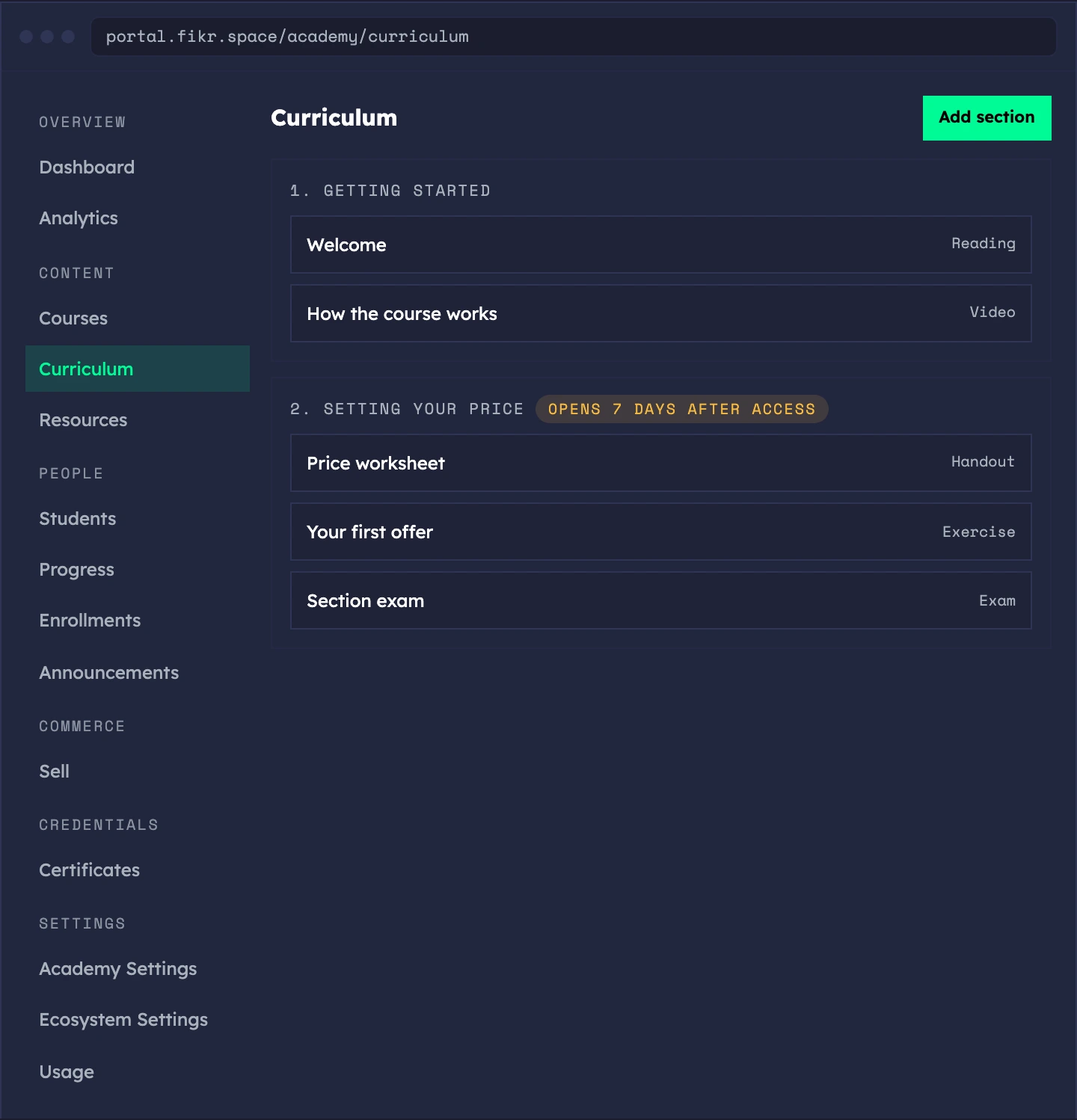
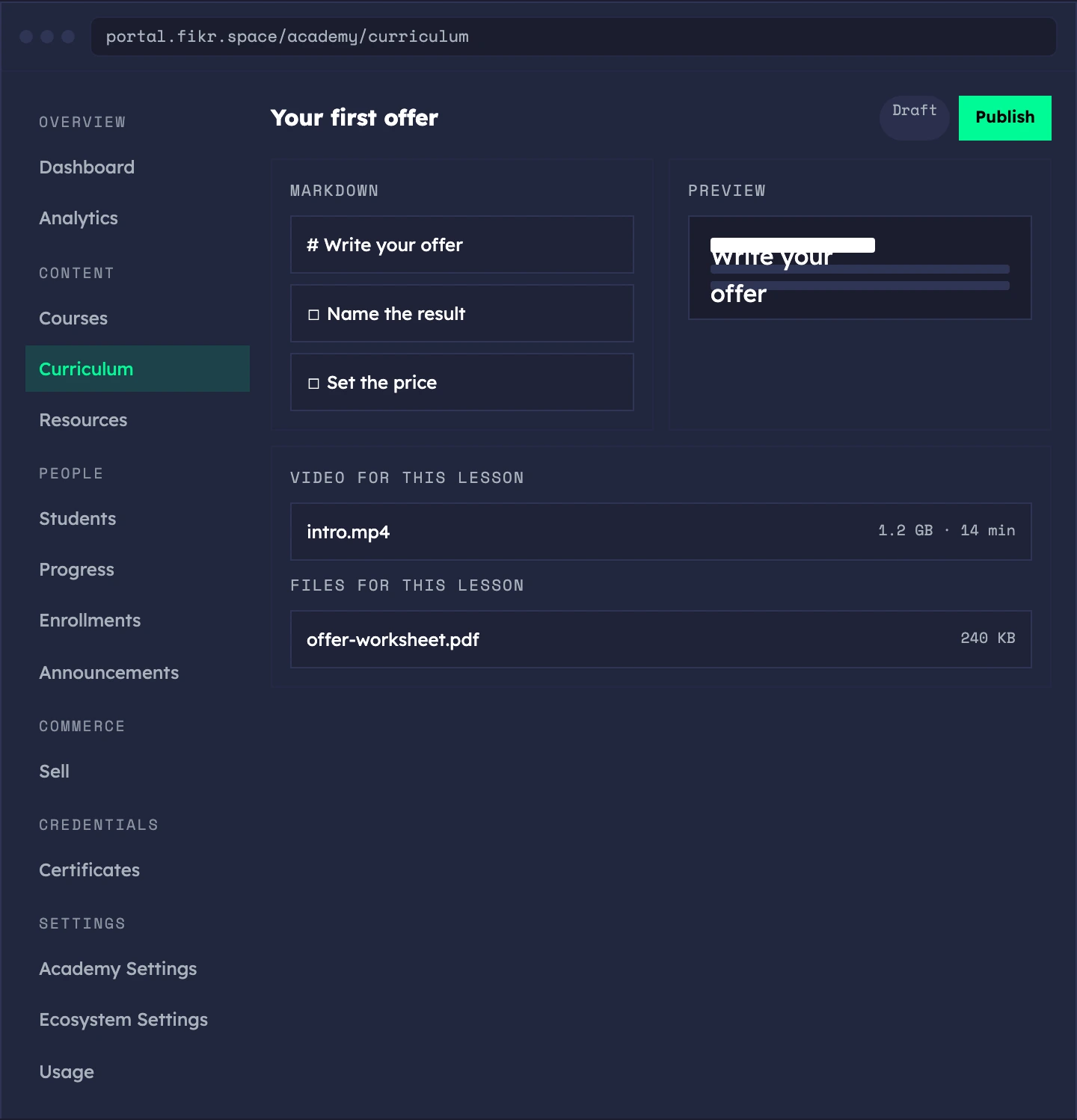
Sample data. The screens show a demo workspace.
Add an exam where it counts.
An exam is a lesson that uses one of your FIKR Score scorecards. Students must pass it to finish the lesson and the course.
- Questions from FIKR Score — pick a scorecard; the pass mark is set there
- Attempts and waiting time — 1 to 50 attempts, 0 to 1,440 minutes between them
- Answer key stays on the server — students never receive the correct options
- Review before you submit — students can change any answer until they submit
- Best score per exam — students see all their exams in one list
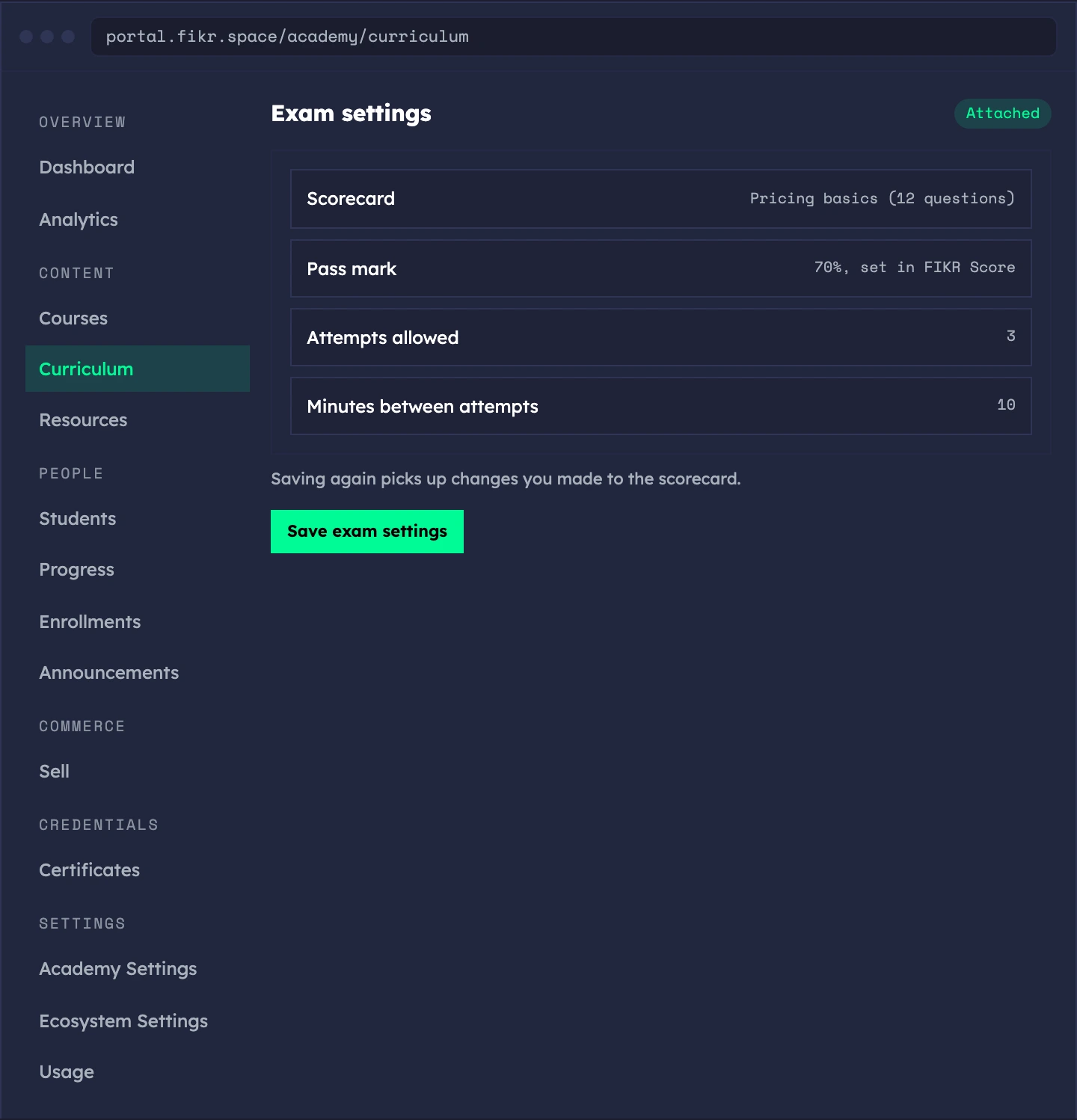
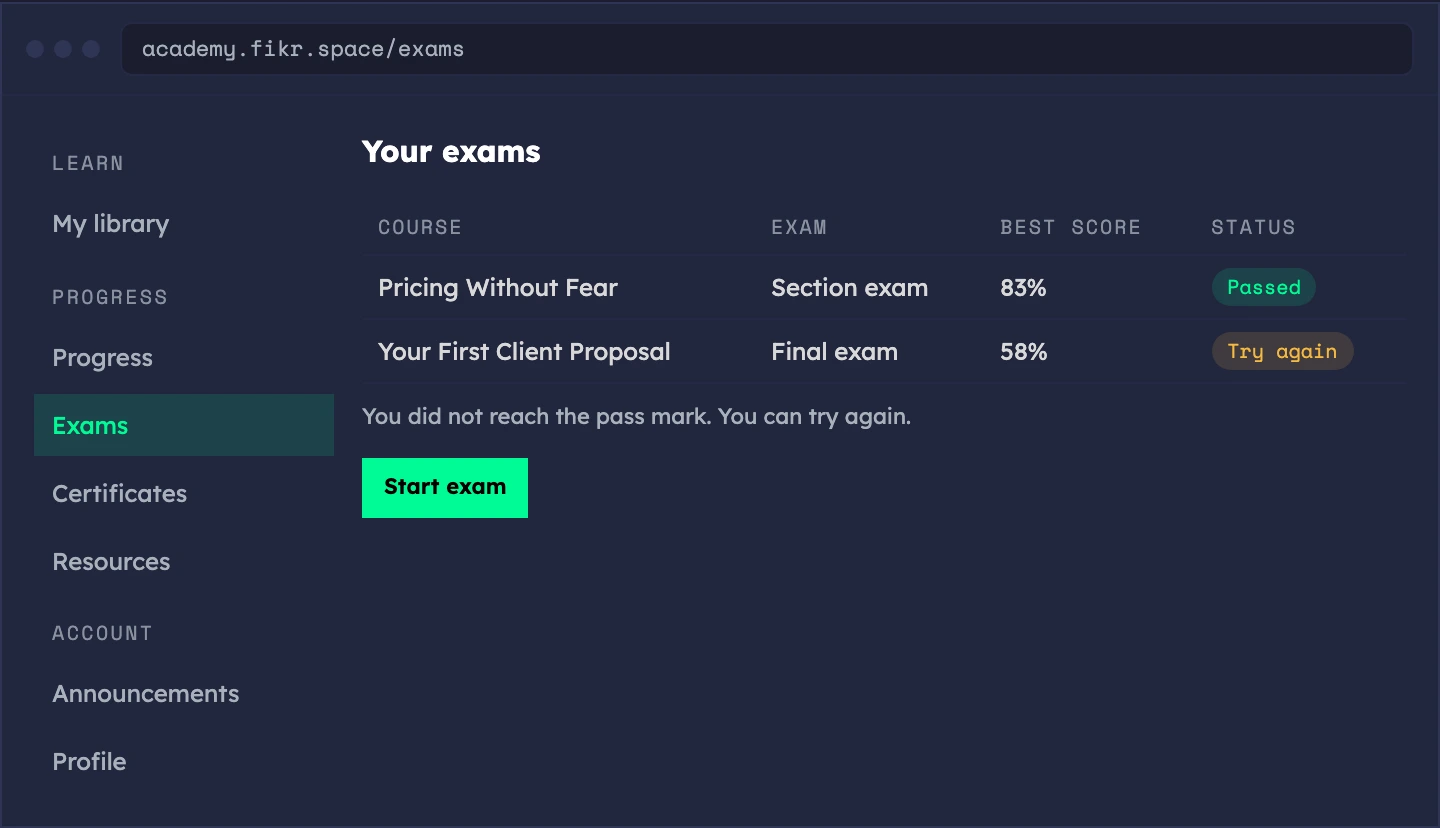
Sample data. The screens show a demo workspace.
Sell it on your own Stripe.
An offer is a course with a price. Buyers pay your Stripe account, and the money goes to you. Sell once, or charge every month or year as a membership.
- One-time offers — price, currency (EUR, USD, GBP, AED or SAR) and access length in days or for life
- Memberships — pay every month or every year, with an optional free trial, opening some of your courses or none
- By application — buyers need an invite from you before they can pay
- Discount codes and order bump — codes come from your Stripe; one more offer shown as a tick box at checkout
- Stripe Tax — Stripe works out the tax from the buyer's address
- A sales page of your own — affiliate and shared links can land on a page of your site
- Email on sales — tell your admins about sales, refunds and chargebacks
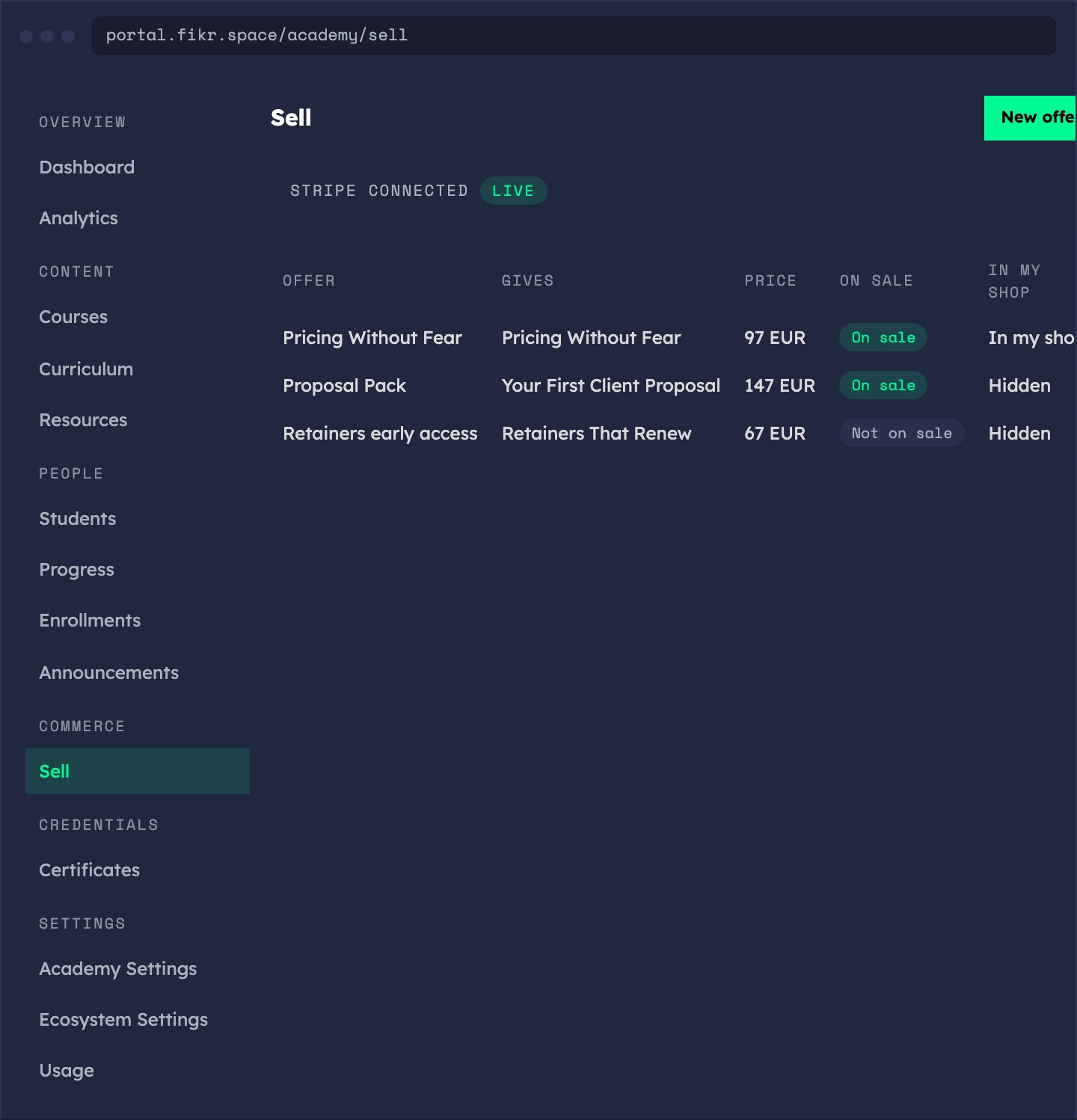
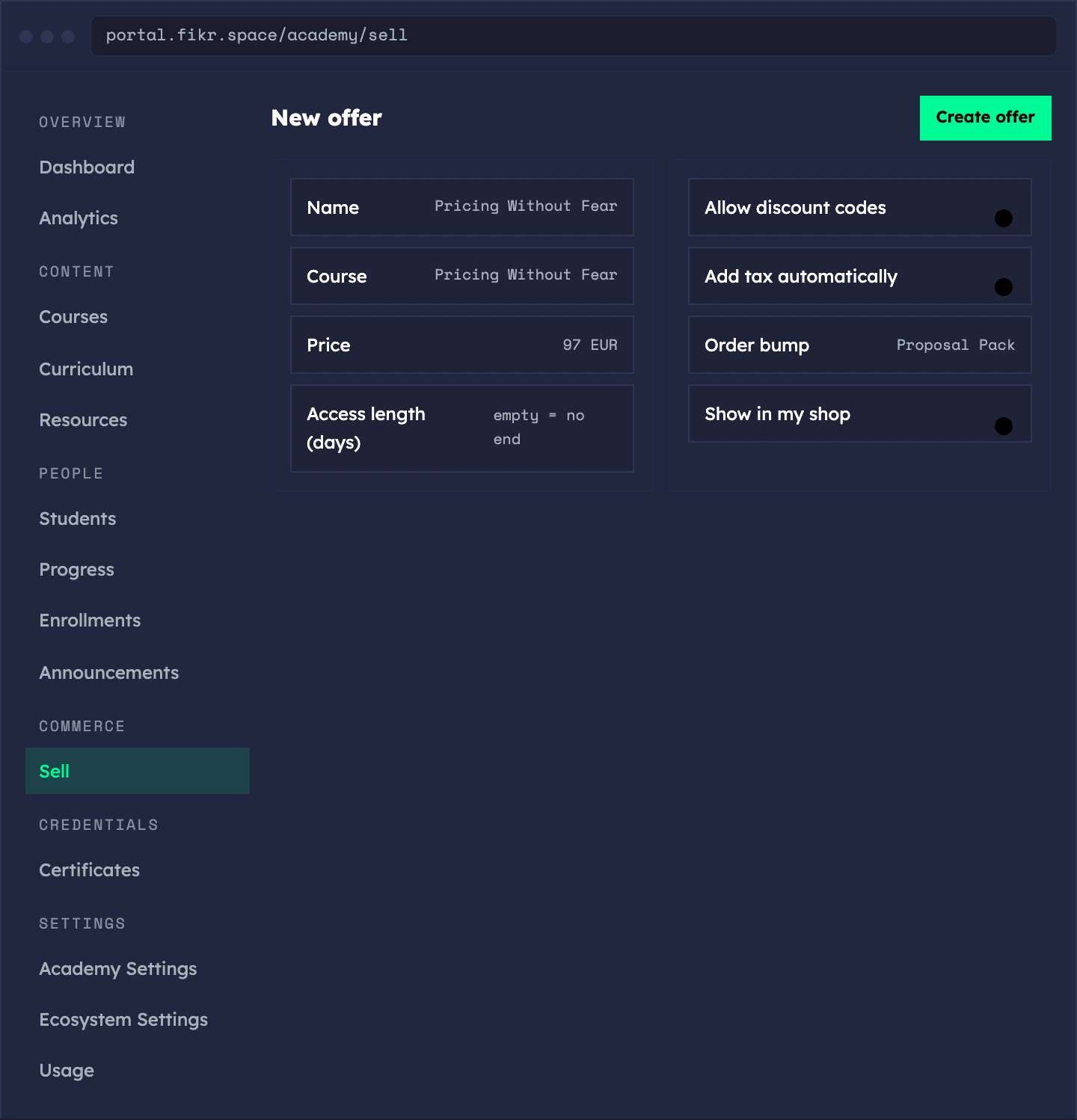
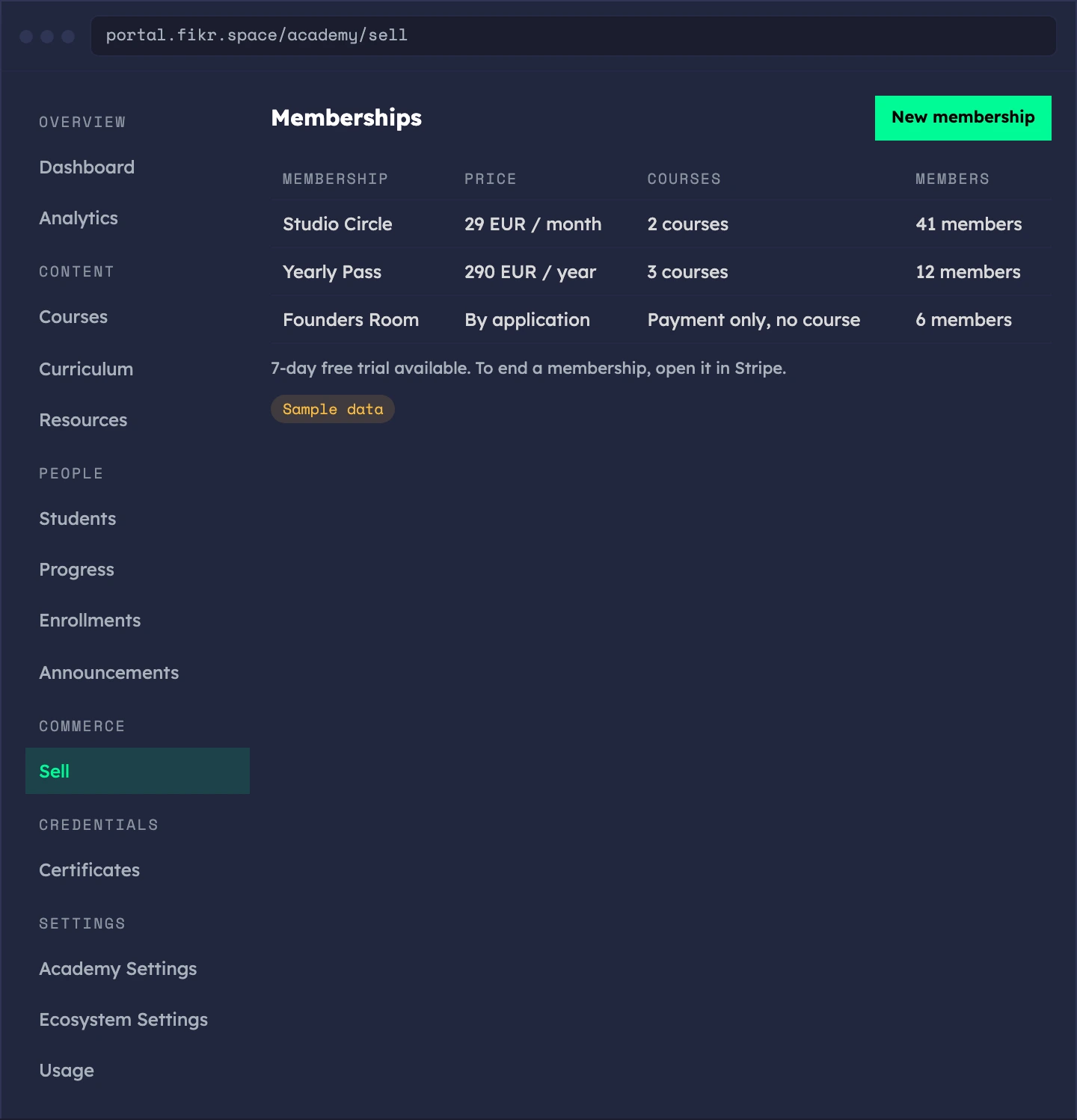
Sample data. The screens show a demo workspace.
A learning area with your name on it.
Students open an email link, then learn at academy.fikr.space. No password to set up. They see your name, your logo and your accent colour.
- Claim by email link — a buyer opens the link and signs in; a "send me my access link" page covers lost links
- My library — every course, with Continue learning
- Course and lesson pages — curriculum, video, files, tick boxes and copy buttons for prompts
- Progress — where the student stands in every course
- Resources and profile — all lesson files in one list; name, language and purchases
- Locked lessons — a dripped lesson shows when it opens and nothing else
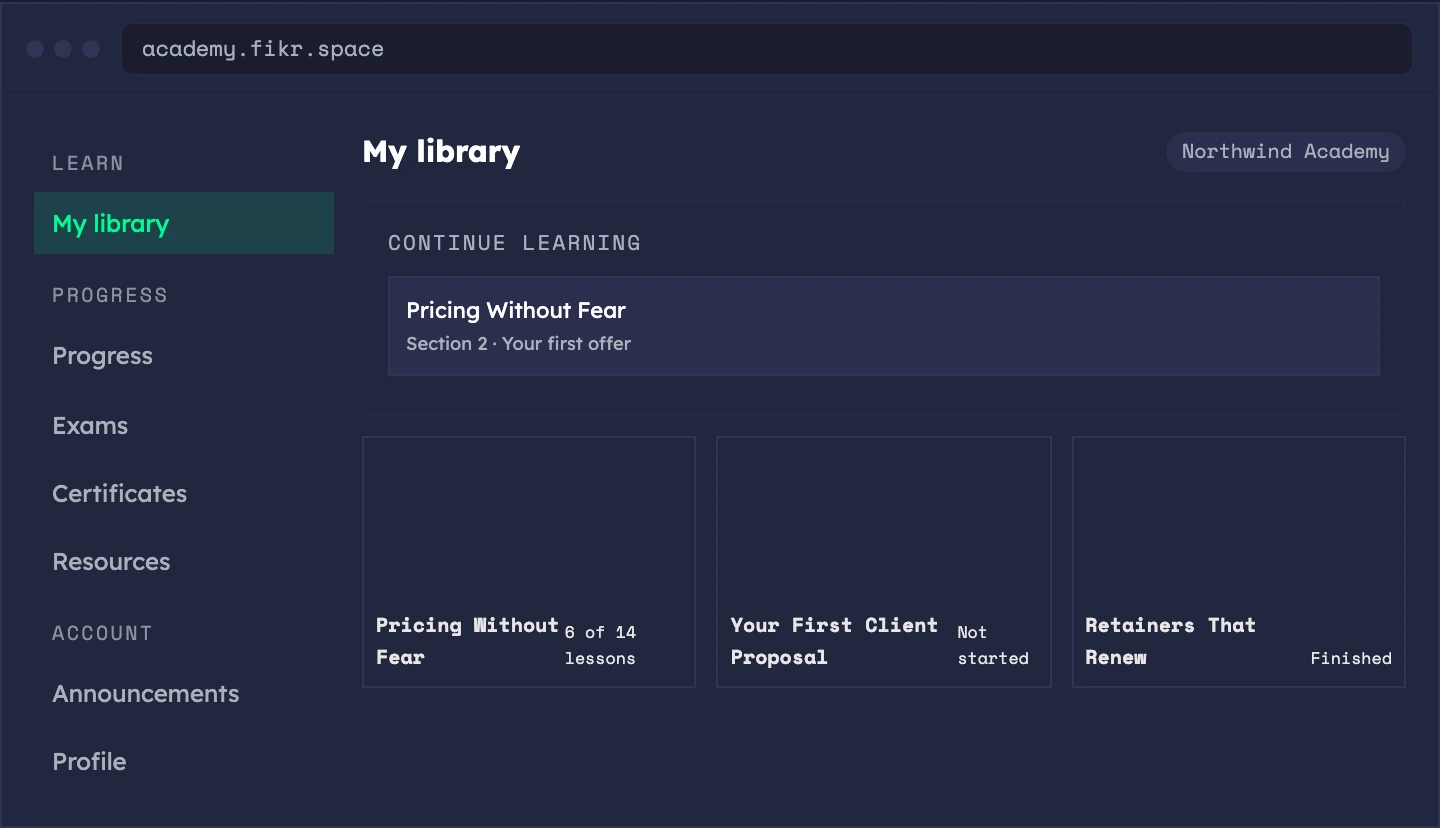
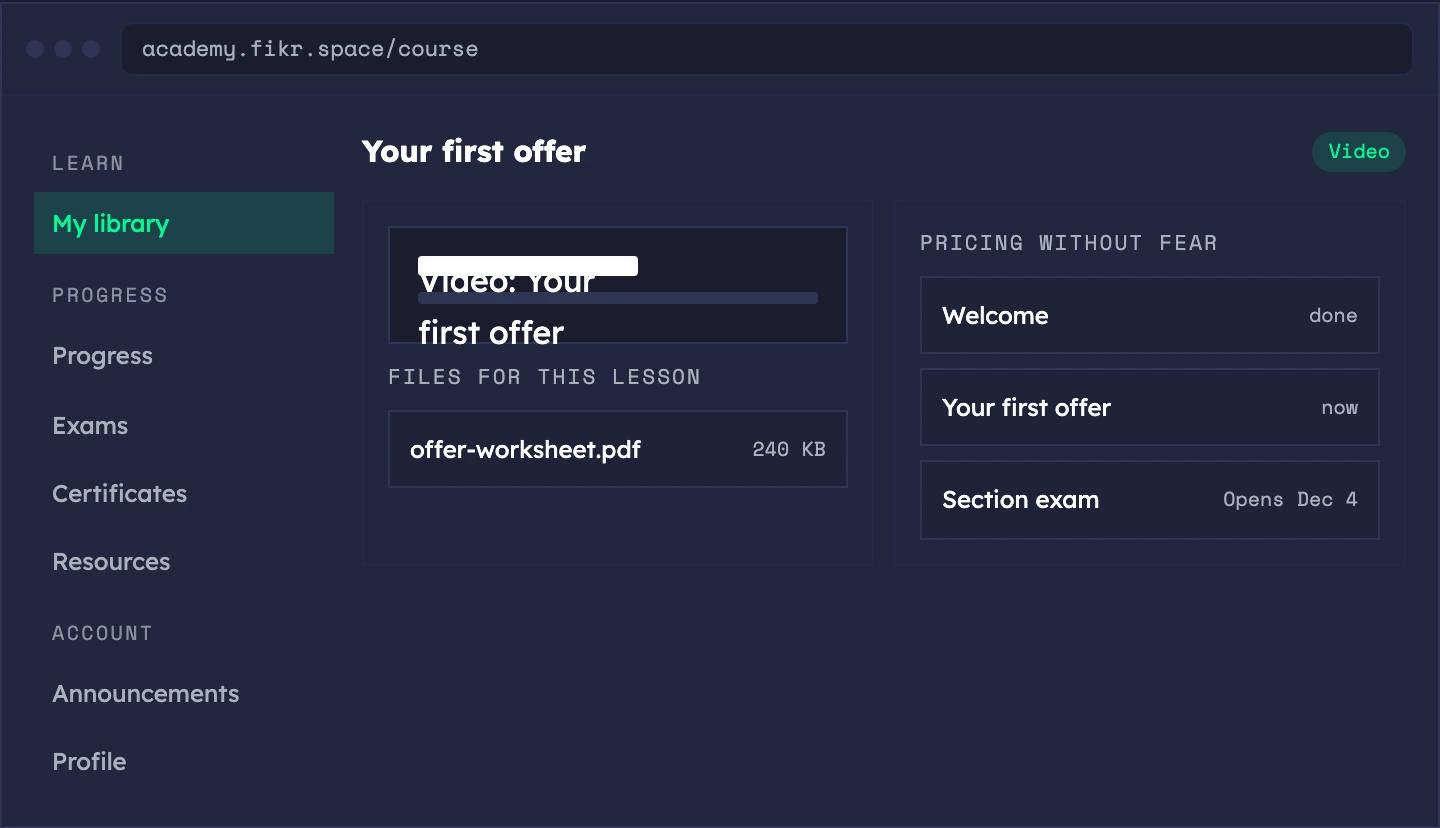
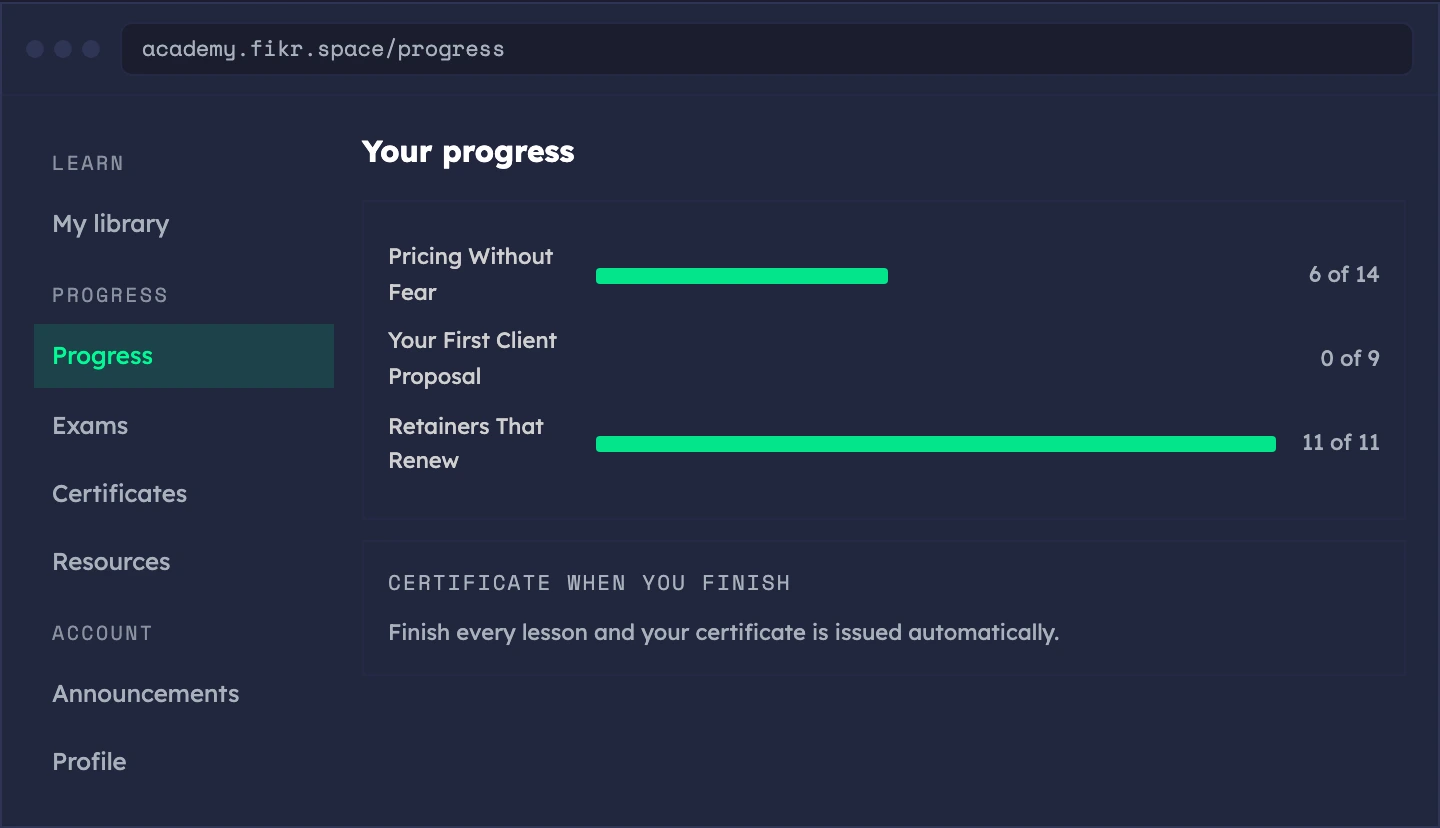
Sample data. The screens show a demo workspace.
Know who bought, who started, who finished.
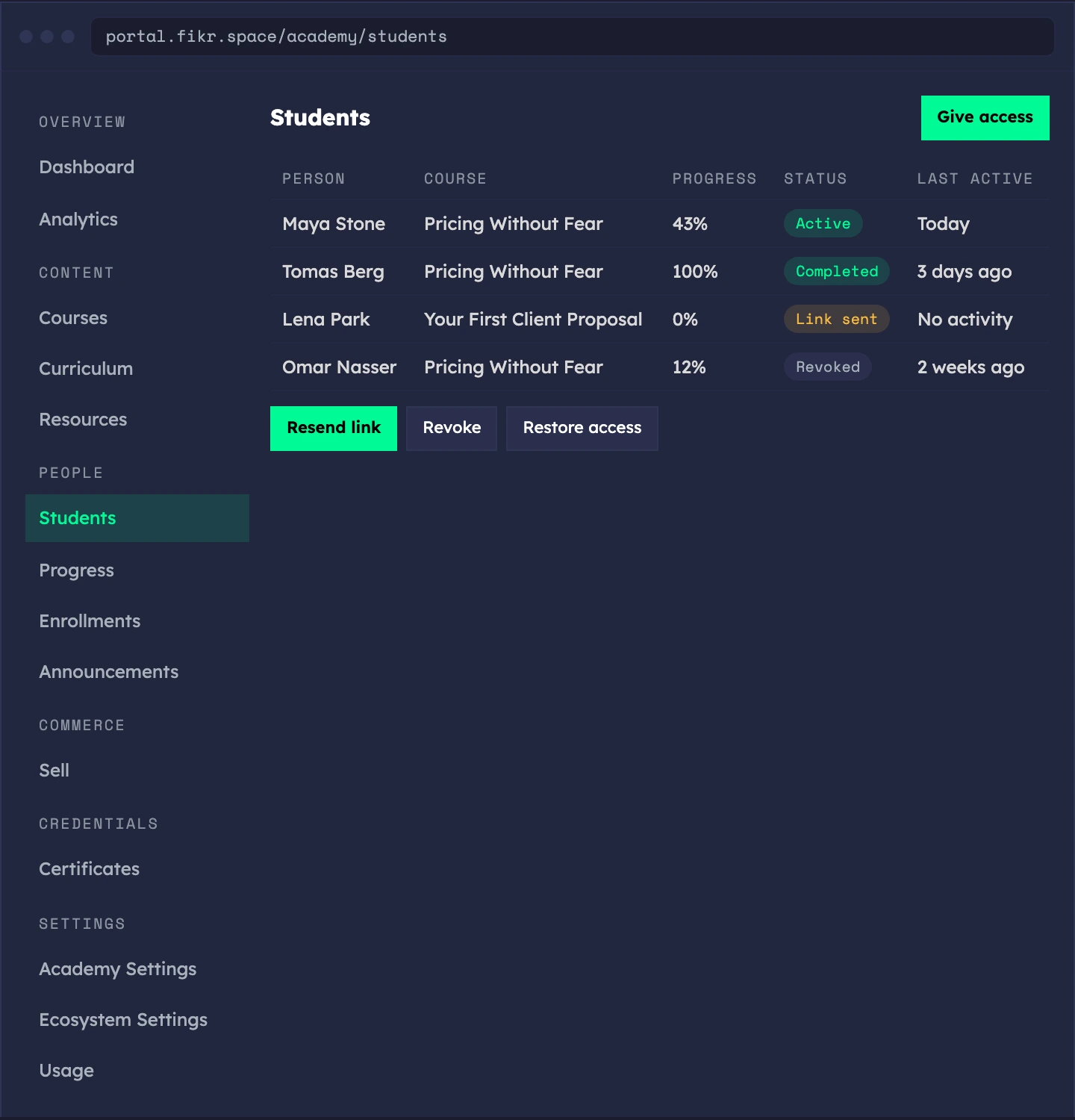
See every student and how far they got. Give access by hand, send a new link, or revoke access. Refunds and disputes close access on their own.
- Student funnel — bought, opened the link, started, finished; click a step to see who
- Academy health — a score from 0 to 100 once you have 5 students
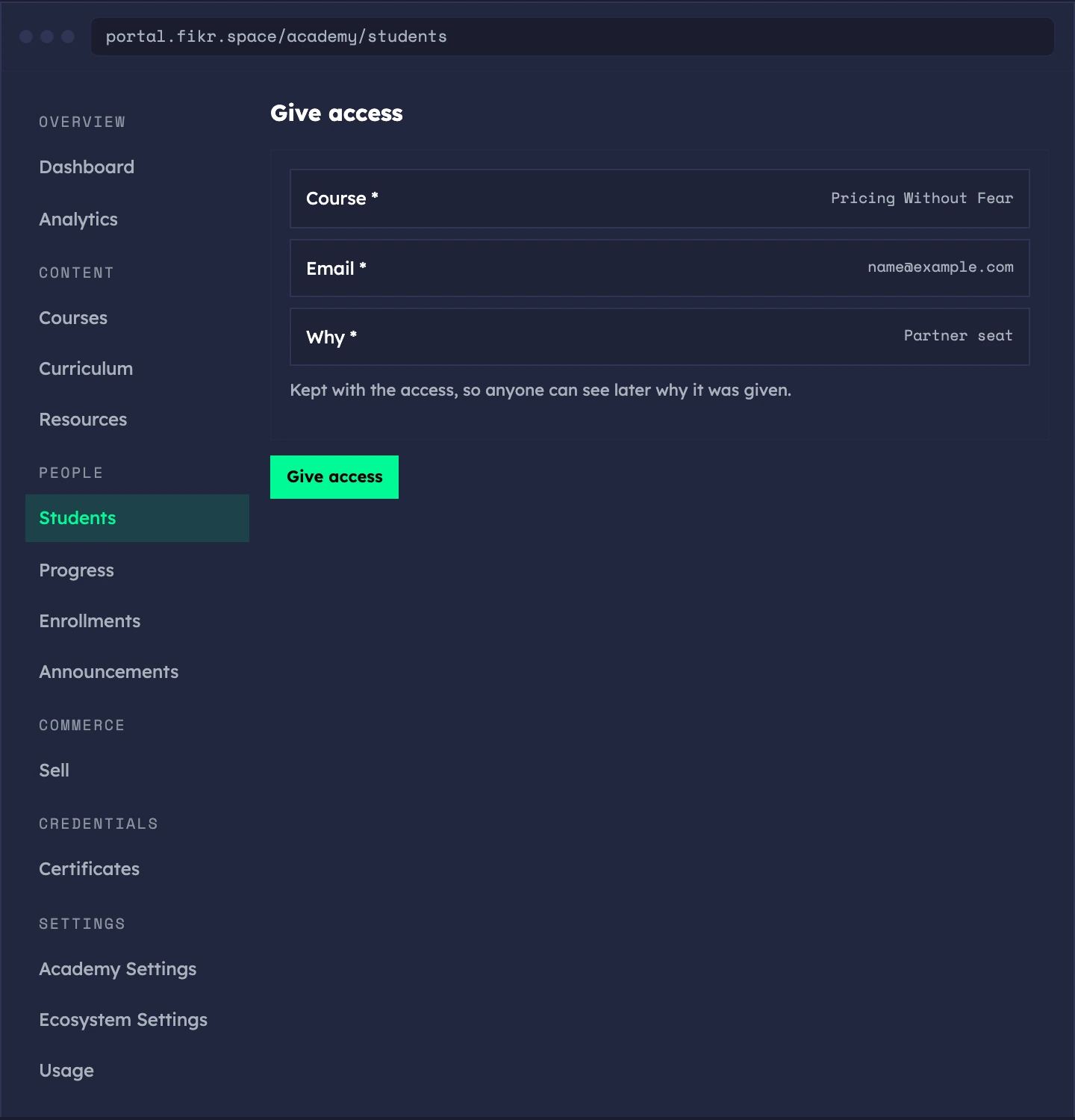
- Give access — send a course to an email address, with a reason kept on record
- Resend and revoke — a new link replaces the old one; revoke and restore at any time
- Progress by course — the Progress and Enrollments pages show each learner
- Dashboard — courses, students, active learners in 30 days and completions
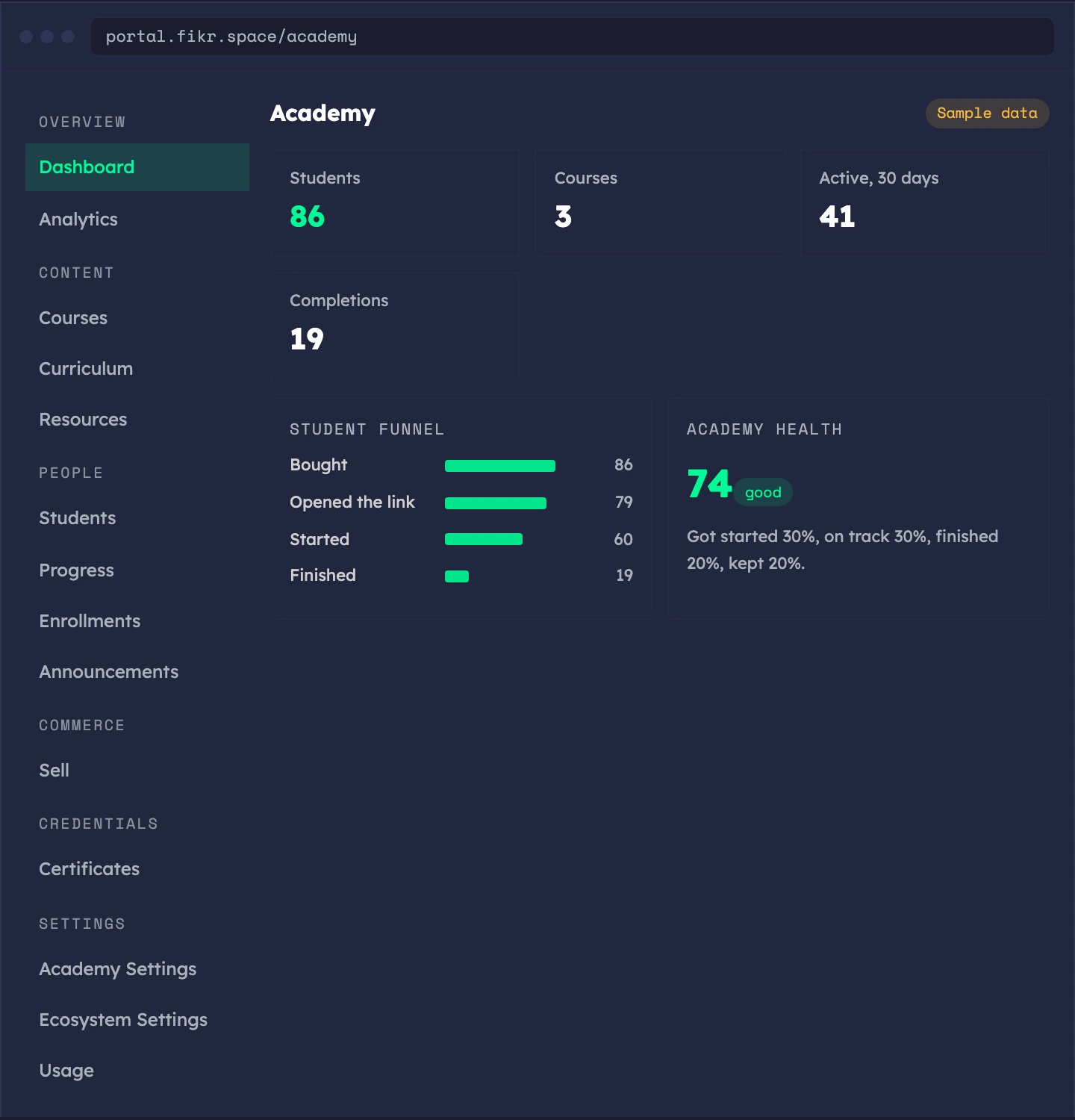
Sample data. The screens show a demo workspace.
A certificate anyone can verify.
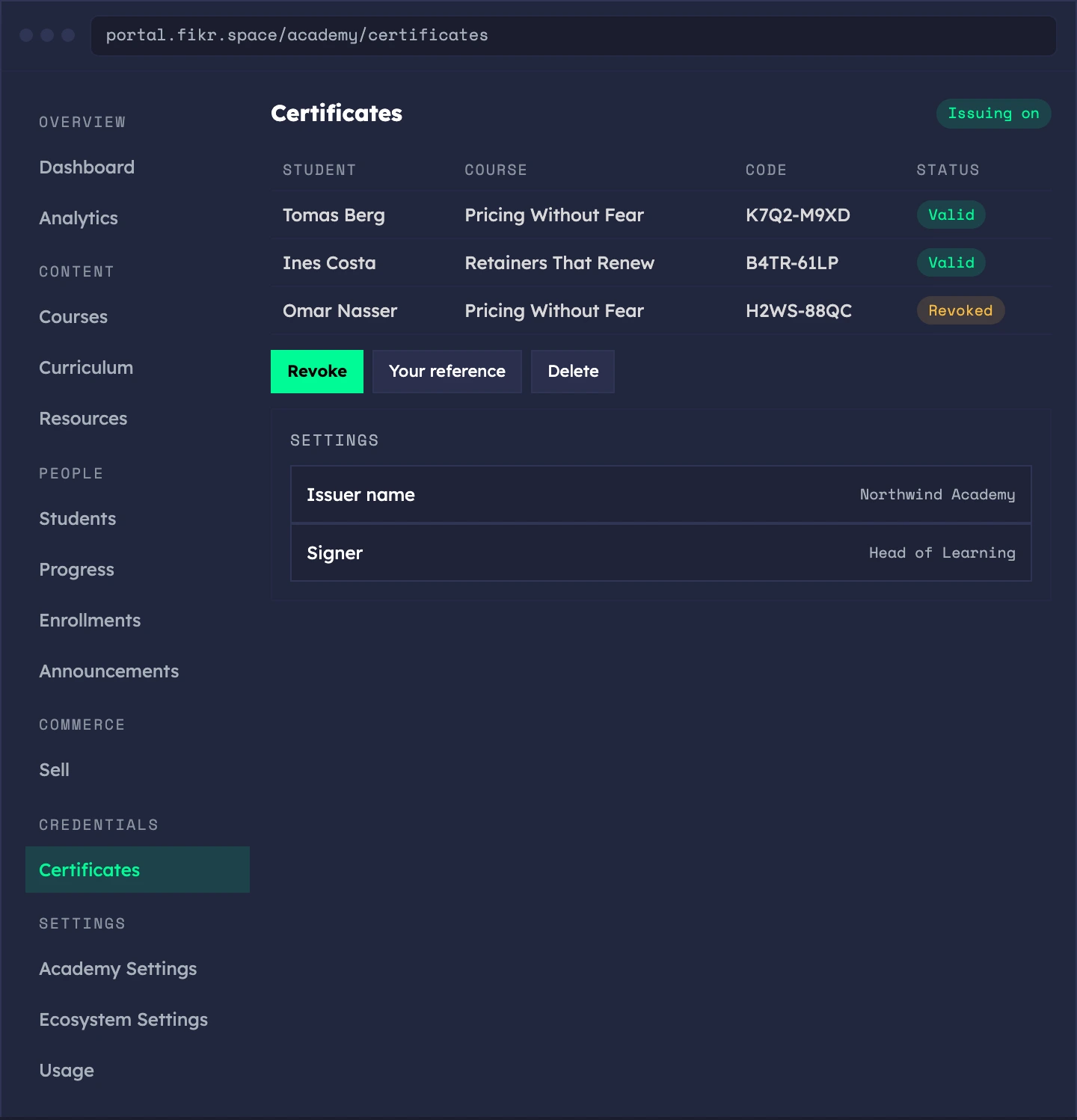
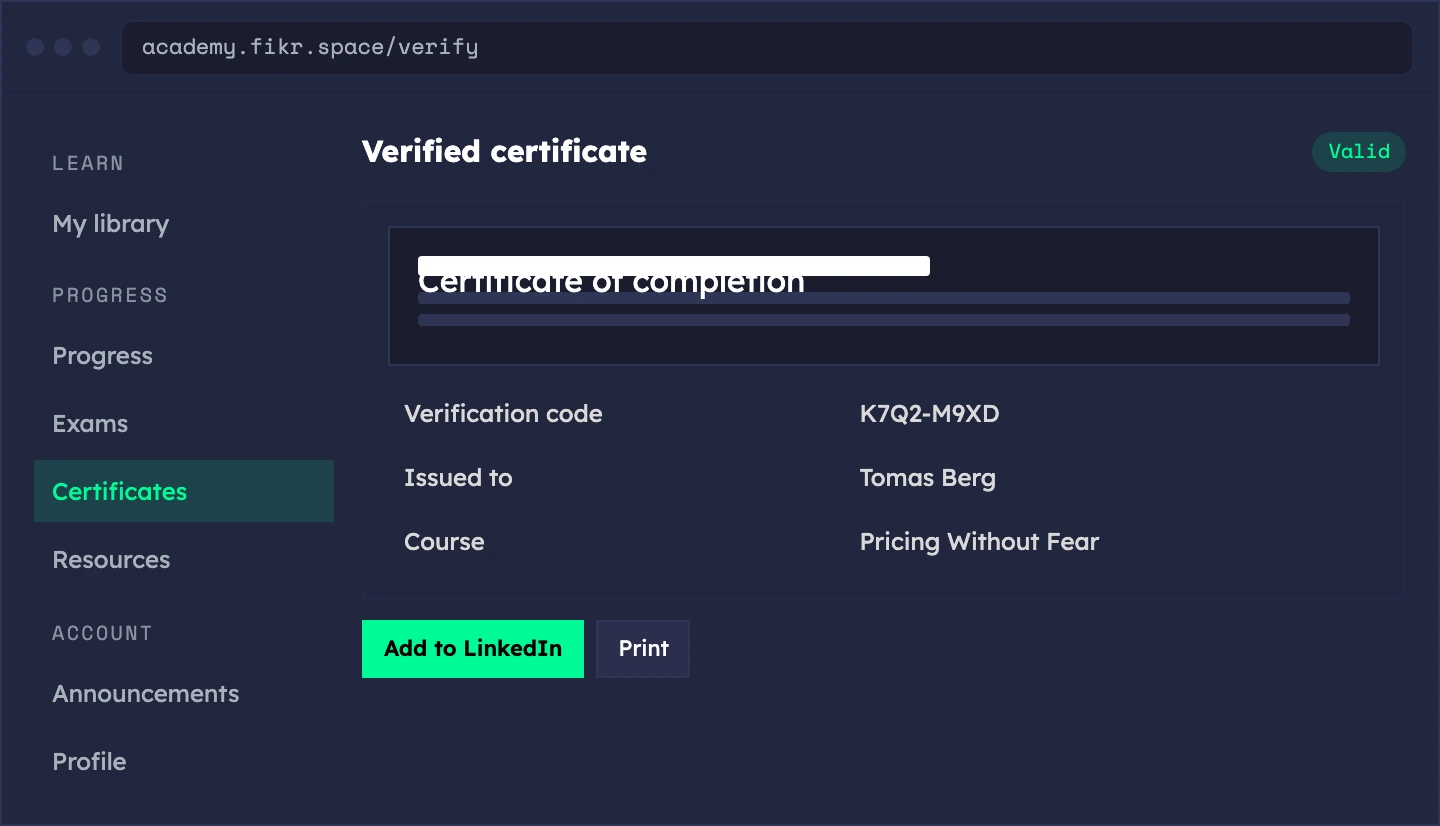
A certificate is issued when a student finishes a course. It has a printable page, a code and a public page that checks it.
- Issued on completion — switch it on or off in Academy Settings
- Issuer and signer — your organisation name, plus an optional signer and title
- Public verify page — open by code or QR code; shows valid or revoked
- Add to LinkedIn — a link on the certificate page
- Revoke, reissue, delete — a refund or dispute revokes it; add a reference of your own
- The student's name — taken from their profile
Sample data. The screens show a demo workspace.
Talk to your students, and show your next offer.
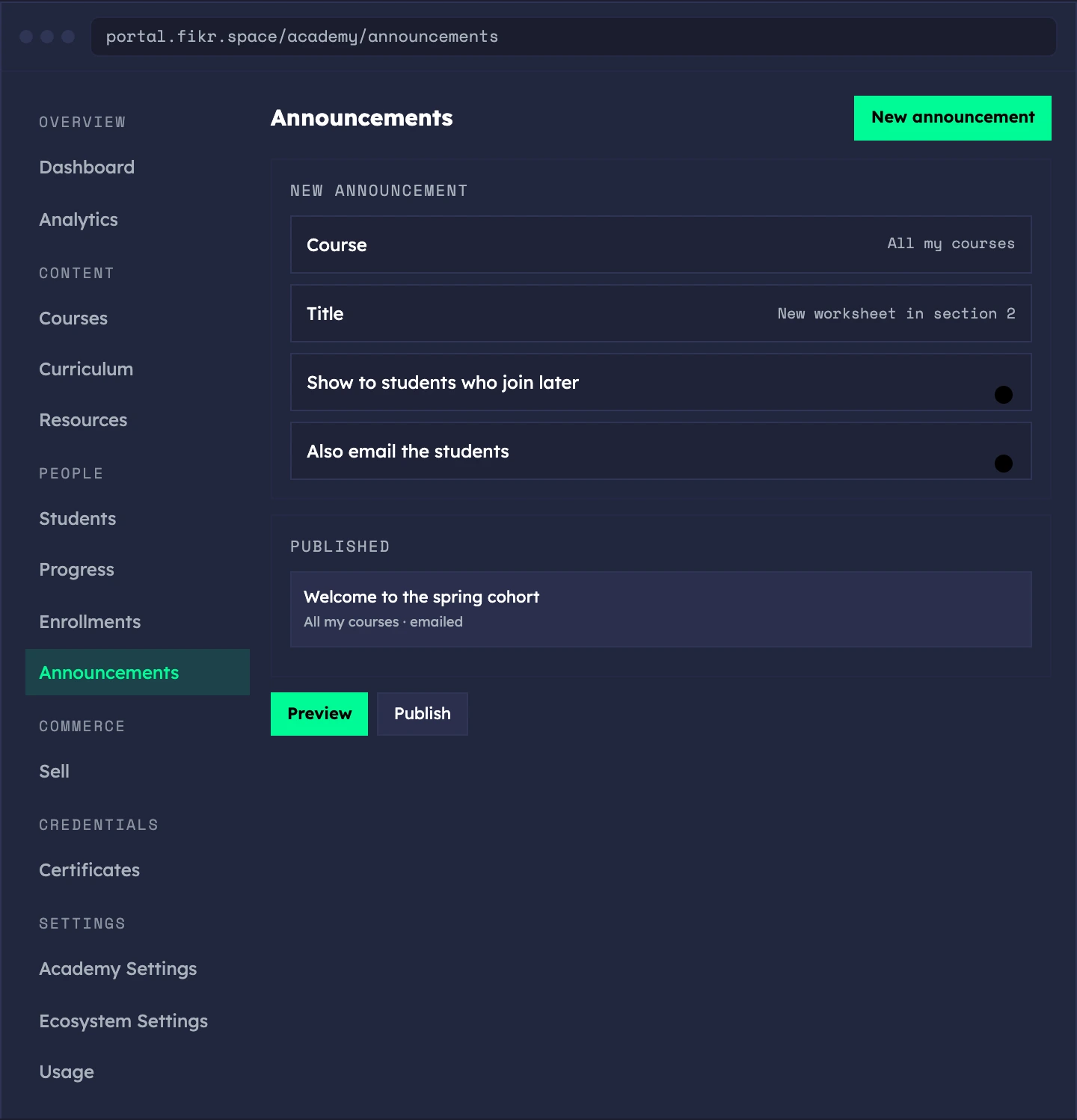
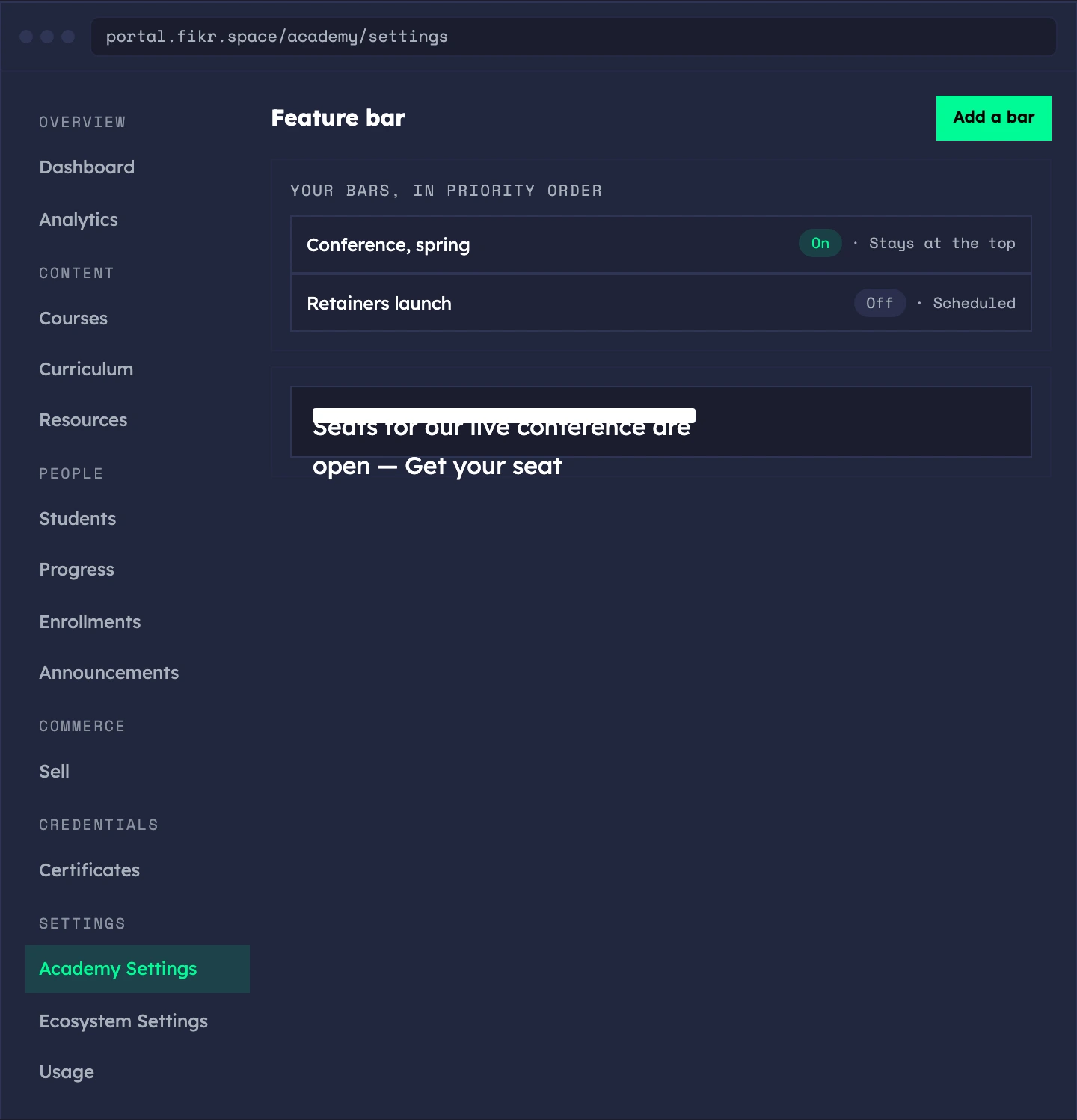
Write to the students of one course or all your courses. Put a bar across the top of the learning area for your next course or event.
- Announcements — Markdown message, shown in the learning area, with an optional email
- Choose who sees it — one course or all; later buyers see it only if you tick it
- Email limits — 1,000 recipients each, 5 emailed a day, 5,000 a month
- Feature bars — message, button, schedule and audience; sticky or not
- Priority order — a student sees the first bar that is on and meant for them
Sample data. The screens show a demo workspace.
One platform, four steps.
Build the course, set the offer, share the link, then follow your students.
Build
Sell
Learn
Certify
What service companies use it for.
The product is the same for everyone. What changes is the job you hire it for.
Train clients
Certify your method
Sell memberships
Questions? Answers.
What is live and what is coming soon?
What kind of courses can I run?
How do I get paid?
How do exams and certificates work?
Is it for startups or service companies?
You know something worth teaching.
Now sell the course.
Build the course once, sell it on your own Stripe and let FIKR handle access, exams and certificates. Join the waiting list.
Join the Waiting List →You built the content engine. Now productize the rest.
FIKR Content is one piece. The full platform runs your entire service business — strategy, sales, diagnostics, time, invoicing, courses, partners — all connected.
FIKR OS
Strategy & Delivery
FIKR Hub
CRM & Sales
FIKR Score
Branded Diagnostics
FIKR Tracking
Time & 4D Mix
FIKR Money
Invoicing & Cash
FIKR People
HR & Capacity
FIKR Academy
Courses & Certification
FIKR Affiliate
Run Your Affiliate Program