Turn questions
into qualified leads.
Build a scorecard for your audience. People answer, see their score and what to do next, and you get each one as a tagged contact in FIKR Hub.
// Typeform + a scoring sheet + a results page + a CRM hand-off: one scorecard, one price.
Build the diagnostic once, your way.
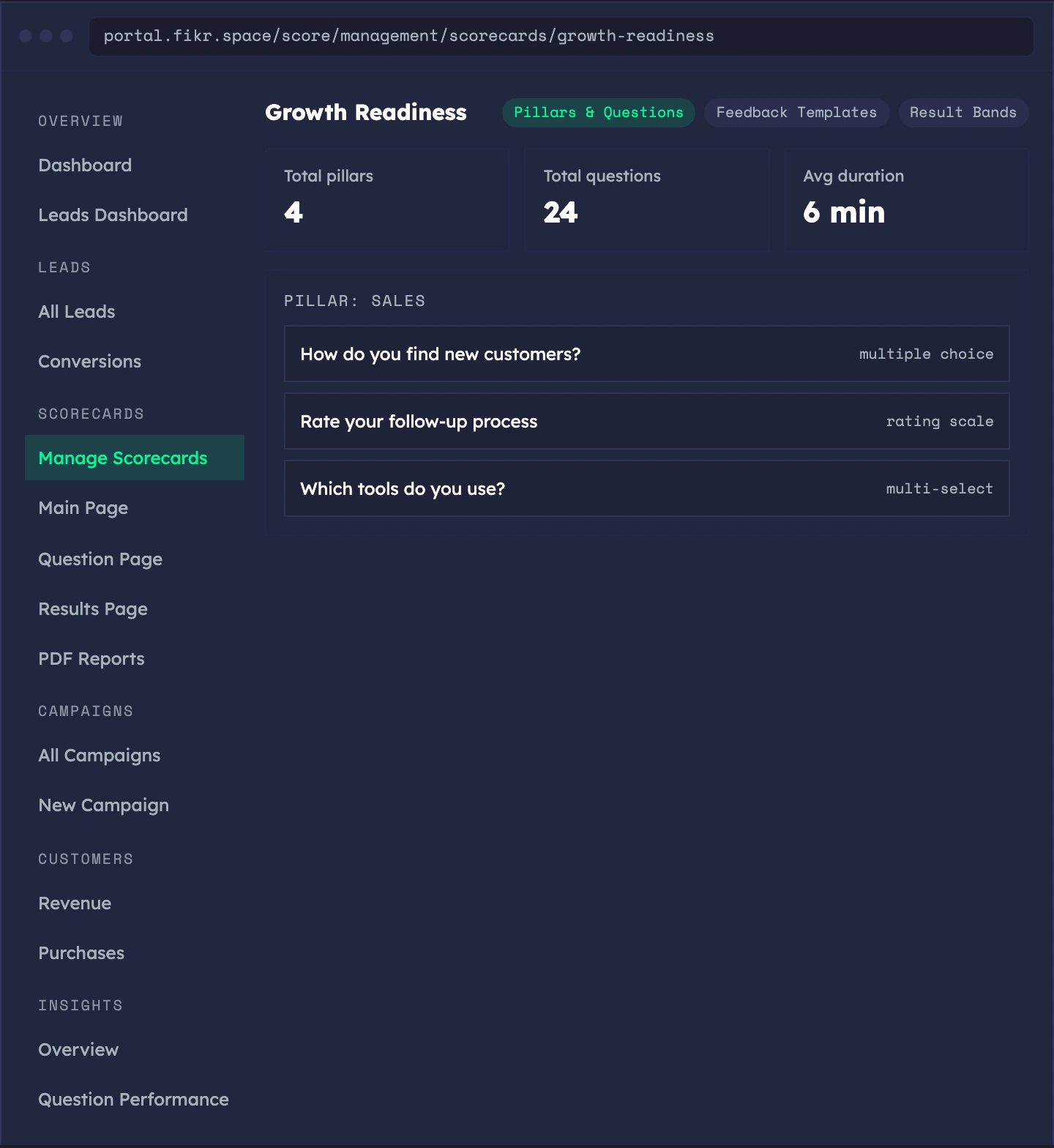
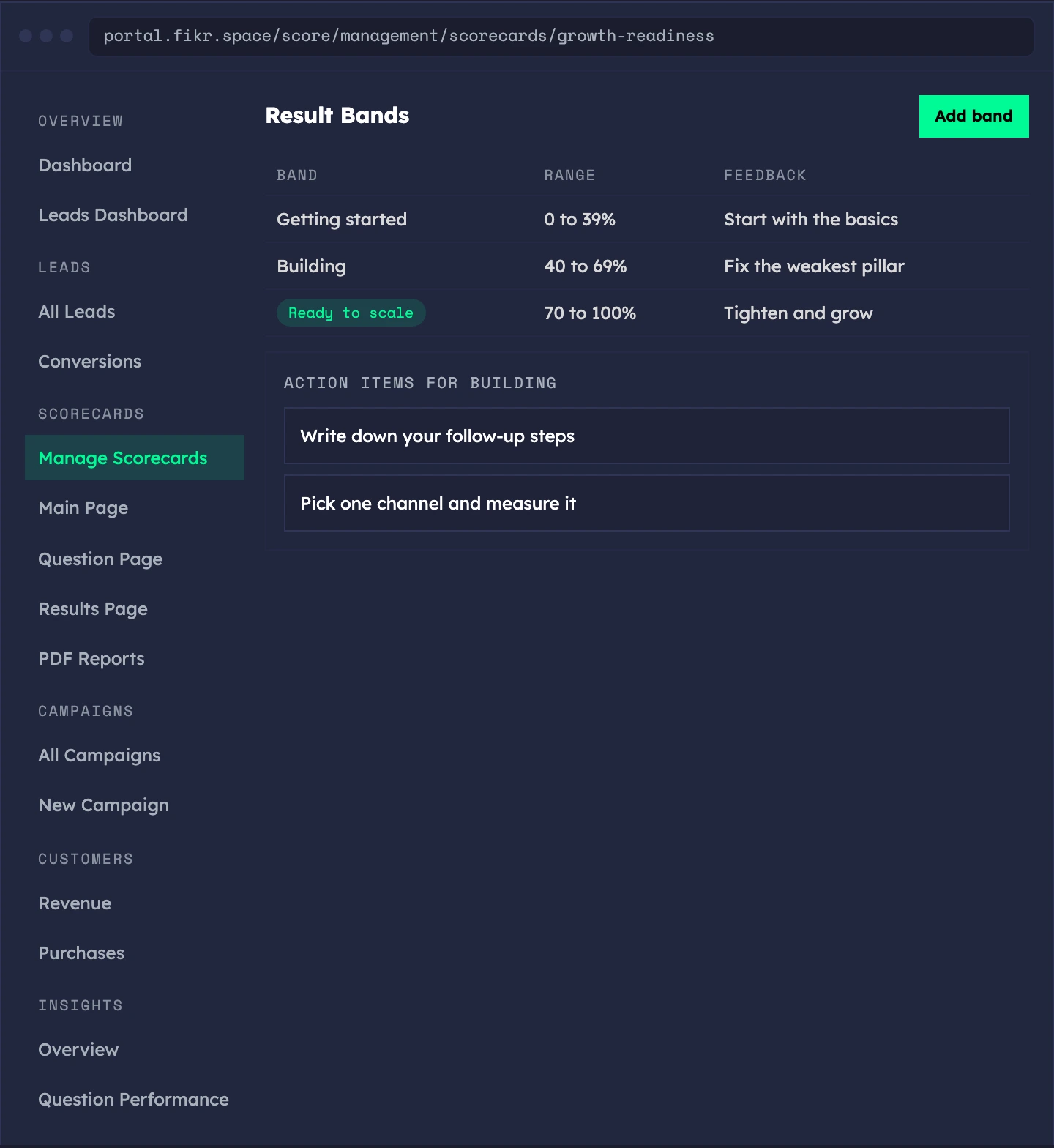
Pillars, weighted questions, result bands and the written feedback behind each band. Start from a template or from scratch.
- Pillars and questions — group questions into your own categories, with sub-pillars
- Six question types — multiple choice, image choice, yes/no, multi-select, rating scale and free text
- Weighted answers — each option carries a score, each pillar a weight
- Result bands — define what each score range means, with feedback and action items
- Review — invite an outside advisor to comment on a draft, no account needed
Sample data. The screens show a demo workspace.
A funnel that looks like your brand.
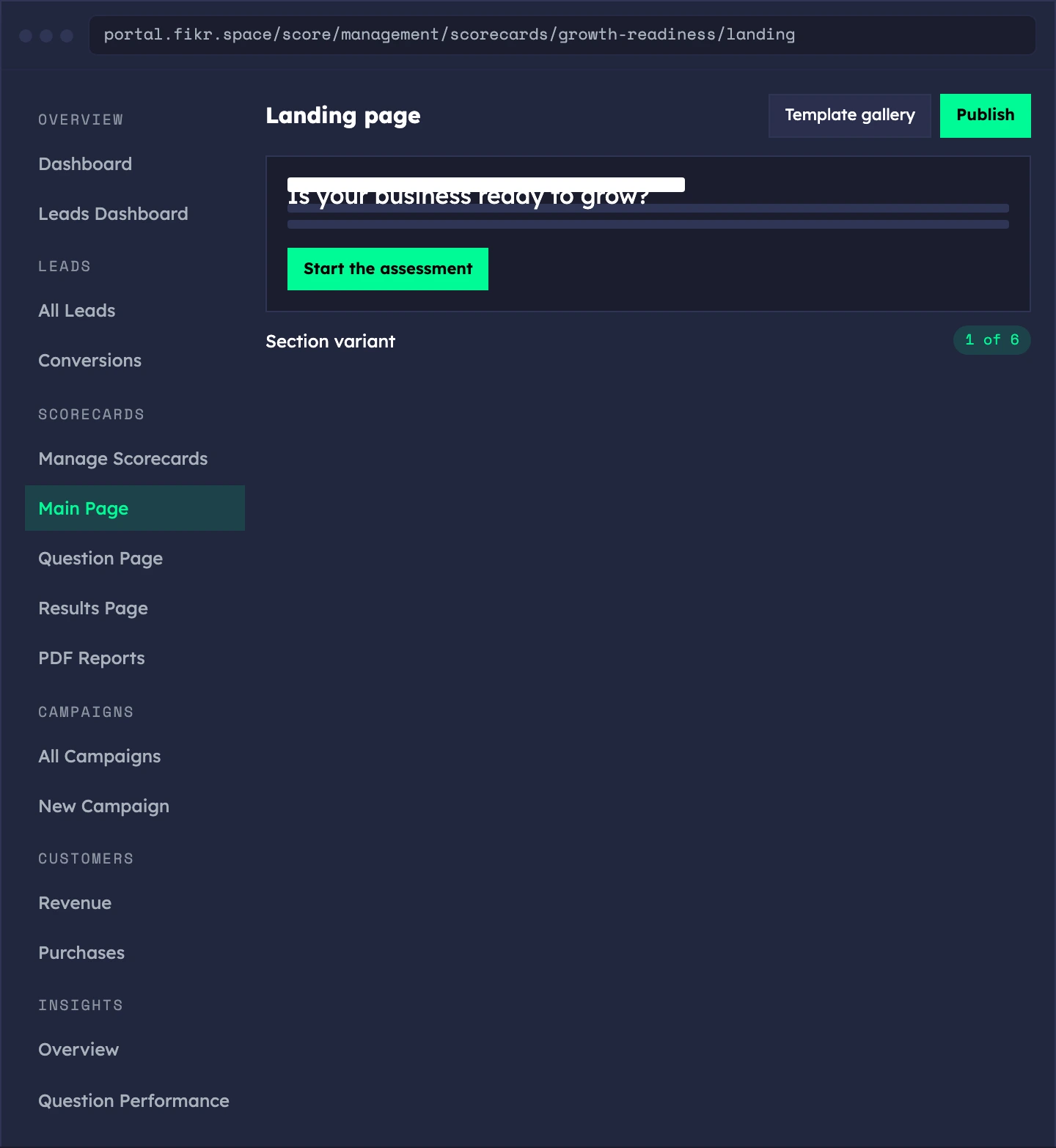
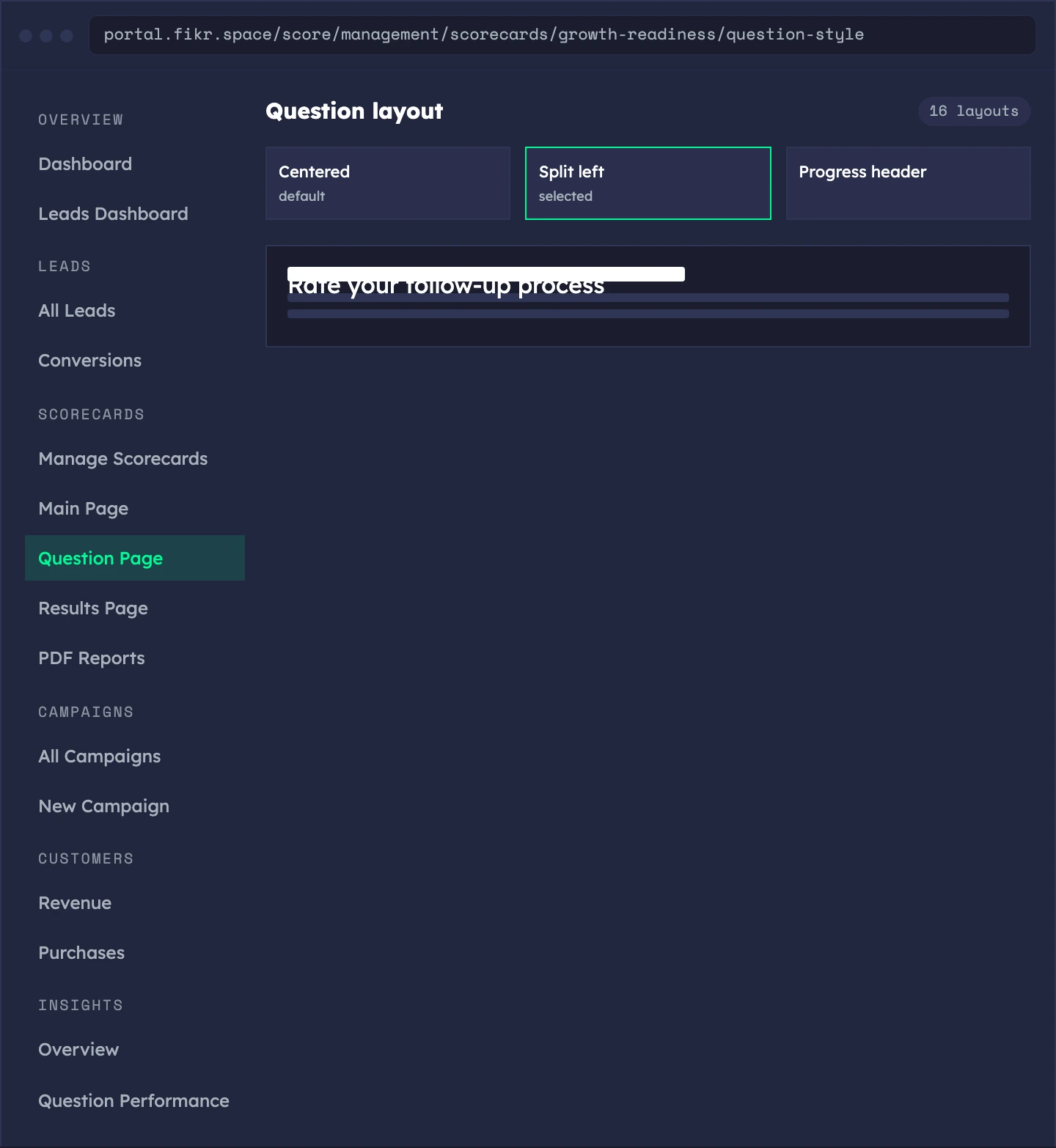
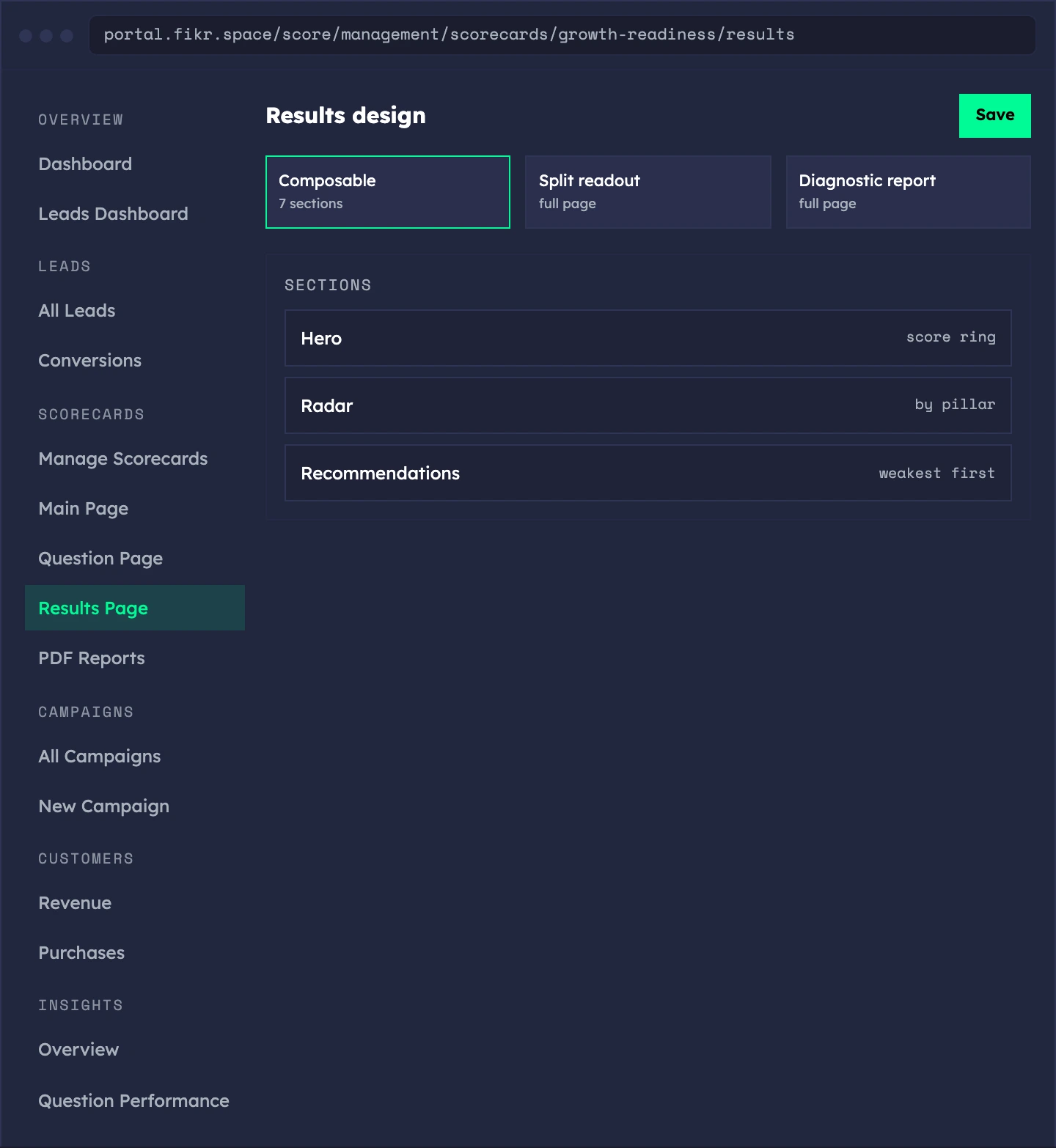
Edit the landing page, the questions page and the results page. Pick a layout, change the copy, swap section variants.
- Three pages to design — landing, questions and results
- Template gallery — start from a ready layout and edit it
- 16 question layouts — choose how each question is shown
- Results designs — a composable results page or a full-page design
- No FIKR chrome — your colors and a funnel that links back to your site
Sample data. The screens show a demo workspace.
Every respondent becomes a tagged contact.
The visitor gives an email on a FIKR form, answers the questions and sees the score right away. You get the contact in FIKR Hub.
- Email gate — a real FIKR form with consent logged, before the score is revealed
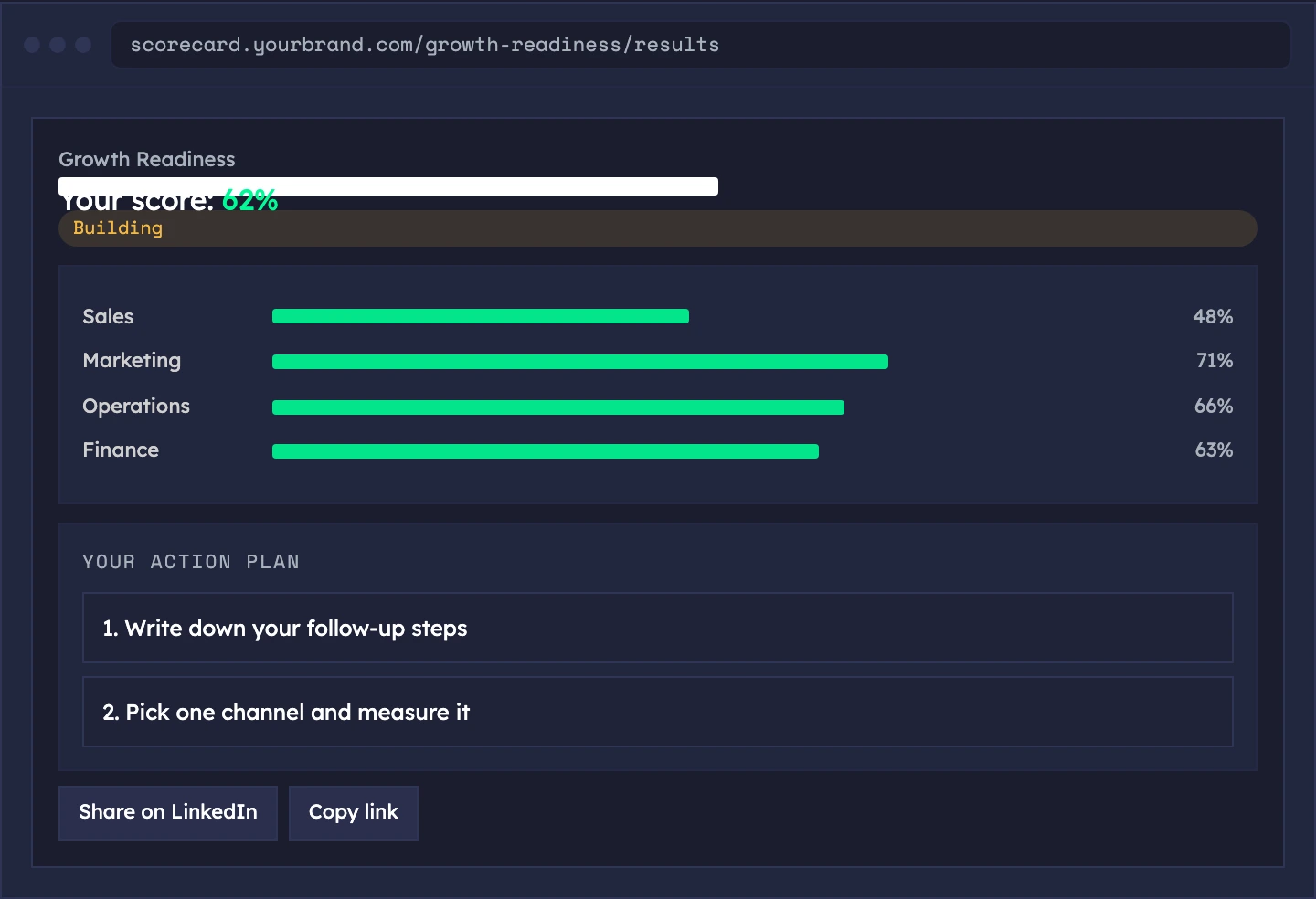
- Results page — score, band, per-pillar breakdown, written feedback and a prioritised action plan
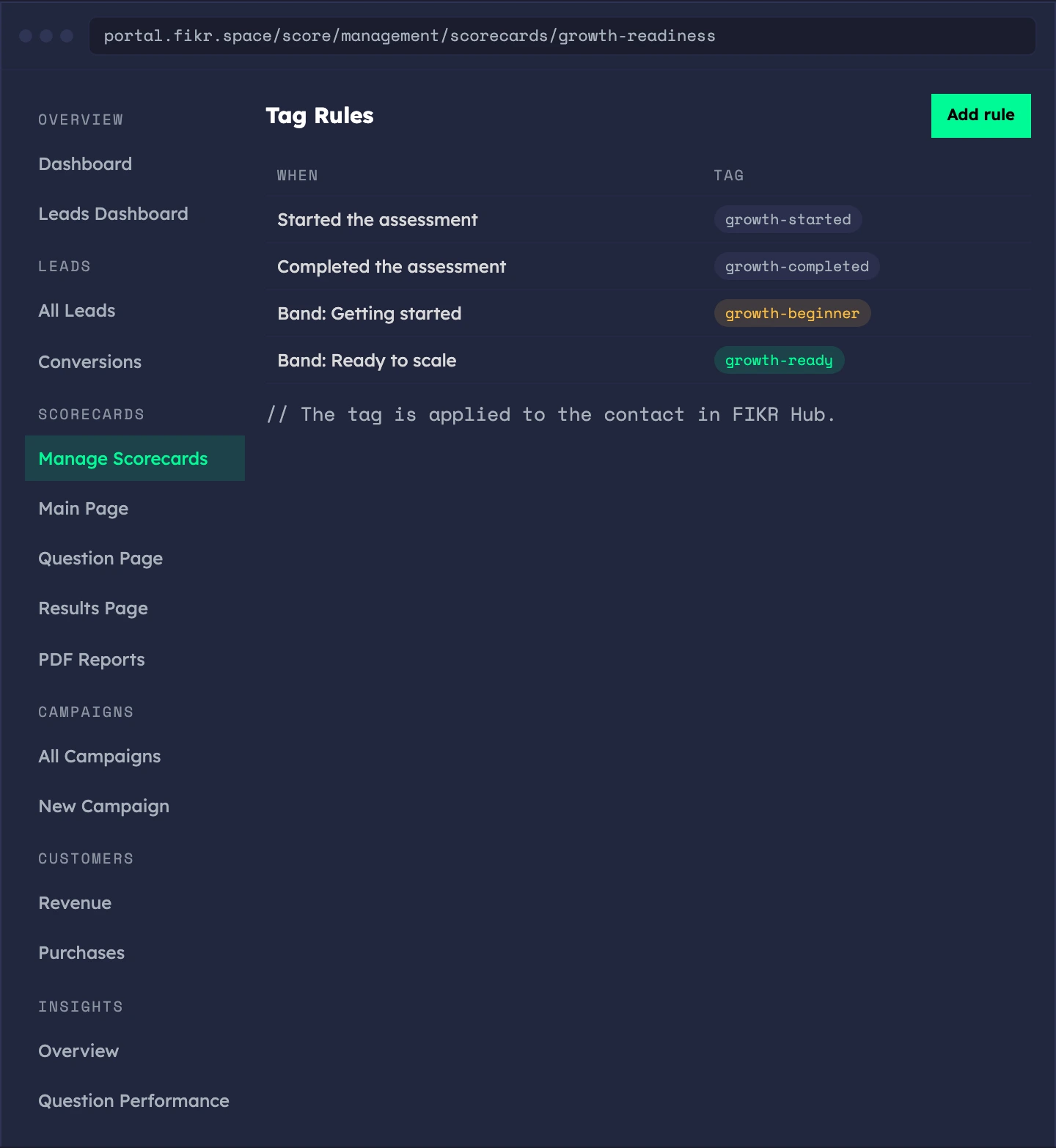
- Tag rules — tags for started, completed and the result band, and by language
- Share links and an optional offer — on the results page
- Translations — questions, answers and bands translate, the score does not depend on language
Sample data. The screens show a demo workspace.
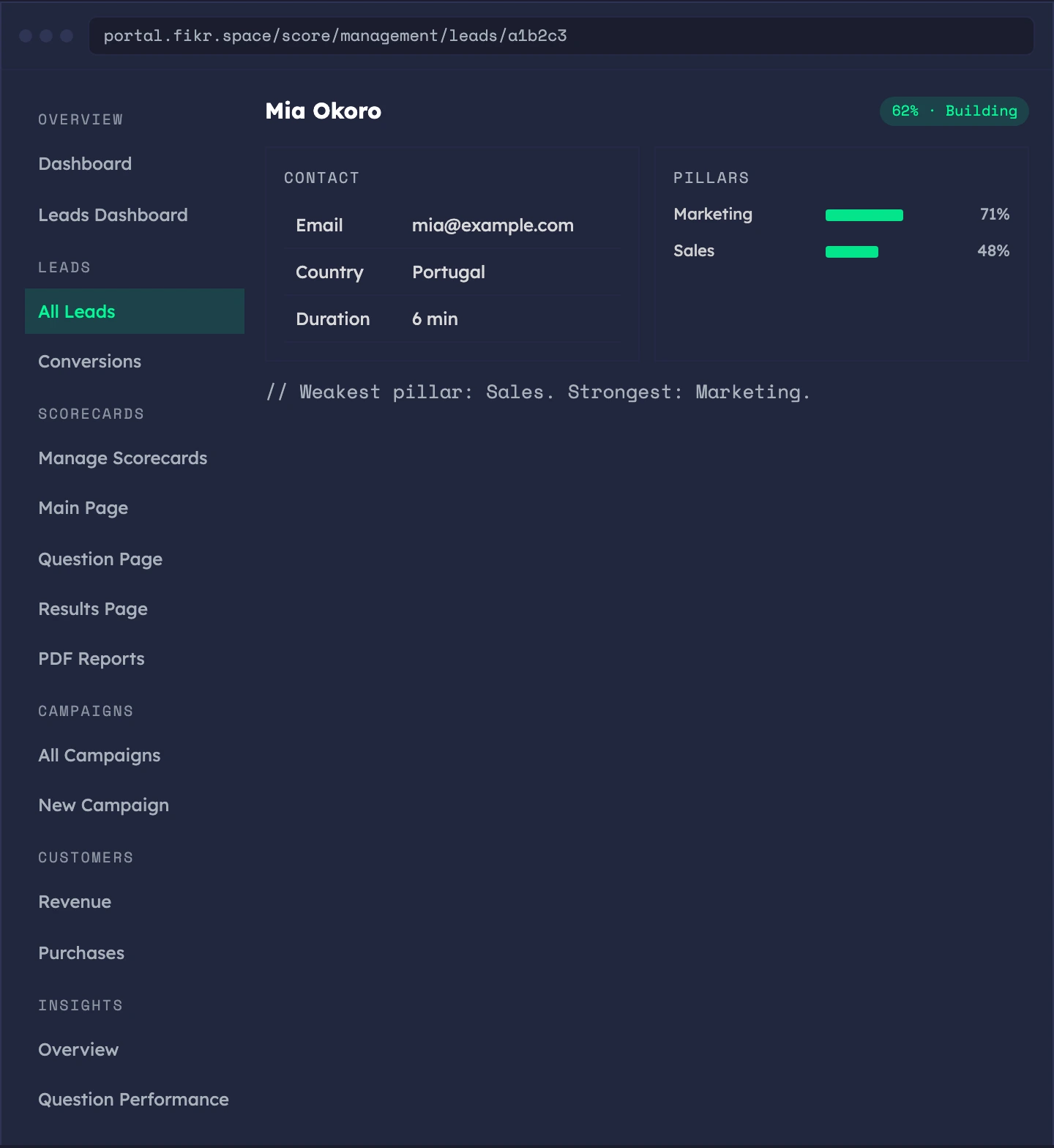
See who took it, and where they are weak.
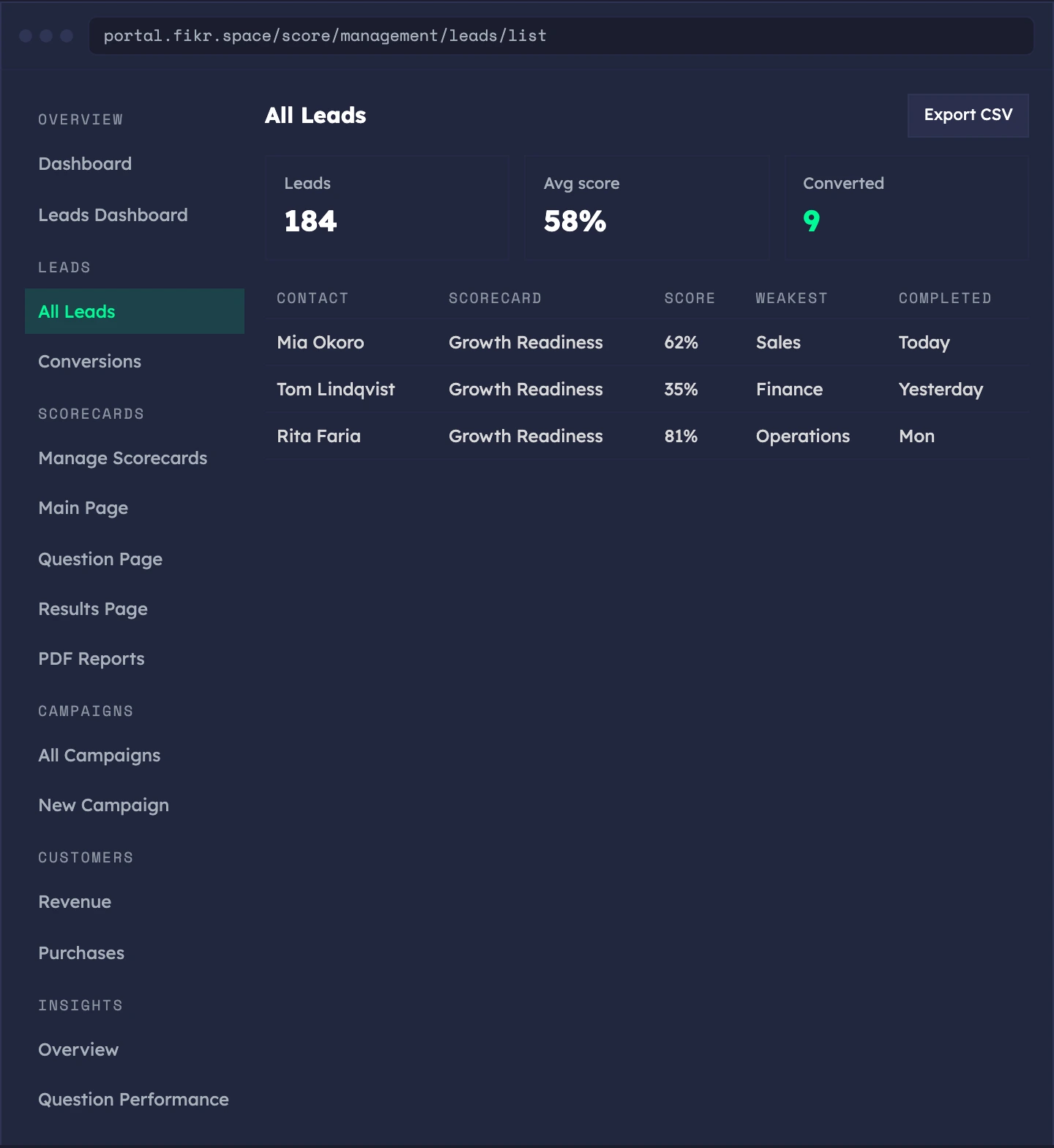
Every completion is a lead with a score, a profile and the pillar that needs the most work.
- Leads dashboard — completions and leads over time
- All leads — contact, scorecard, score, profile, weakest pillar and completion date
- Lead page — overall score, strongest and weakest pillar, answers by pillar
- Conversions — which leads went on to buy
- Export — download the list as CSV
Sample data. The screens show a demo workspace.
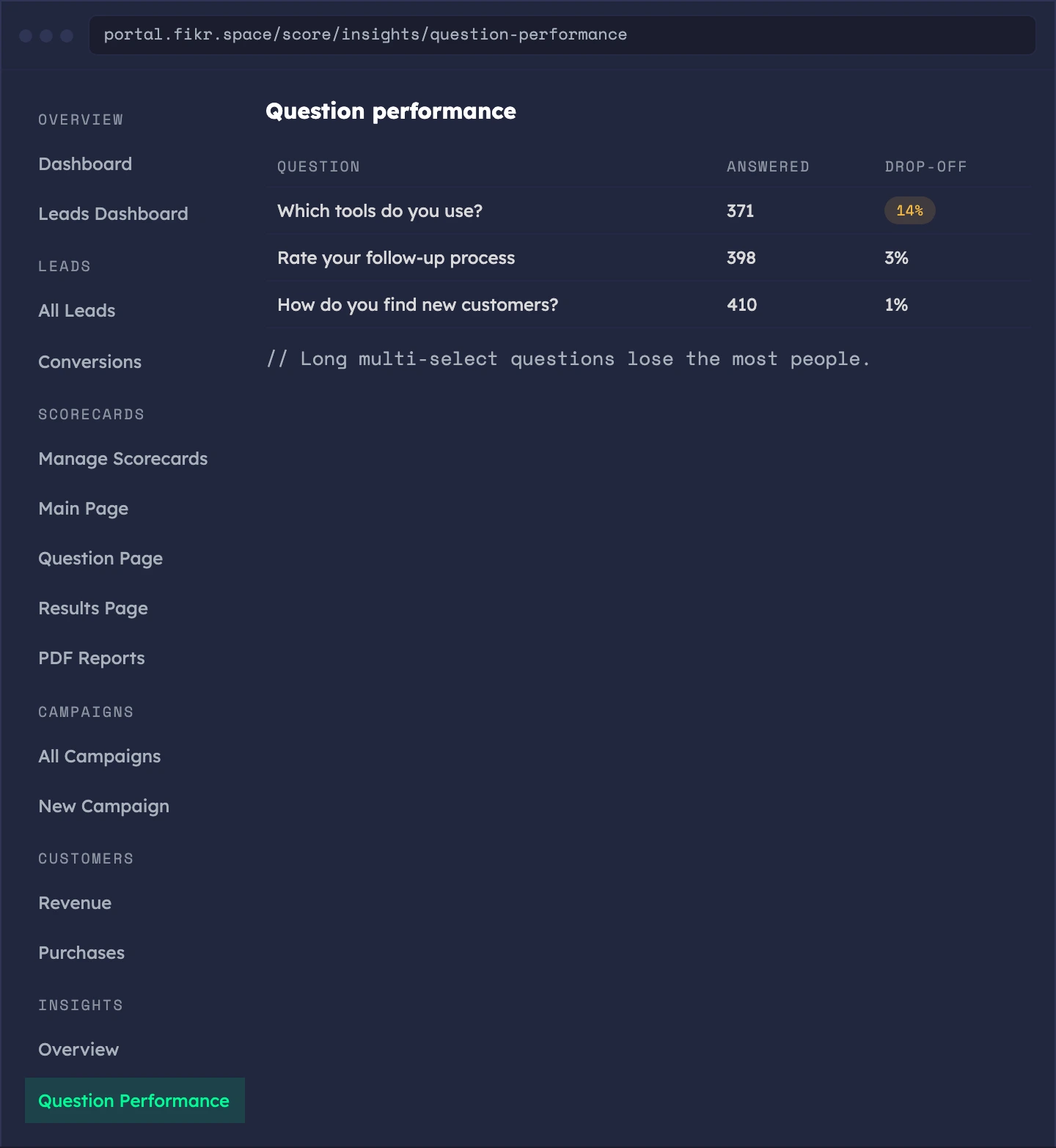
Find the question people drop on.
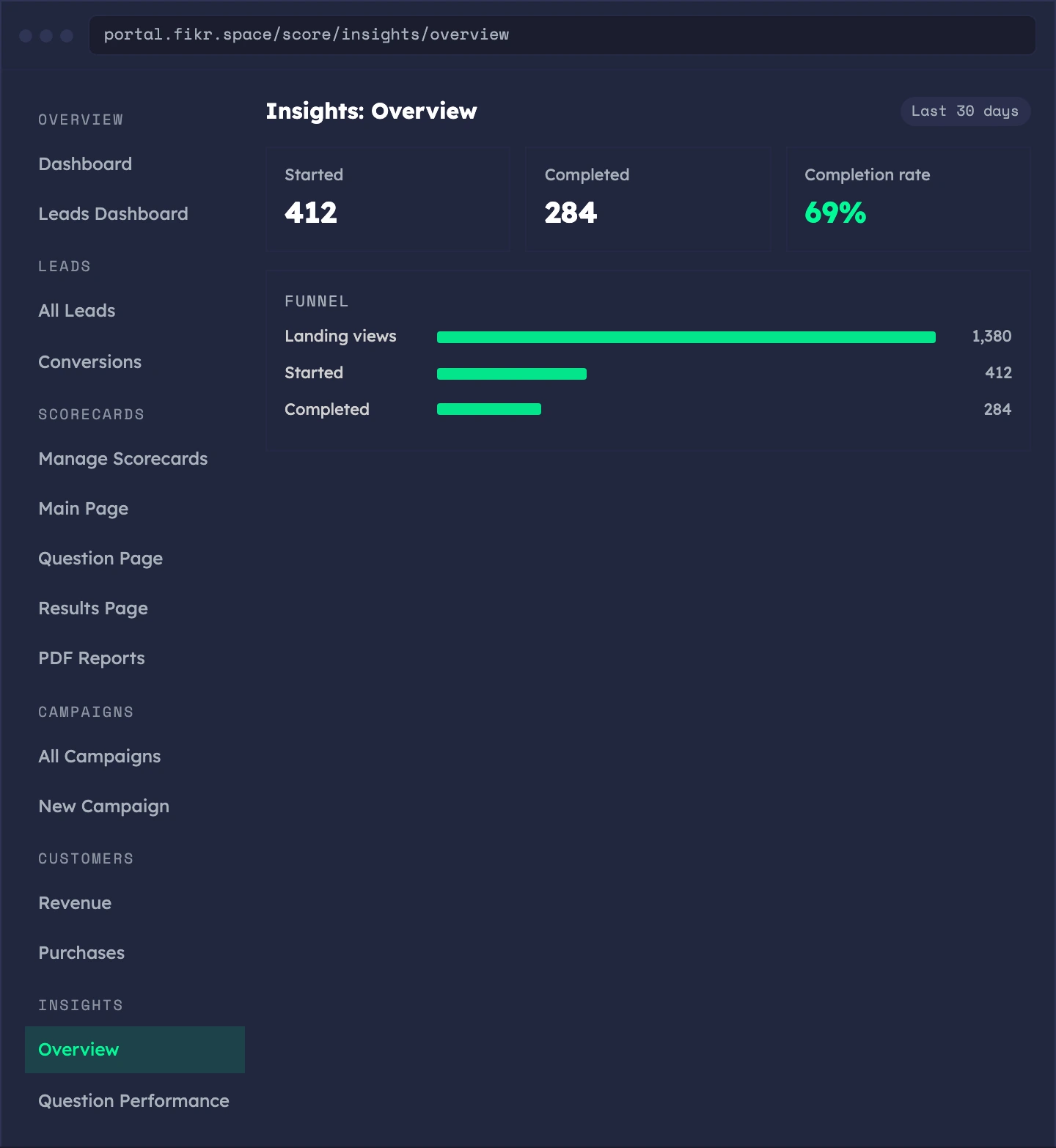
Per scorecard: how many started, how many finished, where they left, and how the scores spread.
- Overview — started, completed and completion rate
- Question performance — where respondents stall or drop off
- Answers and scores — what people chose and how scores are distributed
- Landing pages and audiences — which pages and groups bring completions
Sample data. The screens show a demo workspace.
Charge for the full assessment.
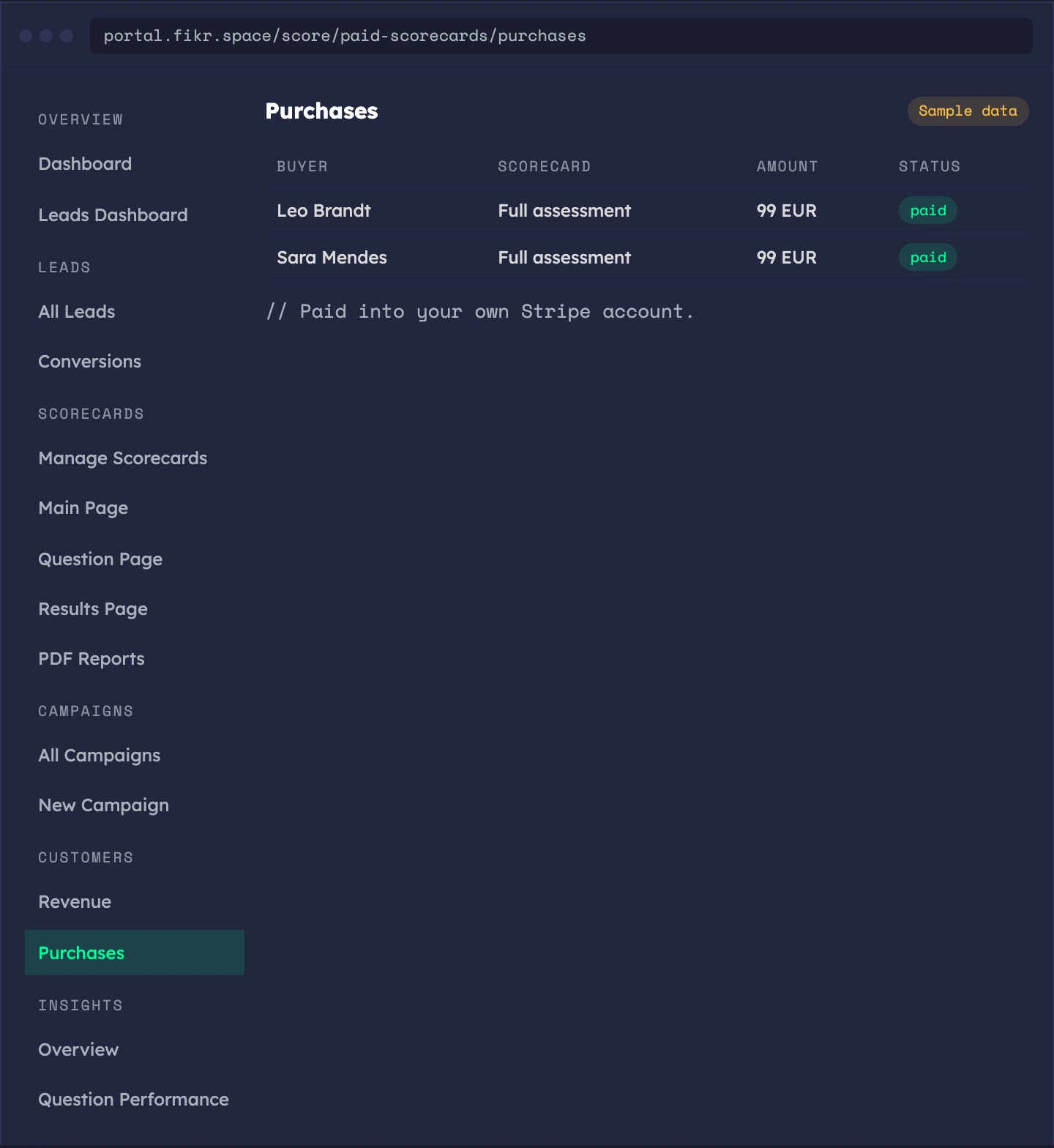
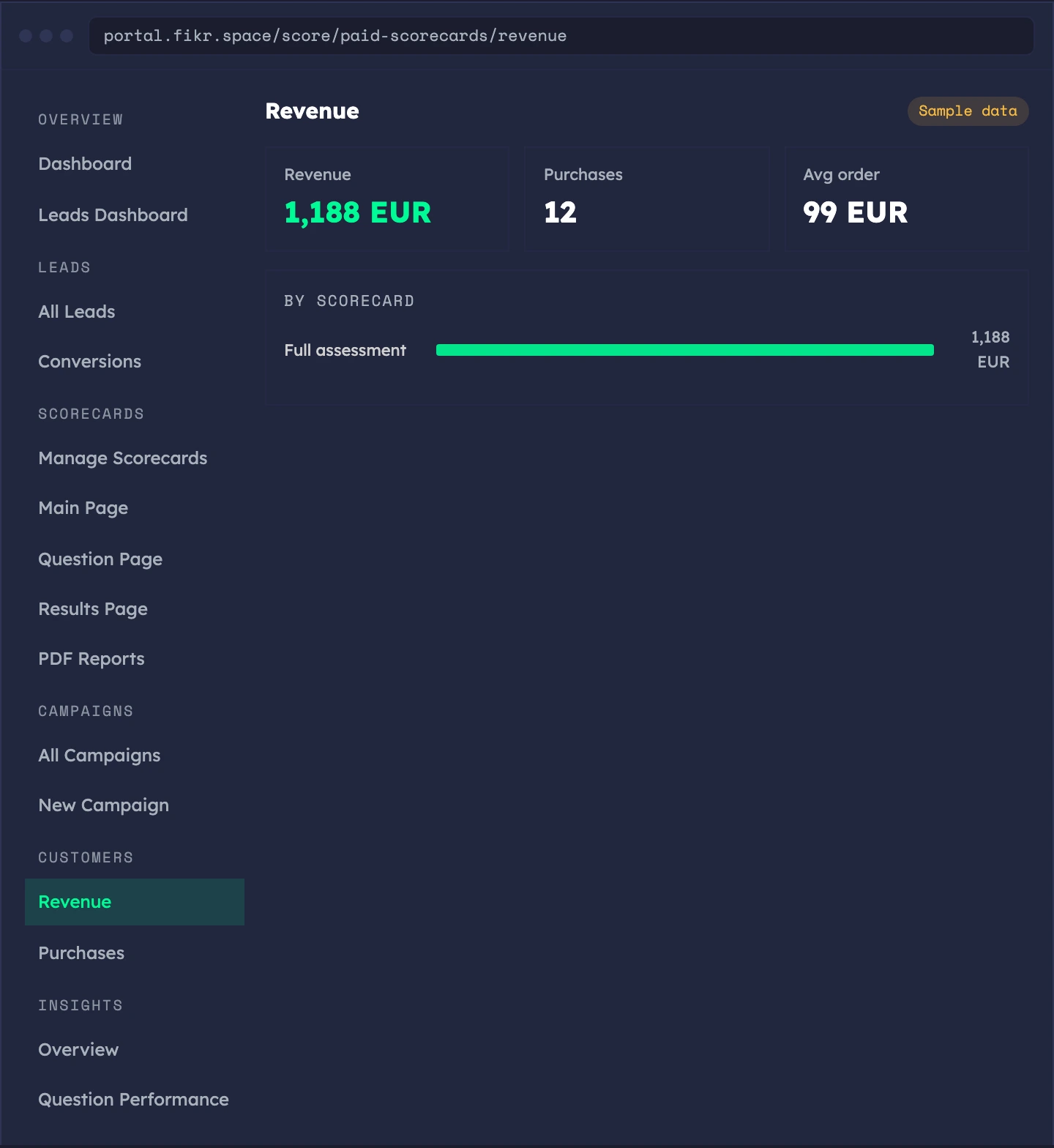
Put a price on a scorecard and take payment through your own Stripe account. FIKR does not take payments for you.
- Your own Stripe account — payments go to you, FIKR never holds the money
- Checkout between landing and gate — generic, no custom code per brand
- Customers, Revenue and Purchases — follow who paid and how much
Sample data. The screens show a demo workspace.
Assess a whole team, not just one person.
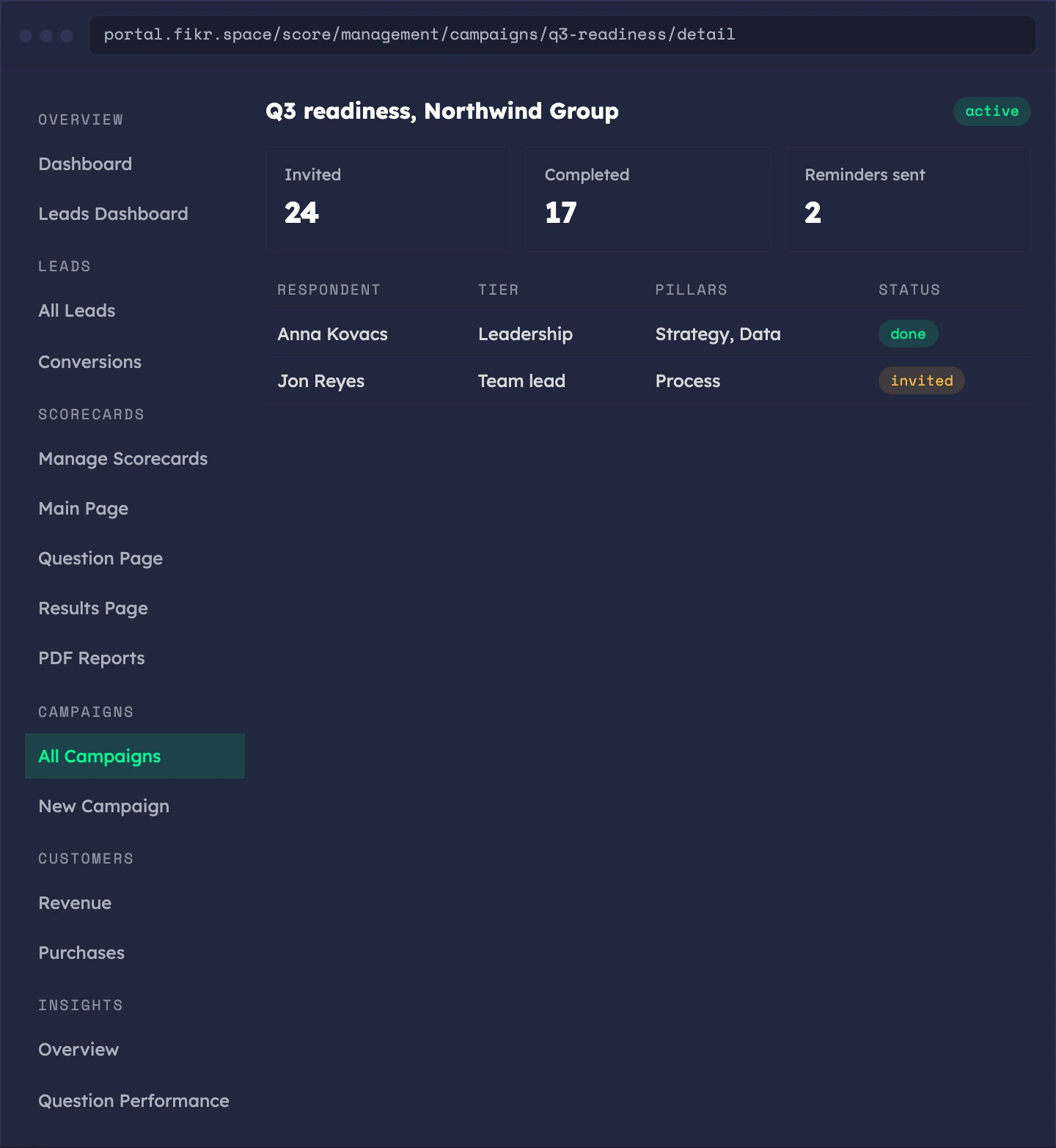
For B2B scorecards: invite a cohort, assign each person the pillars they answer, and read one report across the group.
- Invite respondents — each gets a personal link, with reminders
- Pillars per person — assign who answers what
- Tiers — group respondents and compare the tier averages
- Report and answers — one aggregated report plus the raw answers
- Clients — the organisations you run campaigns for
Sample data. The screens show a demo workspace.
A report to hand over.
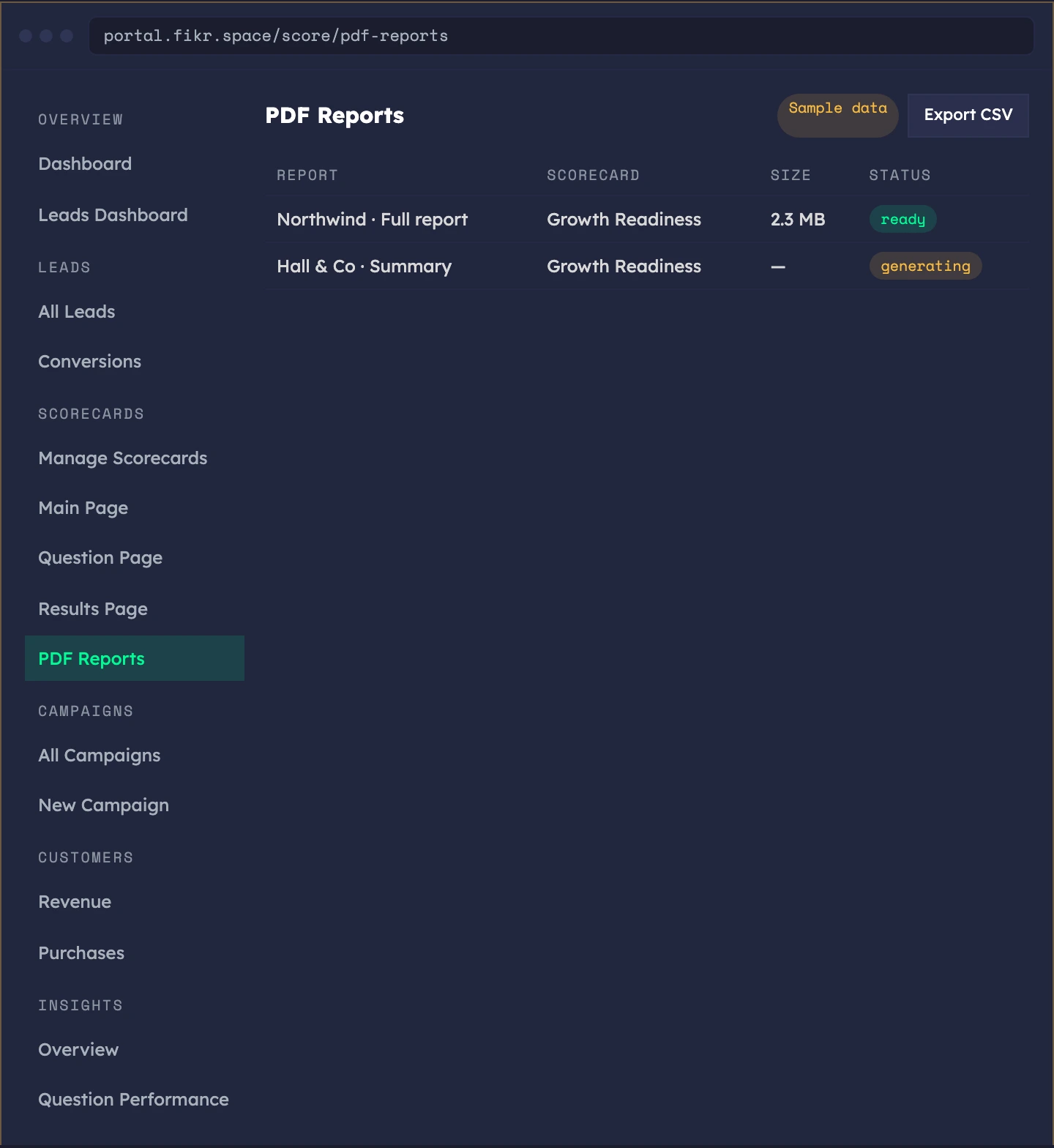
Generate a PDF report for a respondent or a client. The page is built with a list, filters and statuses. Report generation is not connected yet.
- Report list — name, scorecard, date, size and status
- Filters — search and filter by status
- Export — download the list as CSV
Join the waiting list and we tell you the day this opens on your workspace.
Sample data. The screens show a demo workspace.
The score is the lead magnet.
The email gate is a FIKR form, so every completion arrives in FIKR Hub as a contact with consent logged and a tag for the result band.
Visitor opens the link
Gives an email
Answers and sees the score
Lands in FIKR Hub
What founders use it for.
The product is the same for everyone. What changes is the job you hire it for.
Find the first buyers
Segment by result
Test an idea
Questions? Answers.
What is live and what is coming soon?
What exactly is a scorecard?
Do respondents need an account?
Can I charge for an assessment?
Is it different for startups and service companies?
Ask the right questions.
Meet the right buyers.
Build the quiz once, share the link and see who is ready for what you sell. Join the waiting list.
Join the Waiting List →Your story is alive. Now run the rest.
FIKR Content is your publishing engine. The full platform runs your entire startup — strategy, sales, equity, finance, HR, fundraising — all connected.