Know where
your hours go.
FIKR Tracking is built for service companies. If you sell your own time, it is the product to look at.
// Time, retainers and the 4D Mix in one place.
Log time where the work happens.
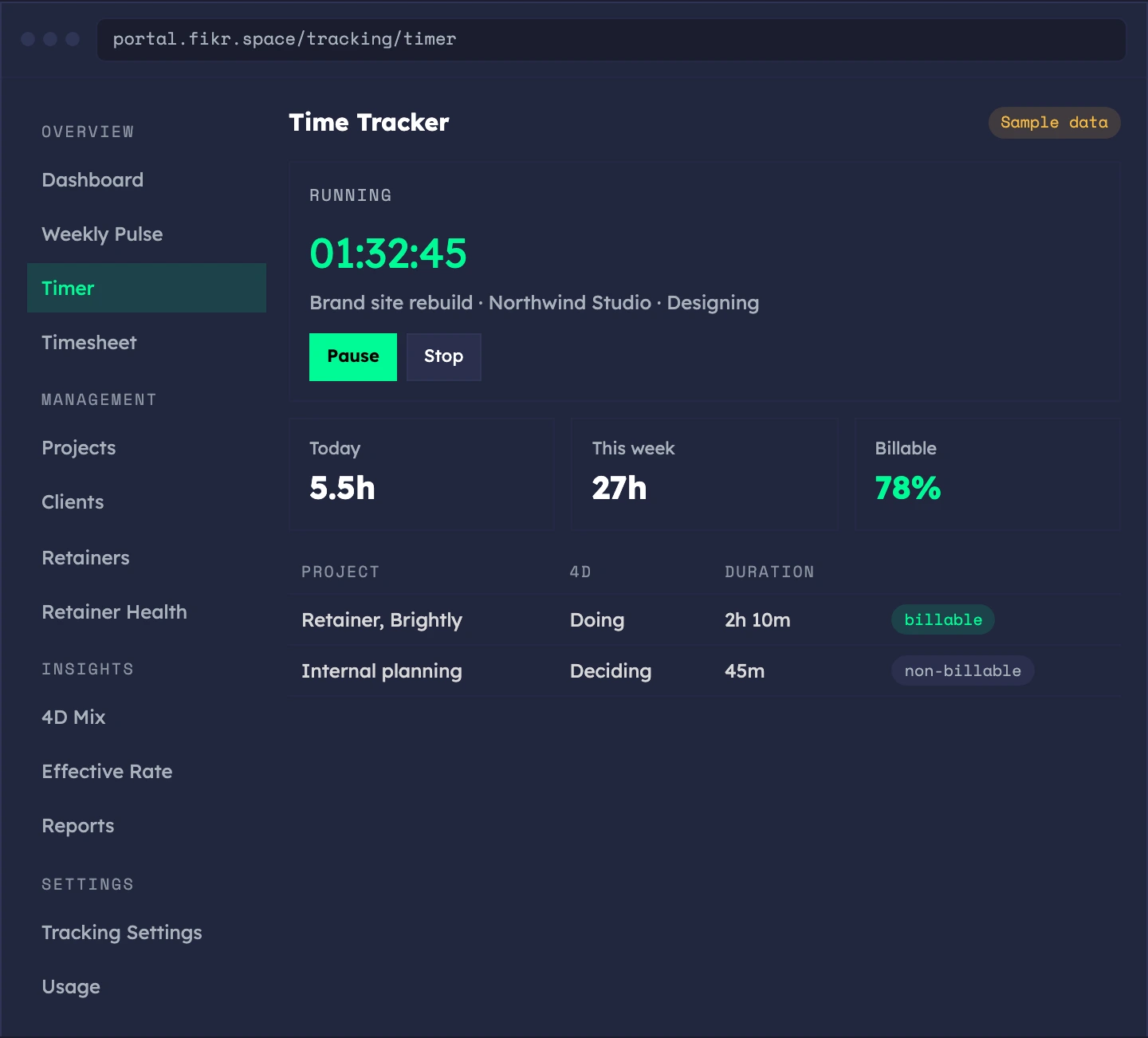
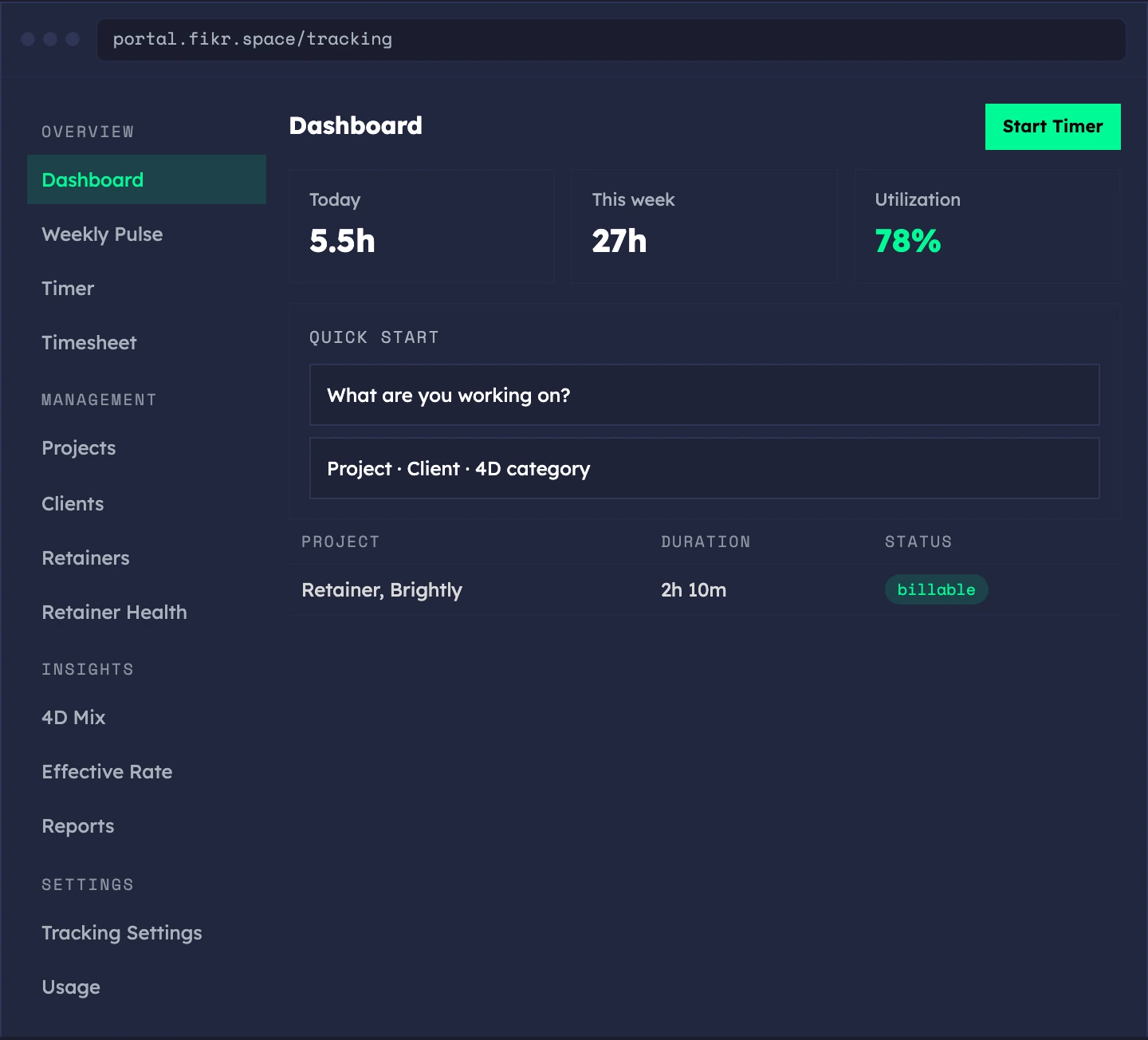
Start a timer on a project and a client, or enter time by hand. Every entry carries a 4D category, so time is never just hours.
- Timer — start, pause and stop, with project, client and 4D category
- Manual entries — add start and end time, rate and tags
- Billable or not — mark each entry, see today and this week at a glance
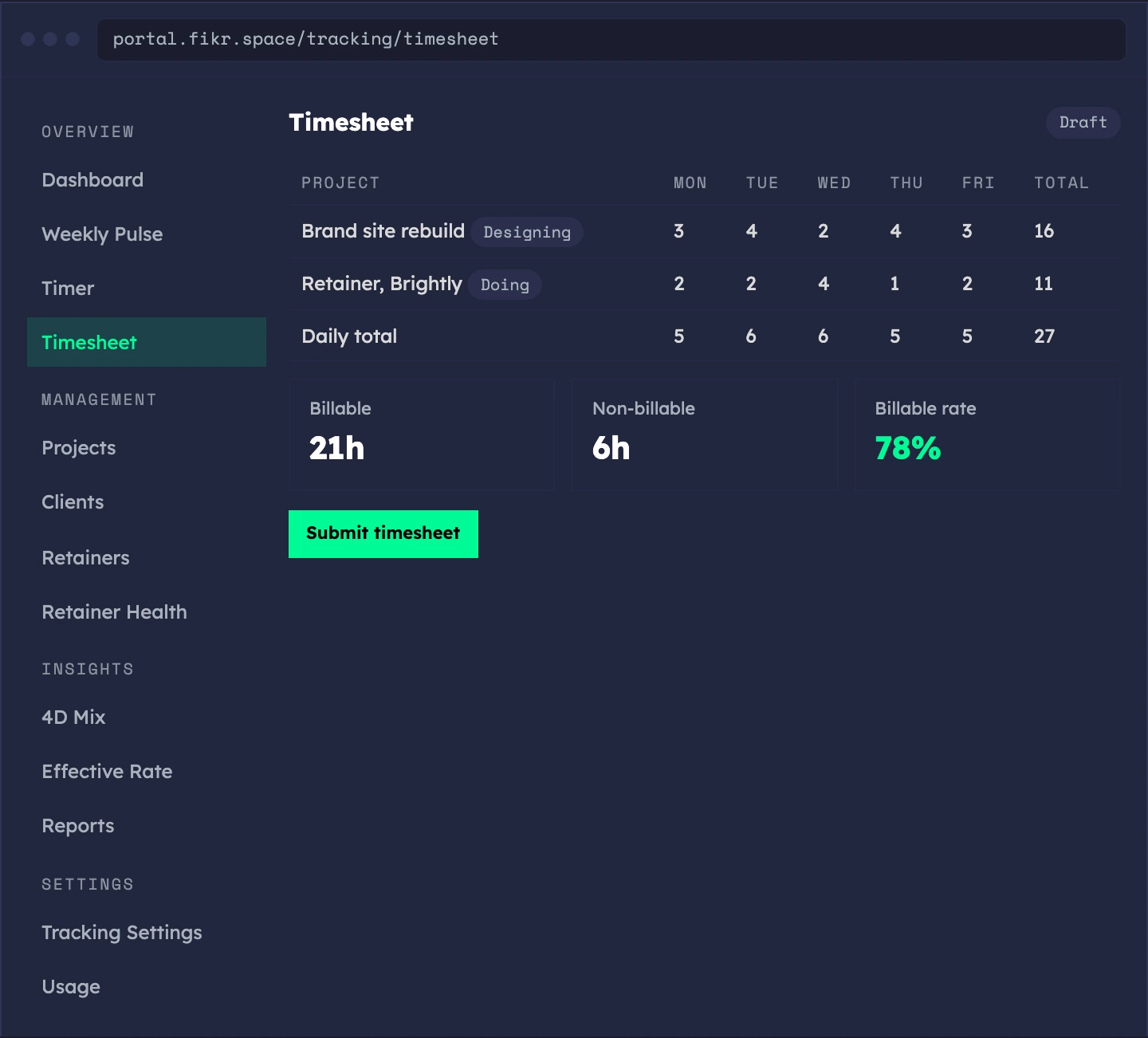
- Weekly timesheet — projects down, days across, daily and grand totals
- Submit for approval — send a draft timesheet when the week is done
Sample data. The screens show a demo workspace.
See which work pays for itself.
Budget hours against hours used for every project, and revenue per hour for every client.
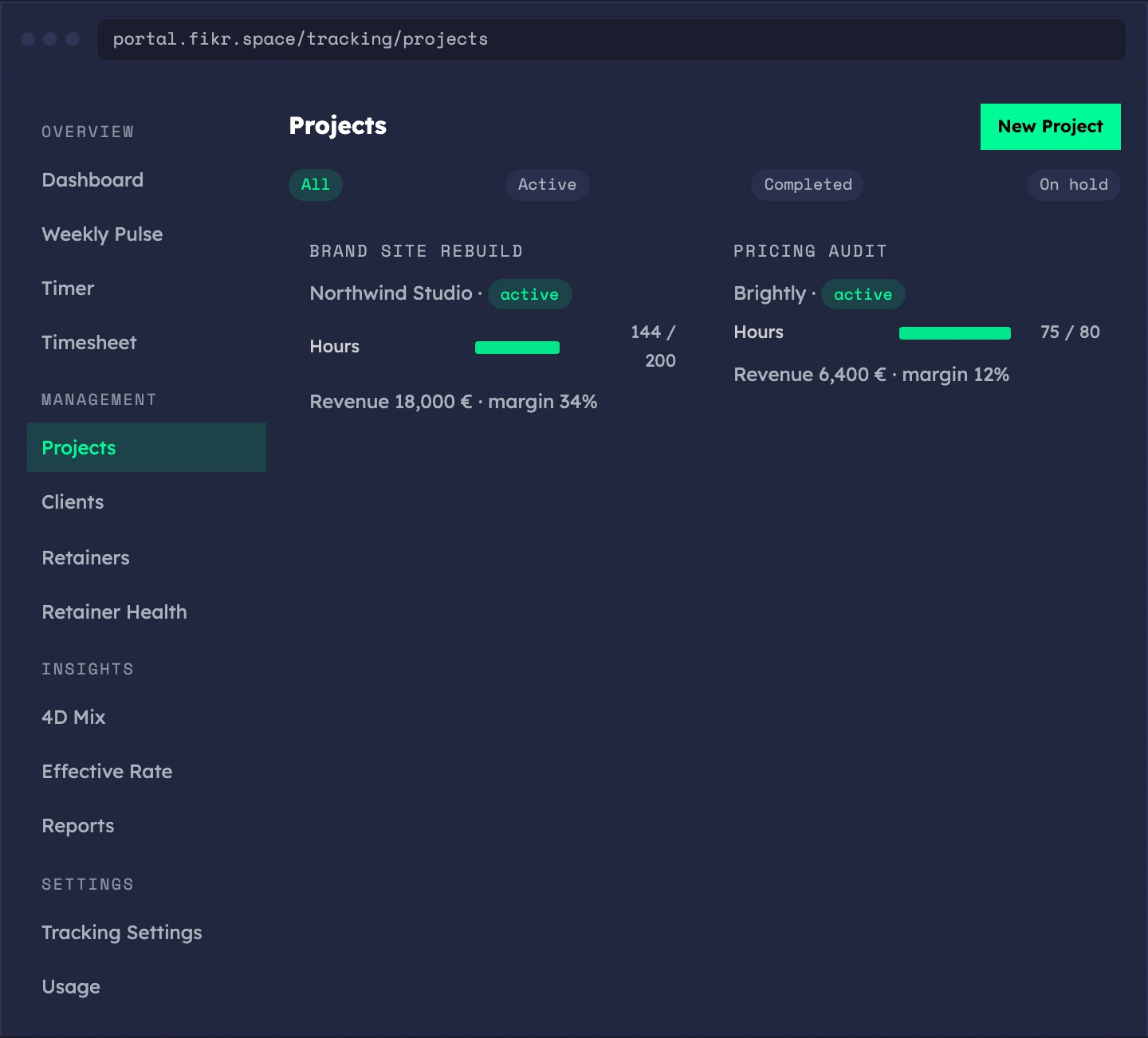
- Project cards — budget bar, status, revenue and margin
- Filter by status — all, active, completed or on hold
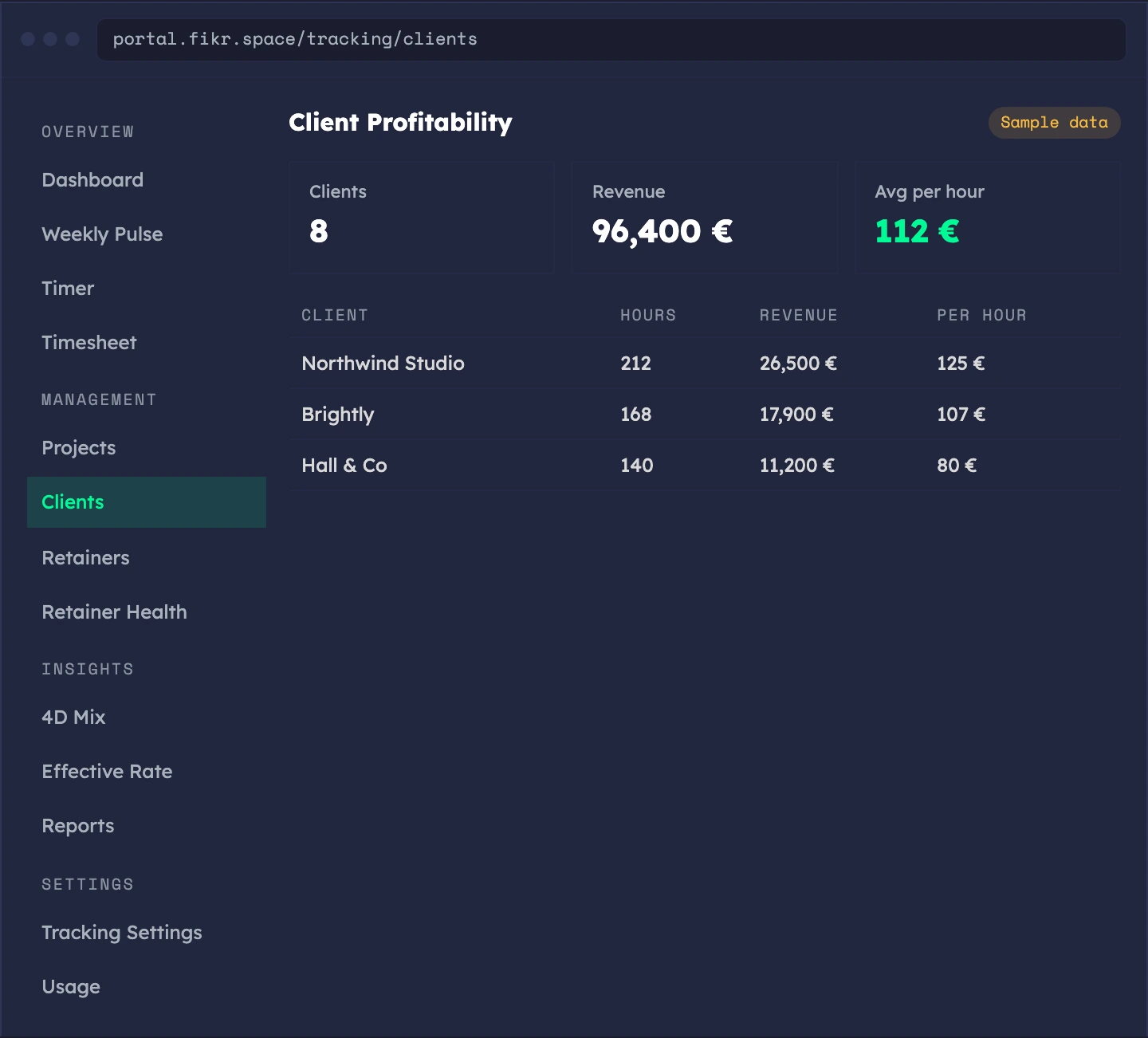
- Client profitability — hours, billable hours, revenue and average rate per client
- New project — budget hours, billable rate, default 4D category and dates
Sample data. The screens show a demo workspace.
Know if a retainer is worth keeping.
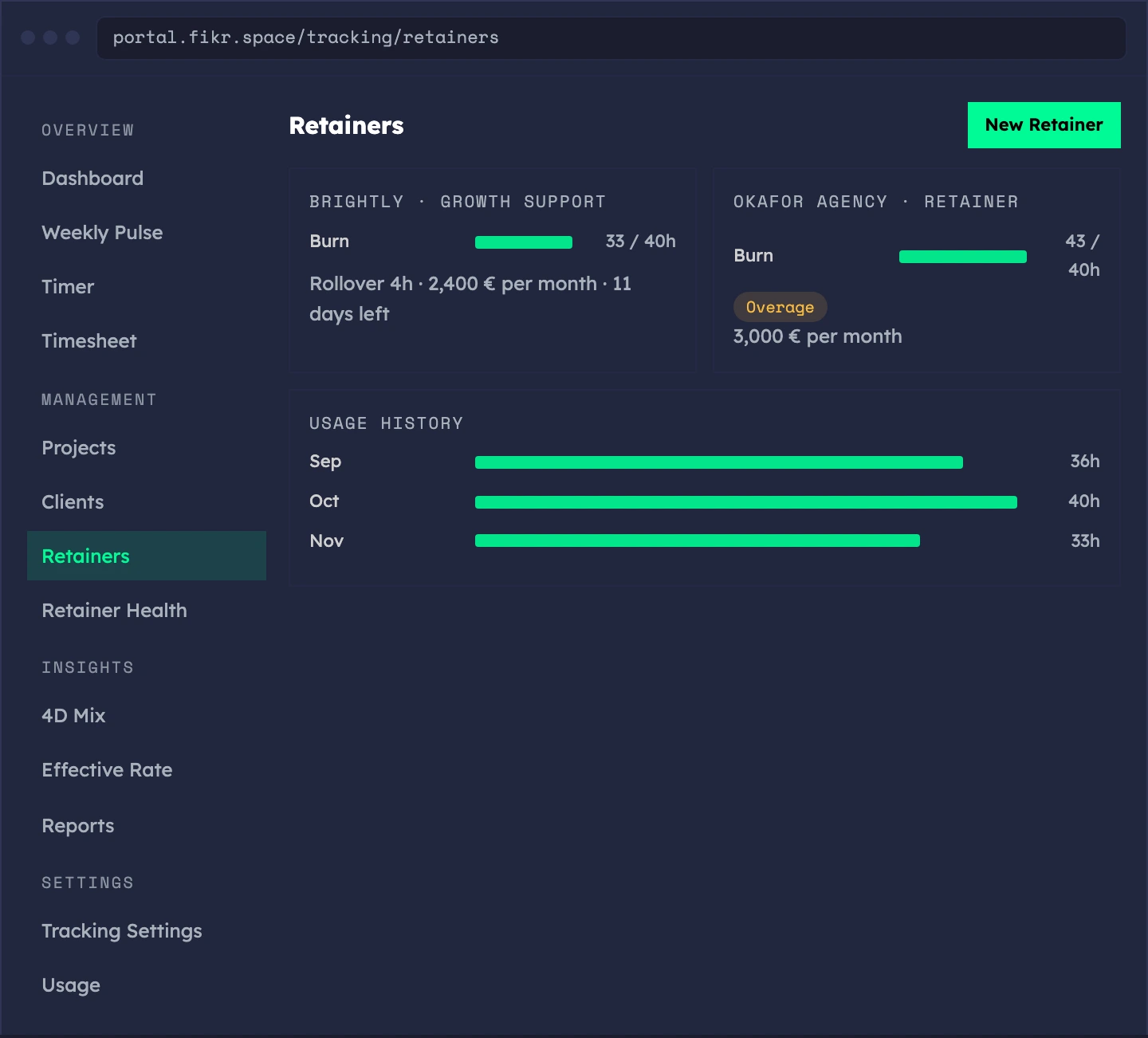
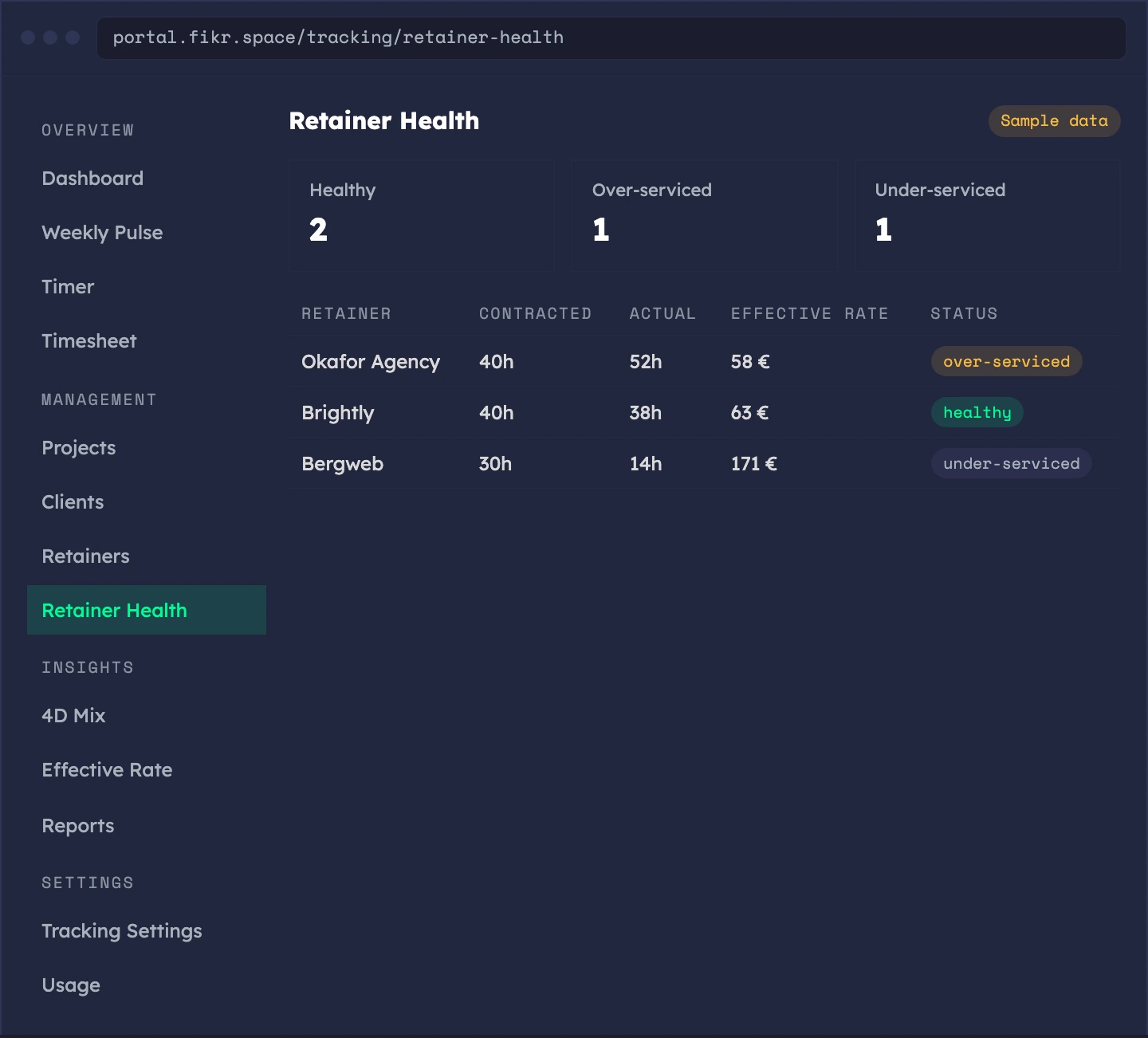
Watch each retainer burn through its hours, then check whether you are over-serving or under-serving it.
- Burn gauge — hours used against hours contracted, with overage flagged
- Rollover hours — unused hours carried forward
- Usage history — allocated against used, month by month
- Retainer Health — contracted hours against actual, effective rate and a status per retainer
- New retainer — monthly hours, monthly rate and overage rate
Sample data. The screens show a demo workspace.
Measure the move from Doing to Designing.
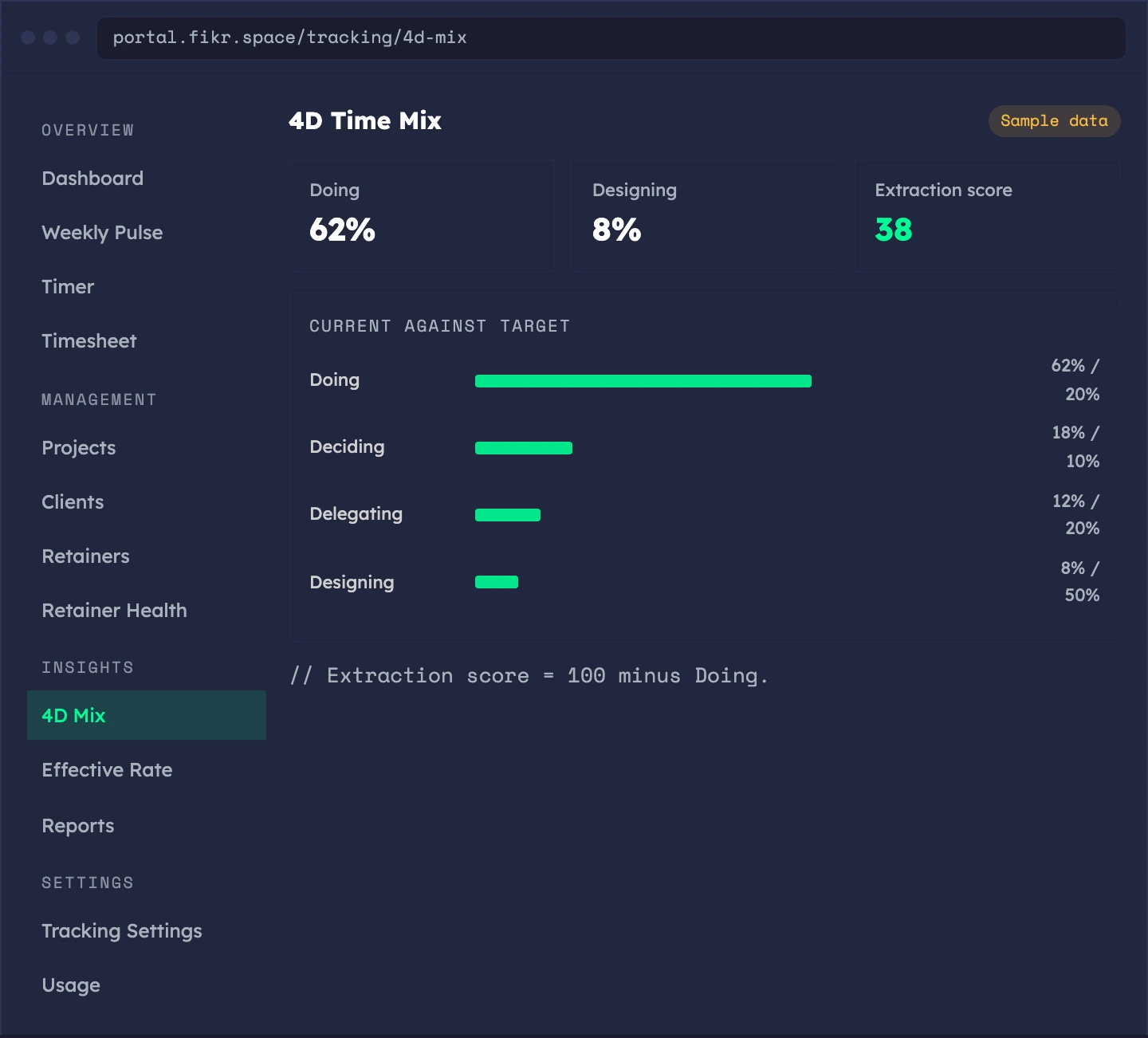
Every hour falls into Doing, Deciding, Delegating or Designing. The mix shows whether the business still depends on you to deliver.
- Current mix — a split of your tracked time across the four categories
- Current against target — your mix next to the one you are aiming for
- 12-week trend — see the mix shift over time
- Team breakdown — the mix for each team member
- Founder Extraction Score — the share of time that is not hands-on delivery
Sample data. The screens show a demo workspace.
The rate you quote against the rate you earn.
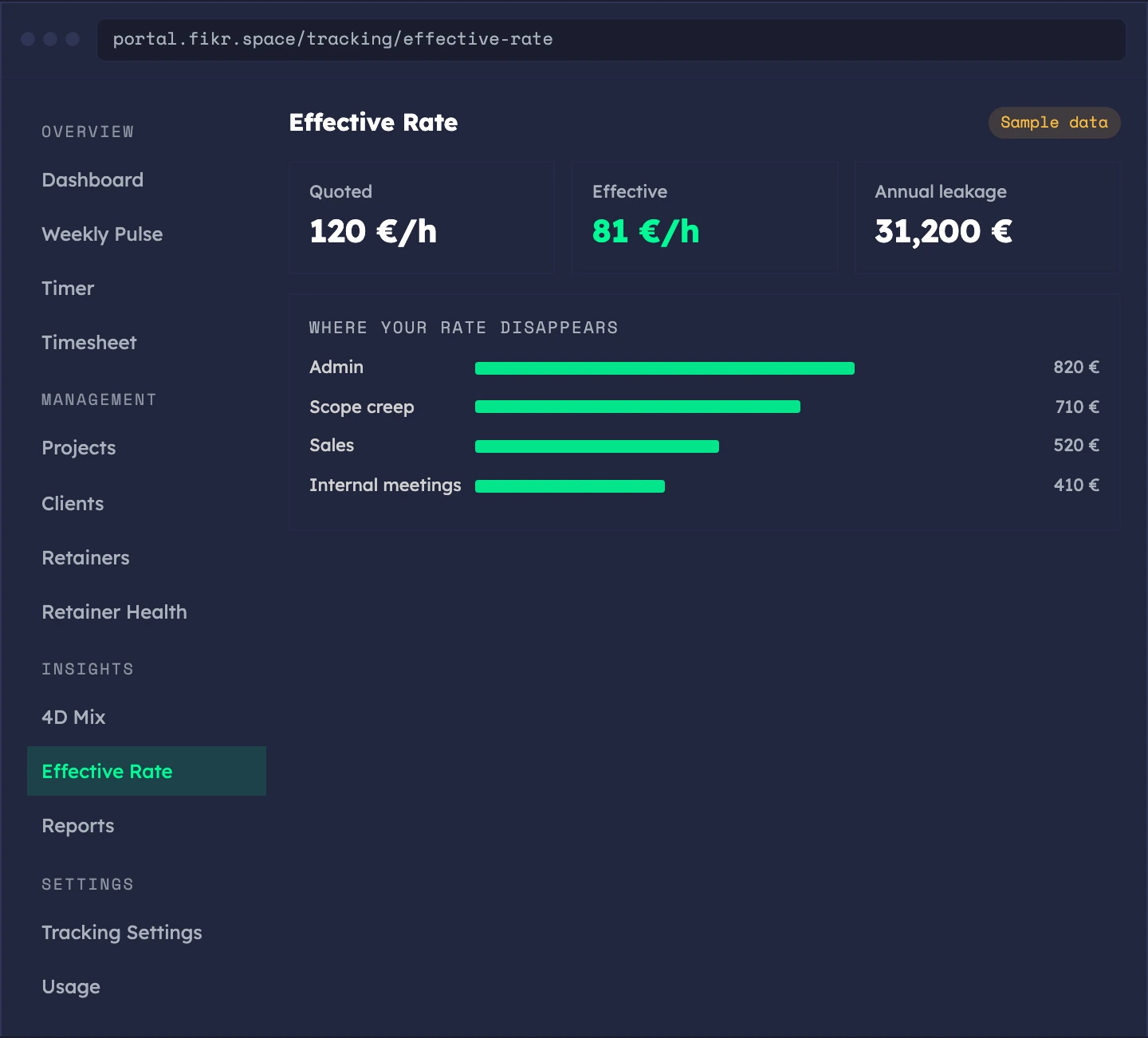
Non-billable time lowers what an hour is worth. This page puts a number on the gap.
- Quoted against effective — your rate on paper next to what you really earn per hour
- Leakage — what the gap costs per month and per year
- Per-client rates — quoted, effective and loss for each client
- Where it goes — non-billable time by type: admin, sales, meetings, scope creep and more
Sample data. The screens show a demo workspace.
One screen for Monday morning.
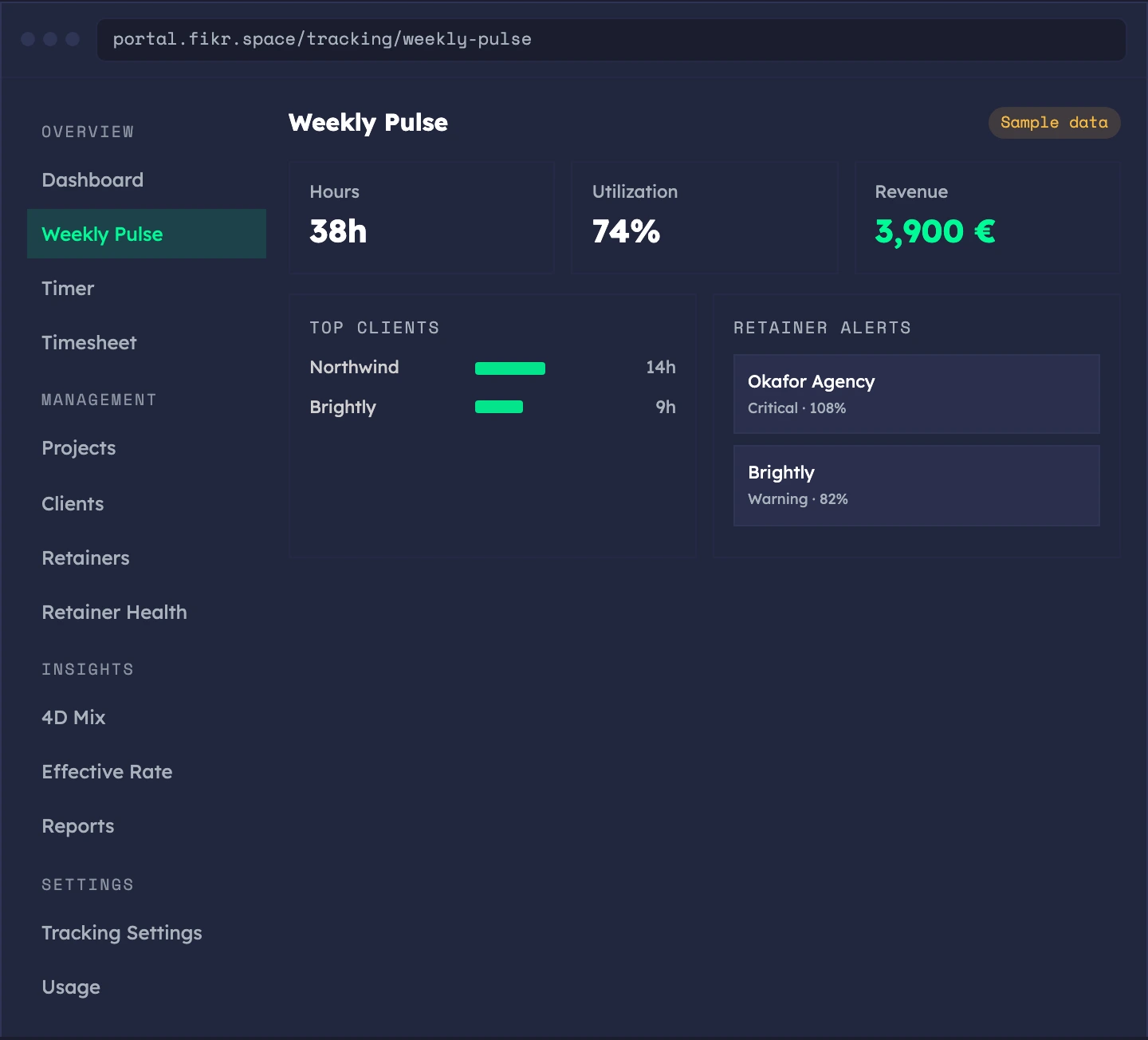
Last week in hours, utilization, revenue and mix, with the retainers that need attention.
- Four key numbers — hours, utilization, revenue and effective rate, each against last week
- 4D snapshot — this week's mix with the change per category
- Daily breakdown — hours per day by category
- Top clients — who took the most hours
- Retainer alerts — critical, warning or healthy
- Dashboard — today's entries, this week's hours and a quick-start timer
Sample data. The screens show a demo workspace.
Reports on your own numbers.
Four tabs that turn logged time into utilization, team output, revenue and cash timing.
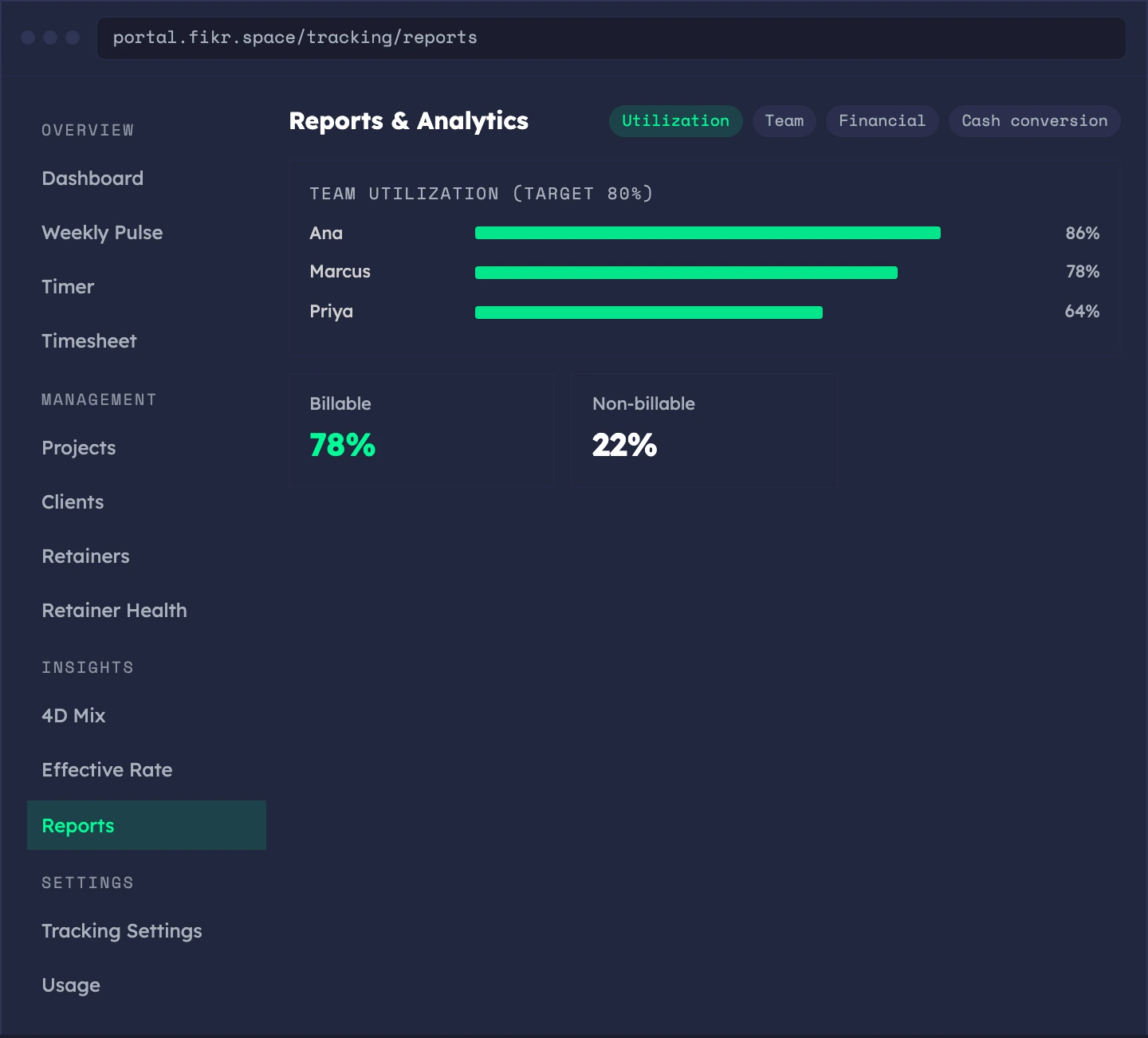
- Utilization — billable share per team member against a target
- Team — hours, revenue and rate for each person
- Financial — revenue trend, effective rate and revenue by client
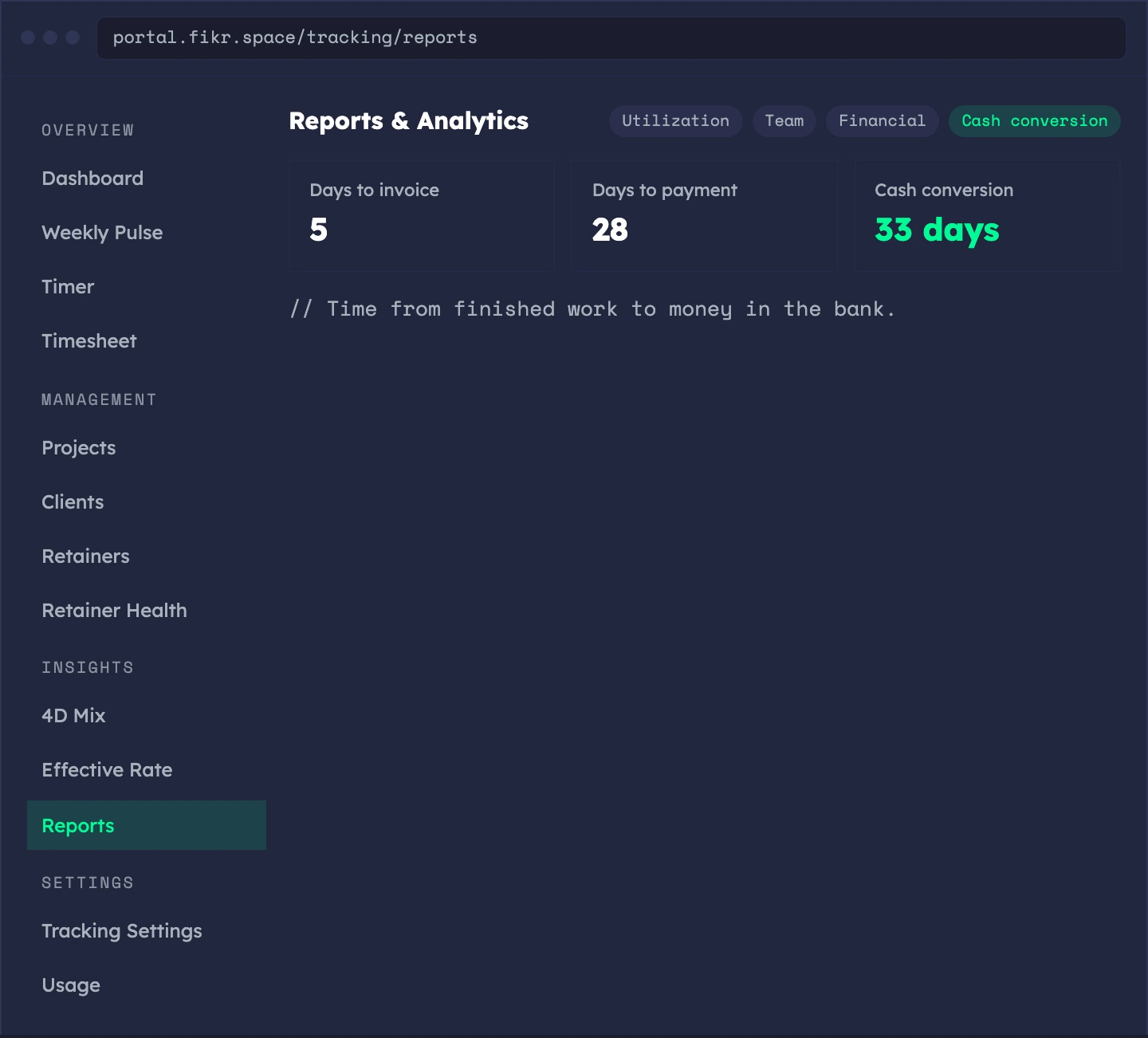
- Cash conversion — days to invoice and days to payment
Sample data. The screens show a demo workspace.
Defaults and limits for your time.
Tracking settings and usage metering have pages in the menu, and both are marked coming soon.
- Tracking settings — defaults and preferences for time tracking
- Usage — projects, clients, hours logged and retainers, metered against your plan
Join the waiting list and we tell you the day this opens on your workspace.
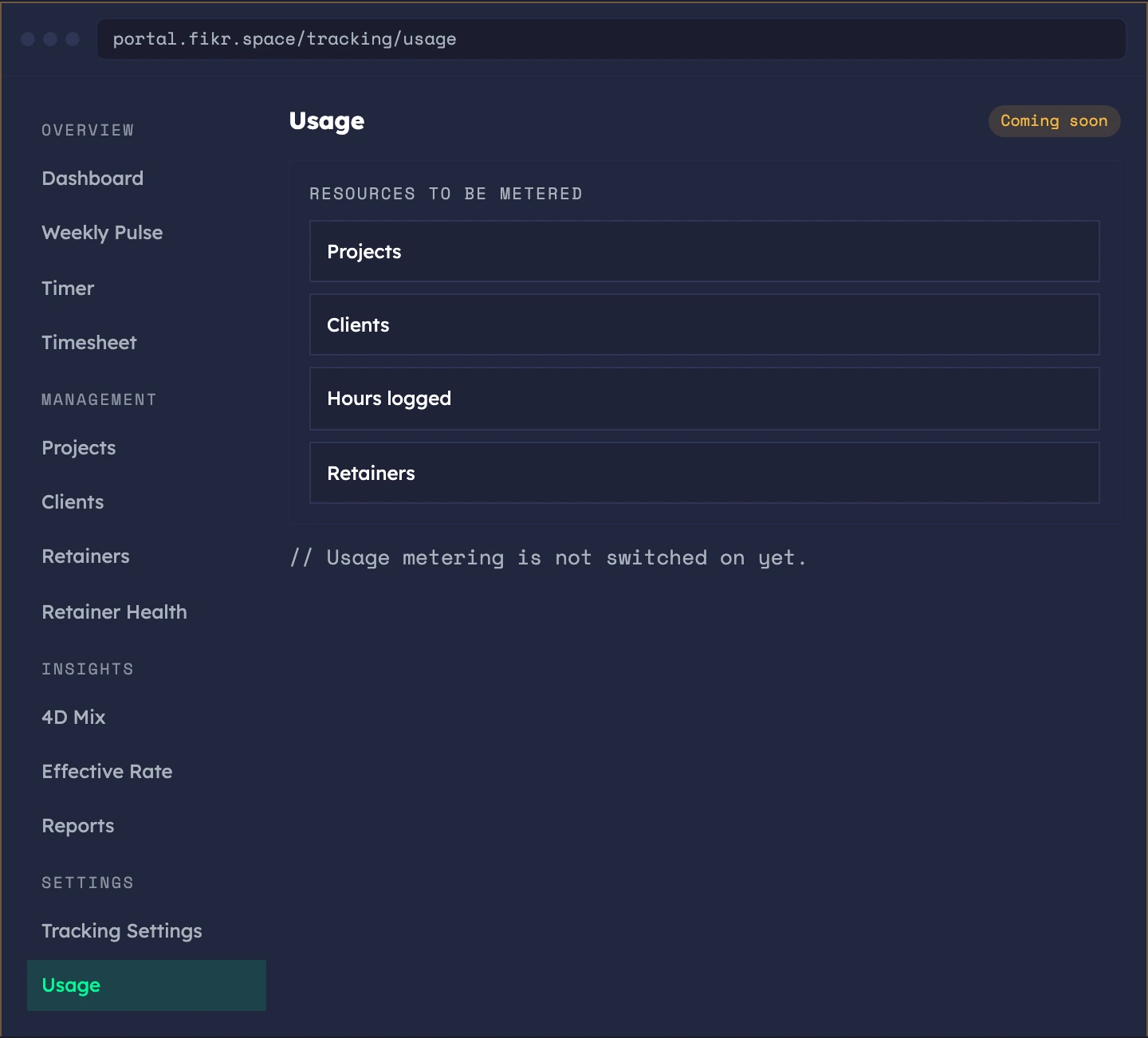
Sample data. The screens show a demo workspace.
Log the hour. Read the business.
Every entry has a project, a client and a 4D category. The reports are built from those entries.
Start a timer
Tag it
Submit
Read
What founders use it for.
The product is the same for everyone. What changes is the job you hire it for.
Check the fit
See the mix
Choose another product
Questions? Answers.
What is live and what is coming soon?
Is it for startups or service companies?
What is the 4D Mix?
Does it connect to invoicing or to FIKR Ops?
Can I try it with sample data?
Know the hour.
Then price it.
FIKR Tracking is part of every plan. Join the waiting list and we open your workspace as soon as your place comes up.
Join the Waiting List →Your story is alive. Now run the rest.
FIKR Content is your publishing engine. The full platform runs your entire startup — strategy, sales, equity, finance, HR, fundraising — all connected.